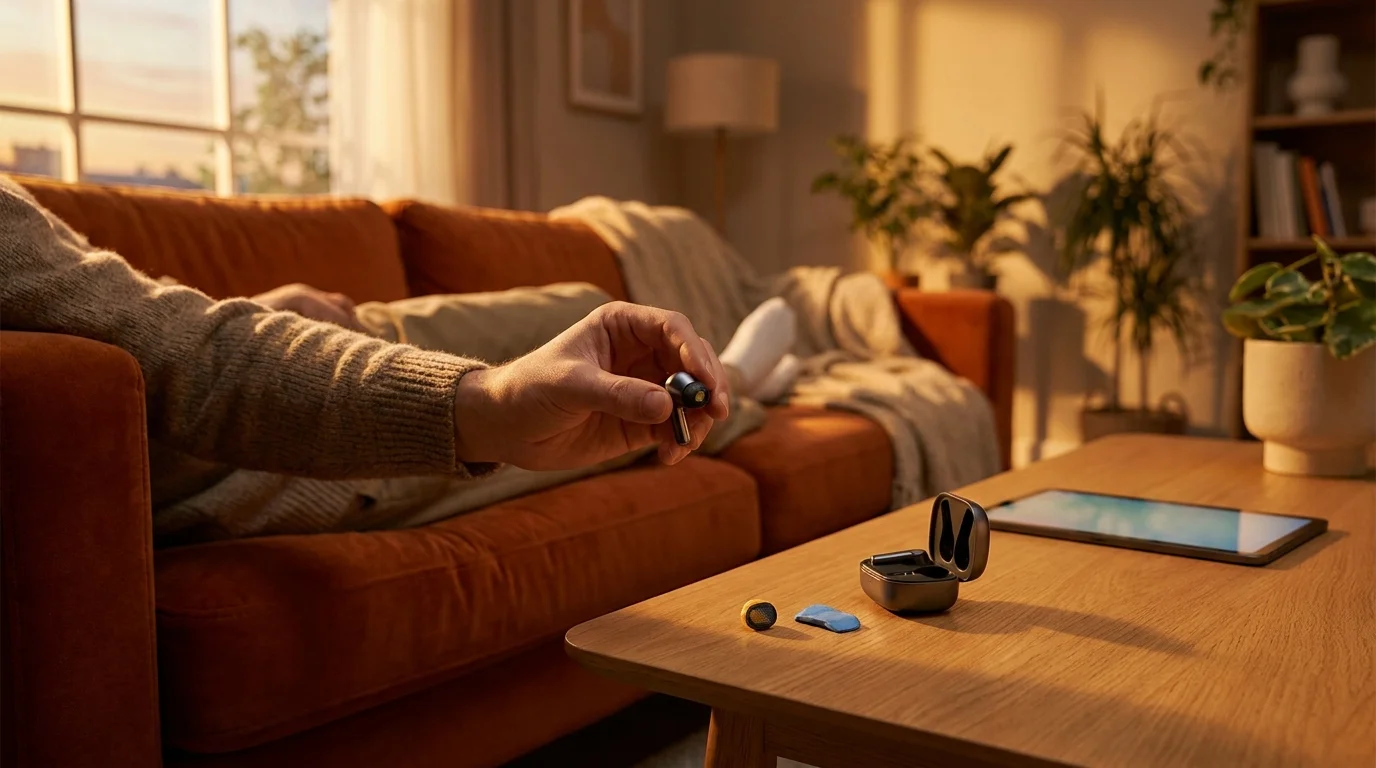
You twist your Pixel Buds Pro 2 into your ear canal on a quiet morning, queuing up a favorite track to start your day. But instead of the crisp, expansive soundstage you paid for, the sound arrives hollow and lopsided. The left earbud sounds distant and flat, as if someone draped a thick wool coat directly over the acoustic chamber.
You pull the bud out, peel back the soft silicone eartip under a bright desk lamp, and take a close look. A dark metallic acoustic mesh rimmed with yellowish cerumen wax build-up stares back at you. The micro-perforations designed to project precise high-frequency audio are clogged by natural biology, daily sweat, and pocket lint.
The instinctual reaction is panic. You assume the miniature dynamic driver blew out during an accidental volume spike, or that a buggy firmware update ruined the channel balance. You find yourself opening shopping tabs, bracing for the sting of paying for an out-of-warranty replacement pair from Google support.
Before spending a single cent or giving up on your hardware, take a breath. The internal driver is completely intact, vibrating cleanly beneath a microscopic surface blockage that no software patch can fix. What your earbuds actually need is a simple, tactile cleaning technique and a quick acoustic recalibration.
The Acoustic Choke Point: Why Earbuds Don’t Break, They Suffocate
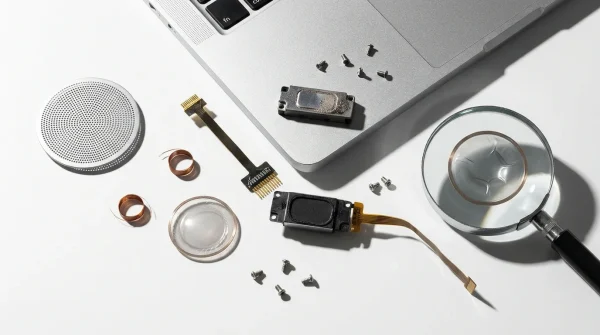
Wireless earbuds live in one of the most hostile environments imaginable: the warm, humid, oil-rich human ear canal. Manufacturers like Google engineer speaker grilles with microscopic laser-cut openings to preserve moisture resistance while letting air move freely. However, when microscopic particles combine with body heat, they create a thin, airtight glaze over that metallic grid.
Think of it like trying to speak clearly while pressing your mouth against a dense pillow. Acoustic waves lose their energy when forced against a sealed surface, causing high frequencies to disappear first, followed by a noticeable drop in overall volume. When sound cannot escape forward, back-pressure builds inside the acoustic chamber, resulting in that frustrating audio crackle during bass-heavy moments.
Most people reach for sewing needles, toothpicks, or cotton swabs soaked in rubbing alcohol. This is often where earbuds truly get ruined. Probing with sharp points punctures the delicate metal mesh, while liquid alcohol dissolves earwax into a slurry that seeps directly onto the delicate transducer diaphragm underneath. The goal is never to push inward; you must pull outward.
- Windows 11 Copilot integrations secretly harvest screen captures unless users switch off background telemetry
- Overnight phone chargers degrade delicate lithium cells by trapping intense heat against plastic cases
- Mozilla Firefox settings strip bloated background video autoplay to restore sluggish tab loading speeds
- Linksys mesh routers eliminate stuttering 4K video buffering once users disable universal plug-and-play
- iPad mini 7 upgrades skip critical display improvements while demanding premium retail prices
Marcus Vance, a 38-year-old audio bench technician based in Chicago, inspects hundreds of returned wireless earbuds every season. “Nine times out of ten, customers swear their left bud died completely,” Vance explains. “They assume the voice coil melted. Under the bench microscope, it is almost always an invisible film of dried sebum sealing the grille. Two dabs with adhesive putty pulls the obstruction clear in ten seconds, and the frequency curve snaps back to day-one factory performance.”
Tailoring Your Maintenance by Listening Habit
Not everyone accumulates debris at the same rate, and how you use your Pixel Buds Pro 2 dictates how frequently your acoustic mesh requires maintenance.
For the Daily Commuter and Gym Regular: Running and high-exertion workouts mix sweat with ambient road dust, creating a sticky paste around the nozzle seam. Inspect your speaker mesh weekly to prevent moisture from baking into the grille during charging sessions in the warm carrying case.
For the Desk Worker and Audiophile: If your earbuds spend eight hours a day in air-conditioned rooms, the blockage builds slowly as a dry, powdery film. This rarely causes sudden volume drops, but slowly degrades stereo imaging and spatial audio tracking over several months.
For the Frequent Caller and Podcast Listener: Speech clarity depends heavily on the 2kHz to 6kHz range. If you notice voices sounding muffled or nasally during meetings, your speaker grilles have accumulated enough perimeter blockage to muffle the upper midrange.
The Adhesive Extraction Method and Calibration Routine
Restoring your earbuds requires gentle physical extraction followed by a clean software baseline. Work on a clean, well-lit surface with steady hands.
Tactical Toolkit:
- Standard blue mounting putty (Blu-Tack or museum putty)
- A clean, dry microfiber cloth
- A soft-bristle nylon brush (a dry, unused toothbrush works well)
Follow these precise steps to clear the acoustic barrier safely:
- Strip the Silicone Tips: Invert the silicone ear tips and gently pull them away from the oval nozzle. Set the tips aside to soak in warm, soapy water separately.
- Warm the Putty: Tear off a pea-sized piece of mounting putty. Roll it between your fingers for thirty seconds until it becomes warm, pliable, and slightly tacky.
- The Gentle Rolling Dab: Lightly press the putty against the metallic grille at a 45-degree angle. Do not shove the putty straight down into the nozzle. Instead, gently roll the putty across the surface and pull upward in a swift, controlled motion. The adhesive grabs the dried wax and lifts it straight out of the microscopic pores.
- Brush the Perimeter: Hold the earbud with the nozzle pointing toward the floor. Use the dry soft-bristle brush to gently flick away any loose perimeter dust, letting gravity pull the particles away from the interior chamber.
- Reset the Equalizer: Open the Pixel Buds app on your phone. Navigate to Sound > Custom Equalizer. Tap the reset icon to return all sliders to a flat response curve. Test your audio before making any personal adjustments.
Repeating this adhesive dab three to four times per earbud removes the airtight seal completely, allowing the driver to breathe freely again.
Restoring Clarity Without Disposability
Modern consumer technology frequently trains us to treat small performance dips as signs of hardware failure. We live in an ecosystem that nudges us toward trade-ins and warranty claims the moment an accessory behaves erratically. Yet mechanical sound transmission remains bound to simple physical realities.
Taking five minutes to care for the intricate acoustic paths of your gear reconnects you with the physical objects you rely on daily. When you clear away the invisible barrier stifling your music, you reclaim the rich, dynamic performance you invested in—all with a simple piece of putty and a mindful touch.
Small acoustic tolerances do not require expensive repairs; they simply require respectful, mechanical maintenance.
| Key Point | Detail | Added Value for the Reader |
|---|---|---|
| Primary Issue | Acoustic mesh glazed by dried sebum and ambient lint | Prevents premature hardware disposal and saves replacement fees |
| Optimal Tool | Dry, warm blue mounting putty (adhesive extraction) | Pulls debris outward without puncturing the driver barrier |
| Software Step | App equalizer reset to flat baseline profile | Restores genuine dynamic range before applying personal EQ tweaks |
Frequently Asked Questions
Can I use rubbing alcohol on the metal speaker grille?
Avoid applying liquid alcohol directly to the mesh. Alcohol liquefies wax, causing it to flow past the grille and dry permanently onto the internal speaker membrane.Why does the putty need to be rolled at an angle rather than pressed flat?
Pressing flat can force excess putty through the micro-perforations. A 45-degree rolling motion catches surface wax and pulls it outward using mechanical adhesion.How often should I clean my Pixel Buds Pro 2 grilles?
A quick putty dab once every two to three weeks maintains open acoustic channels and prevents build-up from hardening inside the nozzle rim.Why did one earbud become quieter than the other?
Ear canals produce wax unevenly. A minor layer of blockage on one side is enough to dramatically lower volume output and ruin stereo balance.Will this method void my Google warranty?
No. Non-invasive dry surface cleaning does not alter internal components, making it the safest way to maintain your earbuds.