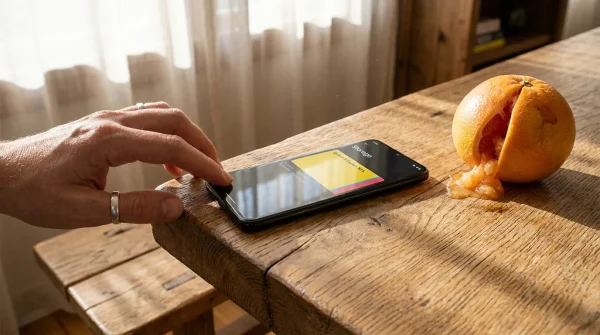
The workstation smells faintly of isopropyl alcohol and warm silicone. Under the focused cone of an LED lamp, your thumb catches on the frame of an iPhone 13—a device that once felt impossibly rapid, now stuttering when you switch between your navigation app and the camera. You tap the keyboard and wait for the tactile clicks to catch up with your fingers. The natural assumption is that time has caught up with the glass and aluminum in your palm, that the processor has grown obsolete under the weight of newer operating systems.
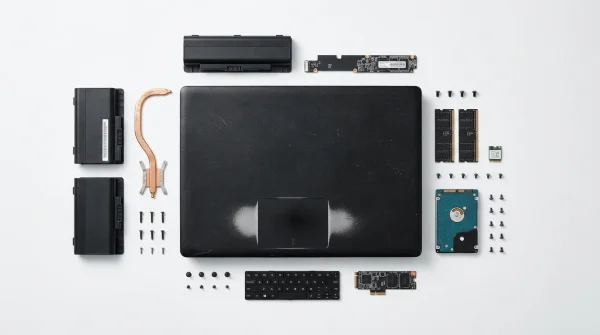
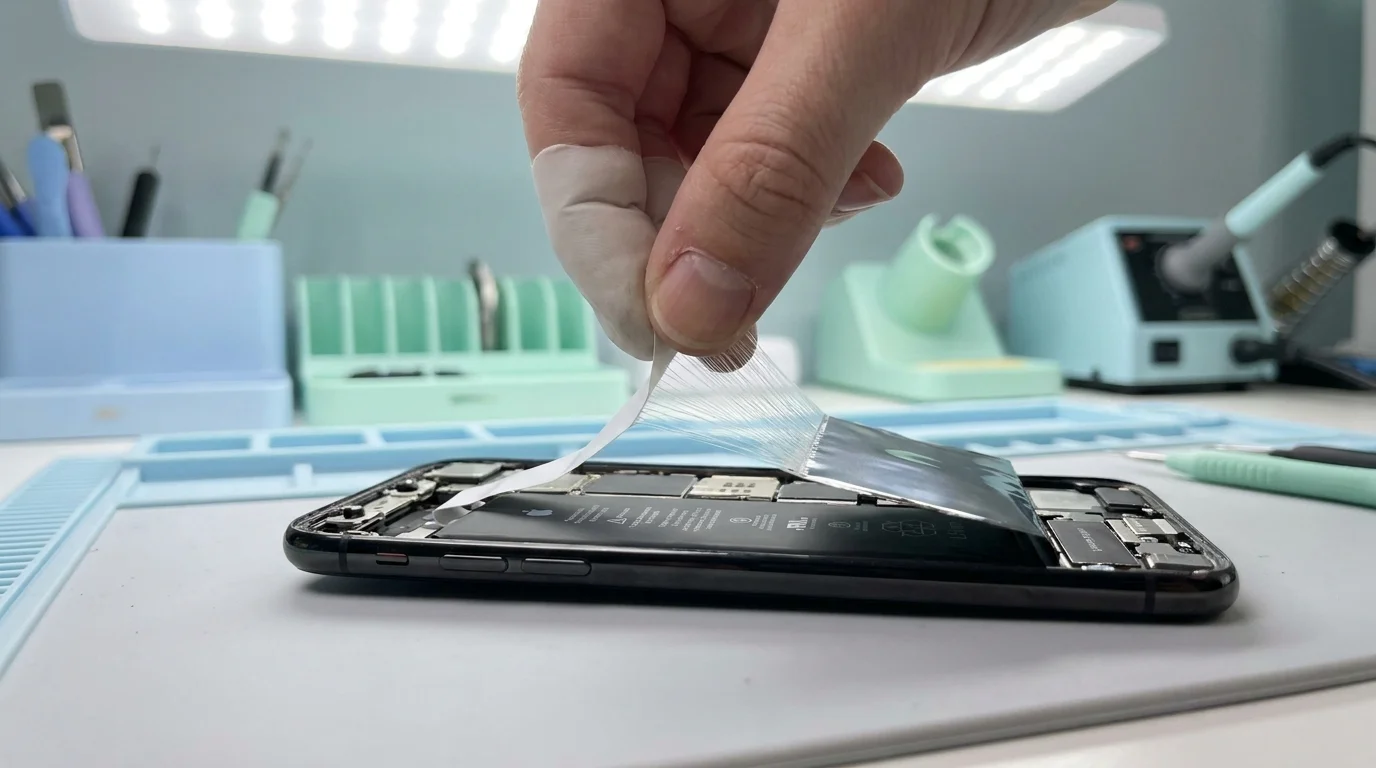
Watch an experienced repair technician open the chassis, and that myth evaporates. A suction clamp pops the display seal with a muted tear, exposing the tightly packed interior logic board. A fresh adhesive pull-tab stretching smoothly from beneath a glossy lithium pouch reveals the actual culprit: an exhausted battery pack whose chemistry can no longer feed the hungry silicon beneath the heat shielding.
You are likely sitting at a quiet crossroad shared by tens of millions of people holding this specific generation. The phone feels sluggish, the keyboard skips frames, and your carrier app keeps pitching you a glossy new flagship rolled into a thirty-six-month installment loan. Yet the device itself has no fundamental hardware flaws. It simply needs to draw a deep, unobstructed breath.
The Phantom Slowdown: When Silicon Drinks Through a Crimped Straw
Modern mobile processors do not degrade like mechanical gears. The A15 Bionic inside your device is physically identical to how it was forged; it does not compute numbers slower simply because three autumns have passed. What changes is the chemical reservoir supplying it juice. Think of your aging battery like a high-performance sports engine trying to drink through a crimped drinking straw.
As lithium-ion chemistry passes through five hundred charging cycles, its internal resistance climbs. Chemical degradation starves peak voltage demands whenever your system attempts heavy processing spikes. If the battery voltage dips too low during an intensive task—like rendering a high-resolution video or launching a complex maps route—the phone would instantly suffer a brownout and shut down without warning.
To stop your phone from dying in your pocket at thirty percent battery, the operating system quietly intervenes. The dynamic power management system throttles down the peak frequency of the performance cores, effectively smoothing out the voltage demand. You perceive this protective governor as dropped animations, hesitant shutter buttons, and delayed app switching. The software is not intentionally breaking your phone; it is desperately preventing a sudden reboot because the chemical cell cannot sustain peak voltage.
- Audacity audio editor blocks muffled microphone hiss rivaling expensive studio software subscriptions
- Anthropic Claude projects strip messy inbox clutter into clean daily calendar alerts
- iPhone 18 Pro launch demands radical camera redesign stripping away mechanical aperture parts
- Verizon 5G spectrum expansion enforces surprise roaming rate increases across legacy mobile plans
- Microsoft Outlook outage derails corporate exchange routing forcing emergency cloud DNS reconfiguration patches
The Portland Workbench: What Benchmarks Reveal
Marcus Vance, a forty-one-year-old micro-soldering technician who runs an independent bench in Portland, Oregon, sees dozens of these phones cross his anti-static mat every week. “Owners walk in convinced their motherboard is dying or that a system update crippled their storage,” Marcus observes as he tests incoming cells on a digital multimeter. “They are ready to swallow a twelve-hundred-dollar financing trap because their keyboard hitches while sending an urgent text message.”
Marcus runs a standard diagnostic before and after every cell swap. On average, a three-year-old device showing seventy-seven percent battery health yields a single-core processing score nearly twenty-five percent lower than its factory spec under sustained load. Once replacing the exhausted cell resets voltage stability, the operating system releases its performance throttle within minutes. The synthetic benchmarks snap back to factory baseline, and the perceived operating friction disappears instantly.
Finding Your Hardware Reality
Before you commit to either a repair bench or a carrier contract, you must identify how your specific routine exposes this chemical choke point.
The Cellular Commuter
If you spend hours drifting between cell towers or riding transit on 5G, your modem already pulls significant continuous power. When coupled with an aged battery, weak signal amplification accelerates internal heat generation, forcing the operating system to throttle both your display brightness and processing speeds simultaneously. A fresh cell provides the steady current reserve needed to hold connection handoffs without freezing background tasks.
The Creative Minimalist
For those who rely on their device primarily for rapid photography, mobile audio, and lightweight organization, the core computing power of this platform remains years ahead of daily demands. You do not need a periscope zoom lens or an extra graphic core; you simply need the camera shutter to fire without a two-second shutter delay caused by power throttling.
The Long-Term Value Strategist
Calculate the hard math between options. An out-of-warranty service swap at an official service counter costs roughly eighty-nine dollars before local tax. A brand-new base flagship costs upward of eight hundred to a thousand dollars, often locking you into three years of tied carrier plans. Reclaiming two more usable operational years for less than a single month of a premium family plan constitutes one of the most asymmetric value decisions in consumer electronics today.
The Mindful Diagnostic and Refresh Protocol
Restoring your phone to its original responsiveness requires intentional diagnostics rather than guesswork. You do not need to disassemble anything yourself to verify the bottleneck.
Start by assessing your system metrics directly in settings. If your Maximum Capacity readout sits below eighty percent, or if your phone displays the alert stating that performance management has been applied, your path forward is clear.
- Audit the Physical Wear: Inspect your Lightning port with a wooden toothpick to gently clear compacted pocket lint before assuming charging issues stem from battery failure.
- Confirm Thermal Throttling: Note whether the stuttering happens primarily when the back glass feels warm to the touch during routine charging or light navigation.
- Schedule Genuine Servicing: Book an appointment through an authorized provider or reputable independent shop that uses calibrated calibration tools to retain proper battery health reporting.
- Perform a Clean Calibration: After service, let the new battery discharge down to roughly fifteen percent, then charge uninterrupted to one hundred percent on a reliable cable.
Your Tactical Diagnostic Toolkit:
- Trigger Point: Maximum capacity reading below 80%, or cycle count exceeding 650 full recharges.
- Direct Repair Cost: $89 for official servicing versus $800–$1,100 for a new device replacement.
- Service Duration: 45 to 90 minutes at most standard service desks.
- Thermal Range: Avoid using fast-charging bricks above 20W in direct sunlight to protect the replacement cell.
Breaking the Upgrade Treadmill
Consumer technology marketing relies on a subtle sleight of hand: conflating a degraded consumable part with an obsolete computing platform. The glass, the OLED panel, the steel antennas, and the silicon engine in your pocket are capable of running modern digital lives smoothly for years. Decoupling device speed from replacement cycles changes your entire emotional relationship with personal technology.
When you replace the chemical cell instead of the whole phone, you escape the quiet anxiety of continuous upgrade payments and unneeded electronic waste. You hand yourself back a tool that feels taut, springy, and immediate under your fingertips—the exact machine you bought, restored by nothing more complicated than ninety minutes of patience and fresh chemistry.
“True consumer tech savvy is not about buying every annual iteration; it is knowing when eighty-nine dollars of preventative service renders a thousand-dollar purchase obsolete.”
| Key Point | Detail | Added Value for the Reader |
|---|---|---|
| Hardware Cost | $89 official battery service vs. $829+ for next-gen flagship base model | Directly preserves roughly $740 in personal capital while retaining identical functionality. |
| Processing Reality | Thermal and dynamic voltage throttling limits A15 clock rates on worn cells | Confirms that stutter is caused by power starvation, not software obsolescence. |
| Diagnostic Metric | Settings > Battery > Battery Health reading below 80% maximum capacity | Gives you an objective, data-driven threshold to act rather than guessing based on slow apps. |
| Lifespan Extension | Restores roughly 500 new charge cycles of peak hardware operation | Buys another two to three years of high-performance use without new carrier contracts. |
Frequently Asked Questions
Will replacing my battery erase the data stored on my phone?
Standard battery replacement does not wipe internal storage, but authorized technicians always recommend running an encrypted local or cloud backup beforehand in case an unexpected board failure occurs during service.How do I know if my stuttering is caused by the battery and not an iOS bug?
Check your battery health menu. If it indicates that dynamic performance management has been applied, or if capacity is below 80%, the system is actively down-clocking your processor to prevent sudden hardware shutdowns.Is it worth doing an official replacement versus a third-party non-OEM cell?
Official or certified servicing ensures that your device retains accurate health telemetry in system settings and avoids permanent warning pop-ups on modern lock screens, while matching exact thermal safety curves.How long should I expect a battery replacement service to take?
Most walk-in appointments at certified repair counters complete the physical adhesive swap and software pairing cycle within forty-five to ninety minutes if you book in advance.Does a new battery restore water resistance to factory condition?
Technicians replace the perimeter display adhesive gasket during reassembly, which restores daily liquid splash resistance, though no aging smartphone should ever be deliberately submerged.