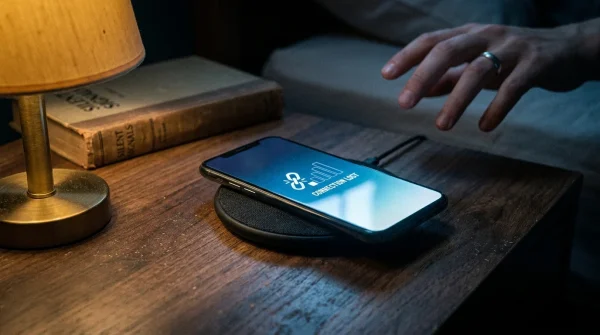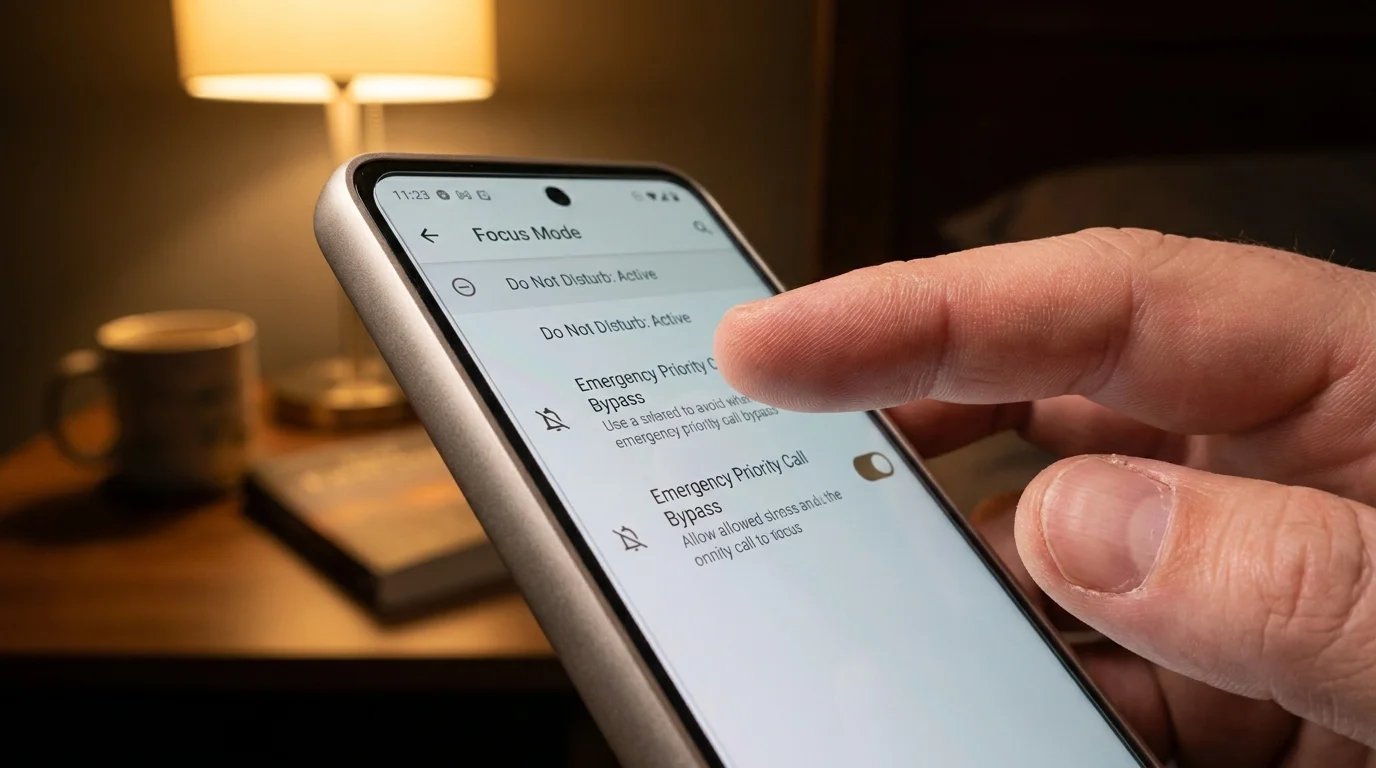
The desk lamp hums with a faint electric warmth, casting long shadows across your keyboard at half past eight in the evening. Outside your window, the occasional rush of suburban commuter traffic fades into an unbroken twilight. In the quiet room, your phone screen twitches alive on the blotter, bathing the wall in an icy blue strobe. It is an ambient buzz from an automated corporate project board, accompanied by an urgent-sounding email preview asking for an update on a timeline that does not matter until Monday morning.
Your pulse spikes before your conscious brain can rationalize the screen. That reflexive micro-flinch has become second nature, a quiet physical toll exacted dozens of times between breakfast and dusk. The modern smartphone behaves less like a personal tool and more like an open front door in a crowded marketplace, where strangers, colleagues, and automated algorithms walk in uninvited, rattling pots and pans just to ensure they are seen.
We tolerate this invasion because of a singular, protective dread: the fear that cutting the cord means missing the genuine crisis. You leave the master volume up because your aging father drives home late in unpredictable weather, or because the school nurse might need to reach you about a playground tumble. In exchange for keeping that slender lifeline open, you surrender your evenings to an avalanche of group chat banter, promotional receipts, and middle-management panics that could easily wait for tomorrow’s coffee.
Yet your pocket glass does not need to operate as an all-or-nothing siren. By shifting how your handheld hardware categorizes urgency, you can build a quiet perimeter that turns the ambient roar into a soft hush while keeping the back door unlocked for the people who truly anchor your life.
The Drawbridge Fallacy: Reclaiming Your Sensory Threshold
Most of us treat phone silence like a heavy wooden drawbridge. You either hoist it entirely, isolating yourself in total offline solitude while worrying in the dark, or you lower it flat, inviting the entire digital kingdom to trample across your peace of mind. That binary approach is built on a misunderstanding of how notification stacks process incoming pings.
Think of your device instead as a seasoned estate gatekeeper. Android Focus mode was never meant to be a simple off switch; it was engineered as an intelligent acoustic filter. When configured with intention, it lets the harsh wind rattle outside while admitting only the gentle hand of a trusted traveler tapping on the glass.
The ambient stress you feel at dusk is not caused by the volume of information in your life, but by its arbitrary timing. An alert that arrives while you are sauteing garlic or reading a bedtime story fractures your attention in two, forcing your nervous system to triage whether a flashing diode represents an emergency or an unwanted marketing pitch. By automating this boundary on a scheduled cadence, you silence the mental friction of constantly deciding whether to look.
- Sony PS5 vents accumulate thick lint blankets triggering deafening cooling fan whines
- Google Nest Mini microphones secretly store accidental room audio through default history
- Pixel Camera app settings ruin indoor portraits with noisy digital grain
- Airport Wi-Fi hotspots intercept unencrypted network credentials through malicious twin portals
- Under-desk cable trays eliminate neck strain by securing tangled cords off carpet
The Dispatcher’s Rule: How Marcus Found His Evenings
Marcus Vance, a forty-four-year-old municipal water plant manager in Cincinnati, spent years sleeping with his personal device on his nightstand set to full volume. His operational role required him to be reachable if a main line fractured or a telemetry sensor tripped offline, but the collateral damage was devastating his sleep. Slack notifications from regional contractors and automated server reports would vibrate against the wood at two in the morning, waking him with a shot of adrenaline over minor software updates.
Exhausted, Marcus consulted an old-school telecommunications dispatcher who shared a cardinal rule of communication hygiene: never let a machine decide who wakes you up. Marcus spent fifteen minutes deep inside his device settings, building a strict whitelist that mapped directly to his real-world obligations. He whitelisted his direct plant supervisor and his two daughters, silenced every workplace collaboration application on a non-negotiable dusk timer, and enabled repeated-call bypasses for emergencies. The plant did not fall apart, the urgent calls still reached his pillow, and for the first time in six years, his resting heart rate dropped back into the low sixties.
Calibrating the Perimeter: Tailored Schedules for Real Lives
Not everyone requires the same acoustic boundary. A remote engineer living alone has different sensory limits than a single parent managing after-school sports and elderly family check-ins. Tailoring your schedule ensures the boundary fits the texture of your week rather than feeling like an uncomfortable digital straitjacket.
The Deep Focus Architecture (For the Creative and the Remote Worker)
If your daylight hours are constantly cannibalized by chat applications and drive-by check-ins, the schedule must be proactive rather than defensive. Set your Focus mode to activate automatically between nine in the morning and noon on weekdays. During this block, every messaging platform and project suite is greyed out completely, leaving only your native phone dialer and direct text messages from primary clients active. You are not absent; you are simply unavailable to frivolous requests during your most cognitively fertile hours.
The Domestic Sanctuary (For the Family Anchor)
When the dinner table is set, the workplace must evaporate. Configure your evening schedule to trip automatically at six in the evening and release at seven the following morning. During this stretch, email suites, professional messaging boards, and news aggregators are entirely frozen. Only your starred contact list can break through the silence, meaning your siblings, children, and partner carry the only keys to your pocket.
The Solitary Rest Protocol (For the Restless Sleeper)
Nighttime phone anxiety often stems from the fear of being unreachable during a sudden family crisis. Instead of keeping the master volume open, pair your schedule with Android’s built-in repeated-caller bypass. If an unstarred contact rings you twice within a fifteen-minute window, the operating system recognizes the signature of a genuine crisis and forces the ringtone through the silence, even when the screen remains completely dark.
Mindful Application: Building Your Breakthrough Filter
Setting up this acoustic firewall requires a deliberate, methodical walk through your device settings. Take ten quiet minutes at your kitchen table with a hot cup of tea to complete these steps, treating each tap as a physical boundary placed around your peace of mind.
- Open your primary system settings, scroll to Digital Wellbeing & parental controls, and select Focus mode.
- Select the specific applications that scatter your thoughts during personal hours, prioritizing workplace chat tools, social feeds, and shopping storefronts.
- Tap Set a schedule and choose the exact days and hours when you refuse to entertain peripheral workplace demands.
- Back out to your sound settings, open Do Not Disturb, and tap People to configure who holds genuine emergency access.
- Under Calls, select Starred contacts only, then open your address book and place a gold star next to the four or five individuals whose voices you would welcome at two in the morning.
- Toggle the setting labeled Allow repeat callers to the on position, granting emergency passage to anyone who dials you twice in rapid succession.
By splitting the incoming stream between casual apps and human voices, your handheld screen stops feeling like a ticking wire. The hardware becomes a quiet servant again, waiting respectfully in the background until something genuinely vital demands your care.
The Tactical Toolkit
Fine-tuning your hardware demands exact parameters. Keep these specific software coordinates and timing metrics nearby as you configure your device:
- Settings Navigation: Settings > Digital Wellbeing > Focus Mode > Turn on as scheduled.
- Bypass Pathway: Settings > Sound & Vibration > Do Not Disturb > People > Priority Callers.
- Critical Cadence: Set evening activation for 6:30 PM to suppress end-of-day corporate email barrages.
- Repeat Ring Threshold: The system default monitors a rolling 15-minute window for duplicate incoming dials.
- Visual Cleansing: Enable ‘Hide notification dots’ within Do Not Disturb to eliminate ambient red badges from your home screen.
The Bigger Picture: Living in the Room You Are In
When you quiet the relentless, non-stop digital chatter on your phone, something extraordinary happens to the room around you. The background static that has hummed beneath your thoughts for years begins to settle, like fine sediment drifting to the bottom of a pond. You start to notice the tactile sensations of your home again: the aroma of ground coffee beans in the kitchen, the cool linen of your sheets, the cadence of your partner’s voice when they tell you about their afternoon.
We have lived so long under the tyranny of constant availability that we forgot that presence is a physical act. When every ping carries equal weight, nothing is truly important, and your mind stays perpetually suspended in an artificial state of readiness. By deliberately scheduling these quiet hours, you reclaim ownership of your evening attention. The urgent calls will still find you, the world will keep spinning on its axis, and you will finally be allowed to inhabit the space where your feet are planted.
“True digital peace is not about turning off the world; it is about choosing who has permission to whisper in your ear when the workday is over.” — Dr. Aris Thorne, Cognitive Ergonomics Researcher
| Key Point | Detail | Added Value for the Reader |
|---|---|---|
| Application Freezing | Focus mode suspends distracting apps and blocks background alerts on schedule. | Eliminates off-hours corporate anxiety without requiring manual app sign-outs. |
| Priority Contact Whitelisting | Starred address book contacts route directly through the acoustic barrier. | Guarantees elderly relatives and school administrators can always reach you instantly. |
| Repeated Dial Fallback | Secondary calls from the same number within fifteen minutes bypass silent filters. | Provides a reliable safety net for genuine crises originating from non-whitelisted numbers. |
Frequently Asked Questions
Will Focus mode prevent my morning wake-up alarm from ringing?
No. System alarms configured through your native clock application are granted permanent high-level priority and will sound normally regardless of your active schedule.Do blocked workplace app notifications disappear permanently?
No. They are safely collected and stored in your notification tray, ready for your review the moment your scheduled Focus mode window ends.Can I still manually open a greylisted application during an active Focus session?
Yes. Android provides a ‘Take a break’ option that allows you to access a silenced app for five minutes before re-engaging the boundary.How do I star my most important contacts for bypass privileges?
Open your native Contacts application, tap the specific individual’s profile name, and tap the star icon at the top of their contact card.Does this setup prevent urgent automated text alerts from emergency services?
Government and municipal wireless emergency alerts bypass all sound profiles and Focus schedules at the hardware firmware level by default.