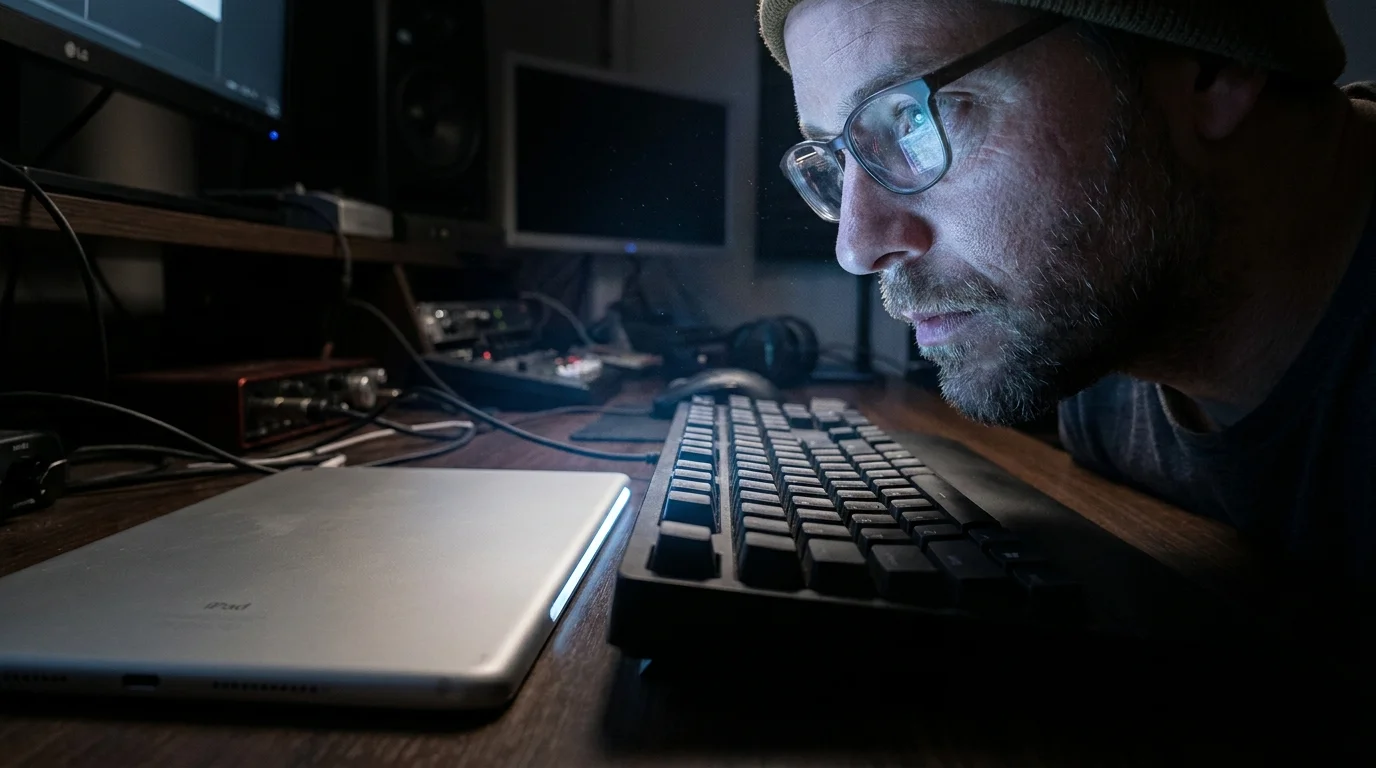
You run your fingers along the razor-thin edge of the 5.1mm brushed silver aluminum chassis. It feels impossibly light, cold to the touch, almost defying the laws of consumer electronics as it rests next to the dense, rubberized bulk of a Magic Keyboard. On paper, you are holding the fastest, most advanced mobile silicon ever fabricated in Cupertino. The OLED glass shines with pristine clarity, promising the responsiveness of an uncompromising workstation that fits into a manila folder.
Yet the moment you snap the magnetic backplate into place and launch your daily project files, an odd sensation settles in. You open a massive RAW photo library, switch over to a timeline in your editing suite, and wait for the generational leap to knock the wind out of you. The real-world response remains identical to the slate you purchased three years ago.
That is the quiet disillusionment facing thousands of creative professionals this season. We have reached a bizarre inflection point where silicon capabilities have outpaced the software canvas so severely that the hardware spends most of its operational life idling. You are asked to pay desktop workstation prices for silicon that is fundamentally prevented from breathing.
The Trapped Engine: Understanding the iPadOS Ceiling
Imagine dropping a twin-turbocharged Formula 1 engine into a golf cart restricted to pedestrian paths. You have limitless torque, pristine engineering, and zero thermal headroom issues, but the physical chassis governs your top speed at fifteen miles per hour regardless of how hard you press the pedal. That is the exact relationship between the M4 silicon and iPadOS.
Apple designed the M4 chip to handle staggering vector calculations and high-bandwidth ray tracing, yet the operating system underneath handles multitasking with severe, hardcoded limitations. Aggressive background process management means that if you switch away from an intensive rendering task to reply to a client email, iPadOS routinely throttles or suspends that background render to preserve battery life, treating a flagship editing rig like an iPhone scrolling through social feeds.
Worse still is the persistent RAM allocation ceiling. Even if you purchase a high-capacity model, individual third-party apps are constrained by system-level memory caps. When a professional desktop app attempts to allocate massive cache files or complex audio buffer streams, the operating system intervenes, force-quitting the application before the M4 chip can even flex its performance cores.
- Pixel 9 Pro temperature sensor exposes unexpected high heat thermal leaks
- Nintendo removes Switch emulator repositories forcing developers into private offline networks
- Nothing Phone transparent industrial aesthetic sparks an industry shift away from boring glass
- Google Gemini architecture shifts strictly toward offline local processing nodes
- Samsung Galaxy S24 battery drain stops with one modem adjustment
The Field Reality: An Austin Colorist’s Audit
David Vance, a 38-year-old colorist and commercial video editor based in Austin, Texas, learned this lesson after spending over two thousand dollars outfitting a top-spec M4 rig. David intended to replace his travel laptop entirely, relying on DaVinci Resolve and Final Cut Pro for iPad while color-grading commercial spots on the road.
When David ran identical 4K ProRes 422 render passes across his older M1 iPad Pro and the brand-new M4 hardware, the export time difference shrank to mere seconds. Memory-hungry node graphs crashed repeatedly on both machines because the operating system simply refused to grant the editing software full access to the memory pool. The physical M4 chip stayed ice-cold, barely drawing a fraction of its potential wattage, while David was left staring at a crashed project window.
Evaluating Your Real-World Demand Layers
Before pulling out your credit card, you must dissect exactly where your daily routine sits on the hardware spectrum. The value of this upgrade changes entirely depending on what you physically touch on the screen every morning.
For the Digital Illustrator and Hand-Drawn Animator
If your pencil never leaves the glass, the M4 generation offers subtle ergonomic refinements rather than computational breakthroughs. The Tandem OLED display provides richer contrast under harsh studio lighting, but drawing engines like Procreate hit their rendering ceilings on older chips long ago. Your layer limits remain dictated far more by software memory allocation rules than by raw GPU core counts.
For the Audio Engineer and Podcaster
Live audio processing demands low latency and sustained buffer stability. Core performance remains bottlenecked by the lack of flexible audio routing in iPadOS rather than processor throughput. You still cannot route multiple external USB audio interfaces with the granular precision of a standard Mac, making the M4 silicon largely ornamental for complex multi-track tracking.
For the General Productivity Specialist
If your day revolves around spreadsheets, markdown notes, browser research, and client messaging, the M4 is vastly overqualified for the work. Browser tabs reload constantly due to aggressive system memory pruning, regardless of the multi-core scores touted in keynote presentations. An M1 or M2 machine handles identical office workloads with absolute parity.
Mindful Application: How to Audit Your Need Before Buying
Instead of falling for synthetic benchmark graphs, run your existing hardware through a practical stress test to see if you are truly bottlenecked by your processor.
- Open your heaviest active project file and monitor export completion times with a simple stopwatch.
- Check how many background applications remain active when switching back and forth during a heavy export.
- Measure the battery health of your current device using desktop analytics tools to see if a simple battery swap restores original snappiness.
- Test your workflow on an external monitor to observe whether Stage Manager provides the desktop flexibility you actually require.
By auditing the real friction in your workflow, you quickly realize whether your frustrations stem from raw compute limits or the systemic guardrails built into the mobile operating system.
The Tactical Toolkit: Hardware Audit Benchmarks
Keep these specific operational metrics in mind when assessing whether a hardware swap makes financial sense for your studio:
- Operating System Memory Limit: iPadOS caps individual app memory pools significantly below desktop thresholds unless explicitly granted extended virtual memory entitlements.
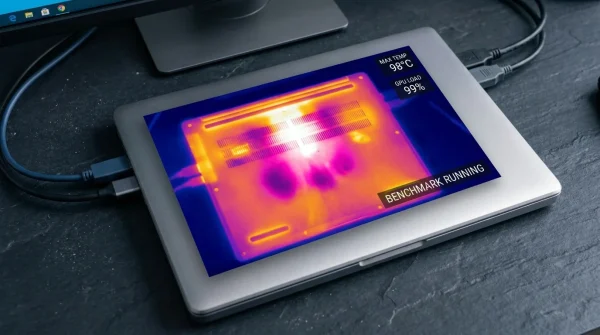
- Thermal Ceiling: The ultra-thin 5.1mm chassis relies entirely on passive heat dissipation through the copper-infused Apple logo, throttling sustained heavy renders after ten minutes.
- Display Refresh Floor: The 10Hz to 120Hz ProMotion panel offers battery savings during static text reading, matching the visual fluidity of the M2 generation.
The Bigger Picture: Rediscovering the Power of Enough
There is profound peace in realizing that your current tools are already extraordinary. The consumer tech cycle thrives on manufactured urgency, convincing you that your productivity is tethered to the latest microscopic silicon fabrication process. When you step back and look past the marketing gloss, you see that the tool already sitting on your desk has years of untapped potential waiting for your focus, not your wallet.
Hardware that outpaces its own operating system is not an investment in productivity; it is an advance loan on software promises that may never arrive.
| Key Point | Detail | Added Value for the Reader |
|---|---|---|
| Silicon Headroom | M4 architecture provides class-leading CPU and GPU speeds that idle during standard tablet tasks. | Prevents spending on speed you cannot practically harness in mobile apps. |
| Operating System Caps | iPadOS limits background rendering and restricts individual application RAM pools. | Clarifies why desktop-class multitasking remains compromised on tablets. |
| Chassis Ergonomics | 5.1mm ultra-thin casing reduces weight but increases reliance on passive thermal cooling. | Helps you balance portability against sustained high-load workflows. |
Frequently Asked Questions
Does the M4 iPad Pro render video significantly faster than the M2?
In short timeline exports, you might see a 10 to 15 percent improvement, but for long, sustained renders, passive thermal throttling reduces the gap considerably.Why do my apps reload when multitasking on such a powerful chip?
iPadOS prioritizes battery life and system stability over persistent background execution, clearing cached application states regardless of the processor tier.Is the Tandem OLED screen worth the upgrade alone?
For color-critical outdoor work or viewing deep black levels in darkrooms, the display is exceptional, but it will not alter your daily workflow speed.Will future software updates unlock the full power of the M4?
While software updates occasionally expand developer tools, fundamental architectural paradigms in iPadOS have favored sandboxed, mobile-first design for over a decade.Should I upgrade if I currently own an M1 iPad Pro?
For most users, the M1 generation retains plenty of performance headroom for digital art, office productivity, and casual media editing without justifying a costly upgrade.