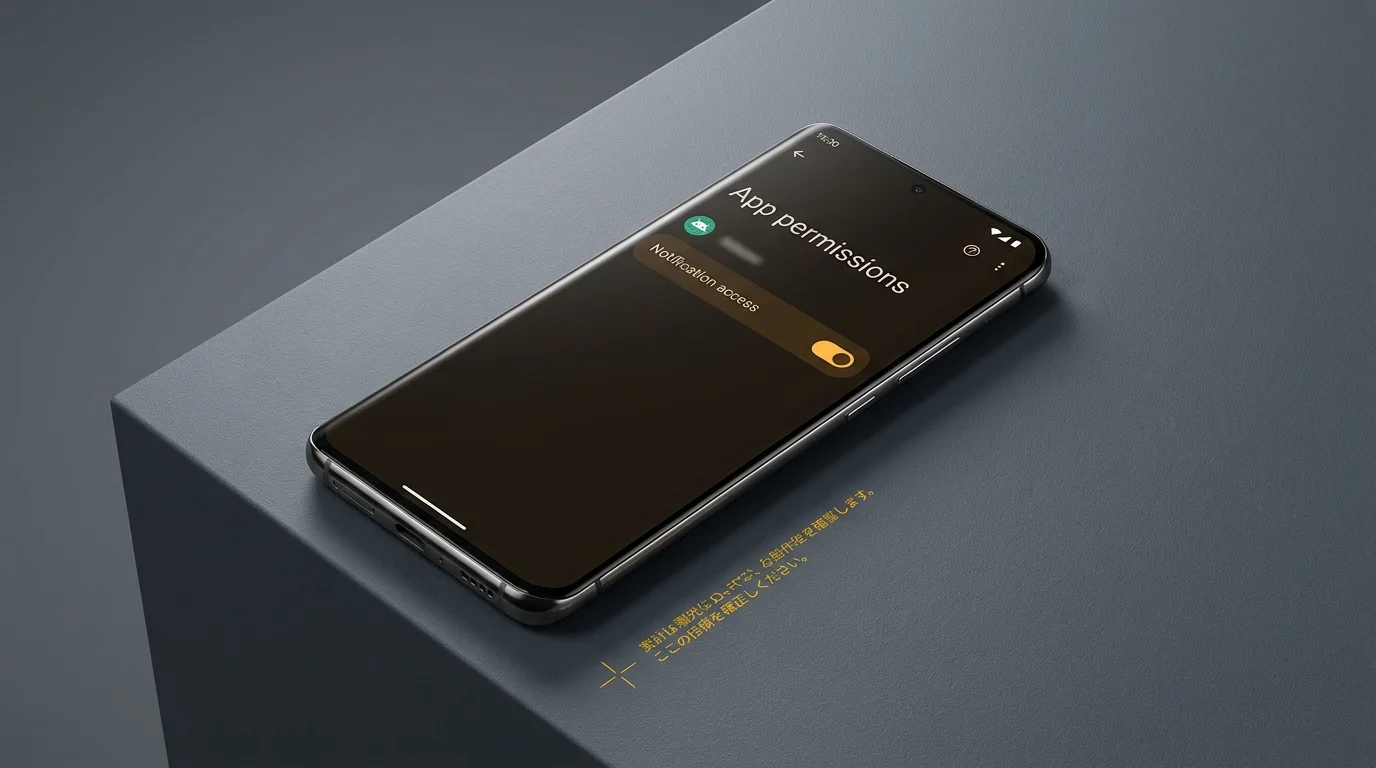
A late-night kitchen bathed in silence has a particular kind of weight. The refrigerator hums its low, familiar frequency, and the only illumination across the quartz counter comes from the cold rectangle of your smartphone screen. You flick on a standalone flashlight app you downloaded three years ago to check behind the pantry for a dropped key. The room brightens, you find what you need, and you tap the screen off.
Everything feels completely mundane, yet something quiet just unfolded behind the glass. Your phone rests peacefully on the granite while outside, a gust of wind rattles the storm windows. There are no sudden alarm bells, no draining battery bars, and no frantic operating system warnings.
Ten minutes later, your phone buzzes twice with an incoming six-digit text message from your credit union. Before your eyes can even scan the numbers, a background listener service has already scraped the text from the preview card, packaged the sequence, and transmitted it to an offshore server. Your SMS inbox remains technically untouched, yet your perimeter is gone.
The Mailroom Peep-Hole in Plain Sight
Modern mobile security has trained us to watch the front gates. When a random utility asks to read your text messages or inspect your address book, your instincts kick in and you tap deny. We treat our devices like fortresses with ironclad vaults, expecting rogue software to announce itself with dramatic permission demands.
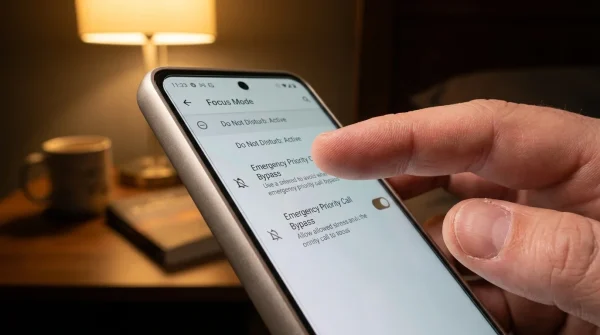
Android architecture, however, contains a quiet back entrance called the Notification Listener. Originally built so that smartwatches, car dashboards, and accessibility tools could display your alerts without needing direct access to sensitive core systems, it acts like a mailroom peep-hole. An application with this privilege cannot open your filing cabinet, but it stands right behind your shoulder, reading aloud whatever message gets stamped onto your screen.
When a bare-bones flashlight tool or a third-party compass quietly requests this toggle during setup, it is not trying to help you toggle an LED bulb. It is waiting for the exact moment your bank drops a temporary security code onto your display banner.
- Chrome Privacy Sandbox settings expose browsing habits to advertising trackers until manual toggles switch
- Thick silicone cases trap blistering charger heat degrading smartphone battery bars within months
- iPad Air M2 hardware penalizes buyers paying heavy premiums over discounted predecessor models
- Android Print Services background toggles drain battery bars while searching idle office networks
- Arlo security cameras shut down local motion detection once cloud subscriptions lapse quietly
Elena Rostova and the Thirty Dormant Lines
Elena Rostova, a 42-year-old firmware forensics specialist working out of Boulder, Colorado, spent months examining abandoned utilities lingering in consumer app stores. She wasn’t hunting complex government spyware; she was auditing simple tools with over five hundred thousand installs that had not seen a feature update in years. Hidden beneath generic code libraries in an ordinary torch app, she isolated thirty lines of dormant Java code.
The script did not bother requesting SMS permissions, which would trigger immediate scrutiny during modern automated store audits. Instead, it registered a basic background listener that filtered incoming notifications against a simple string list: Chase, Wells, Authenticator, Code, and Verification. The moment an alert popped up matching those words, the listener stripped the text string and fired a quiet HTTPS post request, disappearing into normal network traffic within forty milliseconds.
Mapping Your Threat Surface: Three Layers of Exposure
Understanding where this backdoor hides depends heavily on how you interact with your phone on a daily basis. Most users fall into distinct operational habits, each carrying its own specific exposure window.
The Legacy Utility Hoarder
You have owned your phone for several cycles, transferring apps from device to device via cloud backups. You carry old barcode scanners, bubble levels, and torch tools installed during earlier Android iterations when operating system guardrails were significantly looser. These tools sit dormant for months, blending into your app drawer while their background privileges remain permanently active.
The Wearable and Automation Enthusiast
You rely heavily on fitness trackers, off-brand smart bands, custom launchers, or notification filter apps to manage daily distractions. To make these peripherals function, you routinely grant listener privileges without a second thought. Rogue utilities capitalize on this habit by disguising their setup process to mimic legitimate accessory pairings.
The Default Carrier Profile
You keep your device minimal, but your phone came bundled with carrier utilities, pre-loaded support tools, or customized manufacturer skin layers. Third-party partners occasionally purchase these dormant utility packages from original developers, pushing silent backend updates that turn an innocent system maintenance app into a passive data extraction point.
Reclaiming Your Perimeter: The Notification Audit
Restoring your privacy does not require a factory wipe or advanced technical skill. It simply requires visiting the one administrative room your phone’s interface rarely highlights during everyday use.
Take five minutes in a quiet moment to perform a deliberate inspection of your notification pipeline:
- Navigate to Settings > Apps > Special App Access (or search directly for ‘Device and App Notifications’ in your settings search bar).
- Open the Notification Access registry to reveal every single tool currently allowed to intercept incoming alerts.
- Audit the list with brutal simplicity: if an app is not your daily smartwatch companion or a verified accessibility tool, immediately switch its toggle to Off.
- Uninstall any standalone utility whose native function is already handled by your phone’s quick settings tray, including flashlights, calculators, and battery monitors.
As a rule of thumb, avoid relying on SMS verification whenever your bank or service provider offers an alternative. Pairing your accounts with physical security keys or app-based authenticators ensures that even if an alert is scraped from your lock screen, the underlying login token cannot be intercepted through text previews.
Quiet Borders and Digital Solitude
We often think of digital privacy as a series of complicated technical chores, but it is closer to maintaining the perimeter around your physical home. You would never hand a stranger on the sidewalk a duplicate copy of your house key simply because they offered to hold your flashlight while you unlocked the front porch.
There is immense peace of mind in knowing exactly what runs behind the glass in your pocket. Stripping unnecessary listeners away leaves your phone lighter, quieter, and truly yours. Technology should work for you with transparent simplicity, casting light where you direct it without demanding a secret view of everything you receive in return.
“If an application designed only to illuminate your room insists on reading your incoming mail, it is no longer a utility—it is a surveillance post.”
| Key Point | Detail | Added Value for the Reader |
|---|---|---|
| Permission Bypass | Rogue utilities use Notification Access instead of direct SMS permissions to evade detection. | Identifies why security software often fails to flag compromised utility apps. |
| High-Risk Vector | Legacy utility apps (torches, compasses, basic converters) downloaded years ago. | Provides a clear target list for your next device cleaning session. |
| Mitigation Step | Revoking permissions in the hidden ‘Special App Access’ menu within settings. | Delivers an immediate, permanent fix without requiring external security software. |
Frequently Asked Questions
Why don’t rogue apps just ask for traditional SMS permissions?
Modern mobile operating systems flag direct SMS access as high-risk, triggering strict app store reviews and obvious warning screens. Notification Access bypasses these filters while still capturing incoming verification codes displayed on preview banners.Can an app read my notifications if the screen is locked?
Yes. If an application holds active listener privileges, the system passes notification data to the app the instant it arrives, regardless of whether your display is actively illuminated or locked.Does hiding sensitive notification content on my lock screen solve the problem?
Hiding lock screen previews prevents bystanders from seeing your codes, but internal listener services operate beneath the display layer and can still extract raw notification text unless their permission is revoked.Why do legitimate smartwatches need this dangerous access?
Smart accessories use this channel to mirror incoming calls, text messages, and app alerts to your wrist display. Legitimate hardware manufacturers require it for basic operational synchronization.What is the safest alternative to SMS verification codes?
App-based authenticators generating time-based one-time passwords (TOTP) or physical hardware security keys are significantly safer, as their security tokens are never exposed as plain-text notification cards.