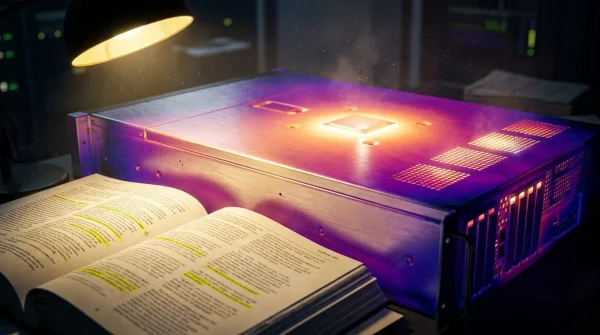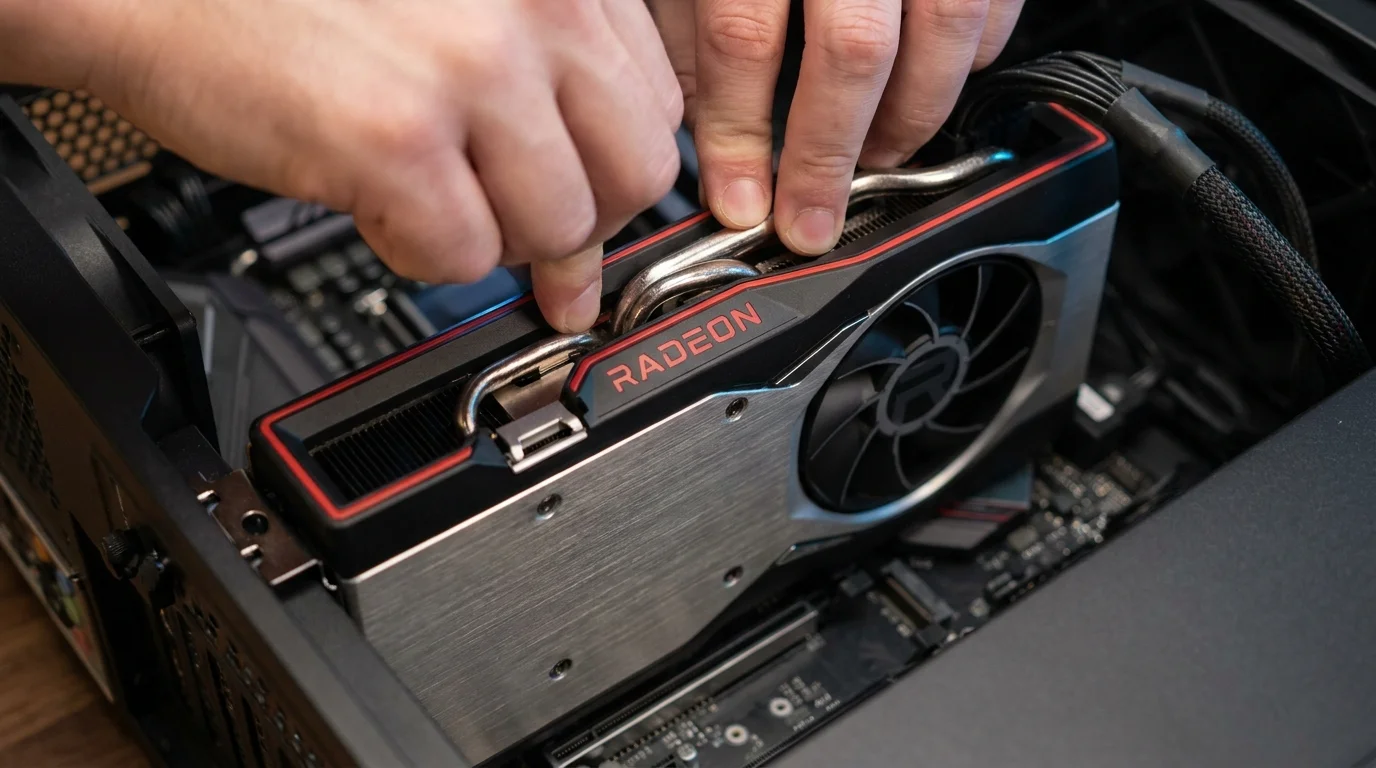
The faint hum of your graphics card cooling down after a long evening session is one of the most familiar sounds in modern desktop life. You step away from the desk, leaving the monitor to slip into standby, confident that the metal chassis beside your feet is an impenetrable vault of silicon and tempered glass. The soft glow of internal LEDs casts long amber shadows against the baseboards, signaling quiet stability.
We tend to view our graphics hardware through a narrow lens: raw frame rates, fluid textures, and the heat rising silently through the top exhaust grill. When an alert flashes in the bottom corner of your display announcing that new graphics software is available, the reflexive reaction is often annoyance. You dismiss it, assuming the download exists merely to smooth out lighting artifacts in games you might never play.
That instinct is quietly dangerous tonight. Your graphics card does not merely paint pixels across glass; it holds the master keys to your machine’s deepest memory corridors. When an untrusted web page or rogue background script talks directly to your graphics silicon, a crack in that conversation turns your high-end desktop inside out.
The Illusion of the Silent Canvas
For two decades, personal computing conditioned us to believe that security flaws lived exclusively inside email attachments, questionable browser extensions, or pirated software. The physical components—the solid-state drives, the processors, the graphics cards—felt like passive machinery, honest iron executing whatever commands arrived from above. But modern graphics silicon is no longer a simple rendering engine; it is a massively parallel supercomputer operating inches from your motherboard’s core logic.
To push four million pixels at a hundred and forty-four frames every second, your operating system grants the display pipeline extraordinary privileges. It allows software to bypass standard checkpoints, speaking almost directly to kernel memory to avoid the microsecond delays that ruin immersion. Think of it like a reinforced bank vault where the security guards stand down simply because the delivery driver wears an authorized uniform and carries a clipboard labeled high priority.
When a memory corruption vulnerability settles into that pipeline, the entire defensive posture collapses. Malicious code does not need to crack your administrator password or trick you into clicking a suspicious binary; it simply feeds the display driver a malformed instruction that spills out of its assigned memory bucket. Once that liquid spills into adjacent system memory, unauthorized code executes with ring-zero system authority, operating completely unseen beneath your antivirus defenses.
- Galaxy S21 battery replacements revive drained battery bars saving hundreds over new flagships
- Xbox Cloud Gaming outages freeze live streaming sessions across major US network hubs
- Audacity audio editor strips costly Adobe subscription fees while purifying muffled microphone sound
- Latest iPhone models reach US store shelves triggering immediate carrier trade-in rushes
- Claude desktop app silences chaotic inbox alerts while eliminating sluggish workflow typing
The Austin Discovery: A Kernel in the Crosshairs
The flaw did not surface through an obvious system crash or a noisy ransomware splash screen. It was pinned down in an Austin, Texas lab by Marcus Vance, a 39-year-old security researcher who spends his working hours dissecting hardware-adjacent telemetry. Vance was running routine stress cycles on low-level shader compilers when an irregular memory offset caught his eye—an unhandled heap overflow deep inside the user-mode driver module handling DirectX and Vulkan command queues.
Vance discovered that a precisely structured memory payload could force the display driver to write past its designated boundaries, overwriting adjacent memory spaces that govern basic Windows privileges. The flaw effectively turned a routine rendering instruction into an invisible crowbar, capable of granting standard user processes absolute executive control over system memory without tripping local intrusion alerts.
Memory corruption at this level strips away the fundamental boundary between your web browser and your machine’s hardware foundation. Because web browsers leverage hardware acceleration by default to scroll smoothly and stream high-resolution media, visiting a compromised webpage running malicious WebGL scripts is enough to trigger the overflow. The exploit occurs quietly in the background while the page loads an ordinary video preview.
Tailoring Your Response Across Real-World Systems
Not every desktop setup interacts with its graphics processor in the same manner, and understanding your specific use profile dictates how urgently you must clear your schedule to remediate this vulnerability.
For the Dedicated Competitive Gamer
If your desktop is tuned strictly for competitive shooters and high-refresh monitors, you likely resent driver updates because they occasionally reset custom display scalings, color profiles, or frame-pacing caches. You might be running a software release from six months ago because it feels stable under fire. Staying on outdated builds leaves your gaming rig completely exposed while running third-party voice clients, community mods, or unvetted game launchers that hook directly into display memory. You must patch immediately, accepting that rebuilding your shader cache over the next two gaming sessions is a tiny tax for ironclad integrity.
For the Video Editor and 3D Creative
If you rely on your machine for daily client deliverables in Premiere Pro, DaVinci Resolve, or Blender, updating display software mid-project feels like walking a tightrope without a net. You fear sudden rendering crashes or export glitches. For this workflow, standard consumer Adrenalin updates often bring unwanted feature bloat. However, because content creation software frequently imports assets from unverified cloud drives, shared client servers, and open web libraries, your risk profile is exceptionally high. You should perform a verified clean install during your next project turnover window, bypassing experimental features while locking down the memory vulnerability.
For the Living Room HTPC and Casual Workstation
Compact, quiet machines hooked up to living room televisions or home office dual-monitor arms are often neglected for years. These systems run streaming apps, balance spreadsheets, and handle casual web browsing, meaning they encounter untrusted internet traffic constantly. Leaving background drivers untouched on an everyday home workstation transforms a family computer into an ideal persistence vector for lateral network movement, placing personal files and connected network storage drives in immediate jeopardy.
Mindful Application: The Clean Installation Protocol
Applying this security patch requires more care than clicking a fleeting notification prompt. When repairing low-level memory flaws, remnants of older driver registries can linger like fine dust behind baseboards, occasionally causing software conflicts or failing to patch active dynamic link libraries. Approach the update deliberately.
- Identify your current build: Right-click your desktop, open AMD Software, and check the System tab. If your version sits below Adrenalin Edition 24.5.1, your machine is actively vulnerable to the memory boundary escape flaw.
- Download the verified installer directly: Navigate to the official manufacturer support portal manually. Never download graphics updates from third-party update utilities, forum threads, or secondary mirror sites.
- Execute the factory reset option: When launching the installer for Adrenalin 24.5.1, expand the additional options menu and select the Factory Reset checkbox. This safely purges legacy profiles and flushes out corrupted shader caches without touching personal files.
- Pause peripheral activity: Close web browsers, creative software, and background streaming utilities before launching the installation process to prevent active memory hooks from locking critical driver files.
- Allow display cycling: Expect your screens to flicker black several times and your cooling fans to momentarily rev to maximum speed during the rewrite of the display hardware interface.
Your tactical baseline for this update is straightforward: verify your package matches AMD Software: Adrenalin Edition 24.5.1 or higher, reserve fifteen minutes of dedicated downtime, and perform a full system reboot immediately following installation rather than choosing to restart later.
The Horizon of Personal Hardware Security
It is easy to feel fatigued by the endless carousel of software patches, security advisories, and firmware warnings. We want our technology to remain static once it is assembled and operating smoothly on our desks, acting as faithful furniture rather than a shifting landscape that demands maintenance. Yet taking an active, conscious role in maintaining your computing hardware is the quiet price of holding unmatched digital power in your home.
When you take fifteen quiet minutes to patch your display pipeline, you are doing more than clearing an update prompt off your taskbar. You are honoring the complex, miraculous stack of engineering that allows microscopic electrical pulses to render vivid, lifelike worlds across your desk every day. A clean machine runs cooler, behaves predictably, and provides the silent reassurance that your creative sanctuary remains entirely your own.
True computer security is rarely about building taller walls; it is about refusing to leave the basement windows unlatched beneath the foundation.
| Key Point | Detail | Added Value for the Reader |
|---|---|---|
| Vulnerability Type | Memory corruption / Heap overflow in graphics driver runtime | Closes a zero-day path allowing malicious web scripts to gain kernel authority. |
| Target Patch Build | AMD Software: Adrenalin Edition 24.5.1 (or subsequent releases) | Instantly confirms whether your desktop is currently exposed or fully protected. |
| Deployment Strategy | Factory reset clean installation via official support installer | Removes lingering registry artifacts and guarantees unpatched libraries are overwritten. |
Frequently Asked Questions
Will installing this update reset my personal display resolutions and game saves?
Game saves, local documents, and general system settings remain entirely untouched. However, checking the recommended Factory Reset box will return custom GPU performance tunings, manual fan curves, and per-game color profiles back to their factory defaults, requiring a quick two-minute re-application once the reboot completes.Can malicious websites really exploit a graphics driver without downloading a file?
Yes. Modern web browsers utilize hardware acceleration, routing complex web page rendering and video elements directly through your graphics processing unit. A specifically crafted WebGL instruction embedded in an ordinary web page can trigger this memory corruption vulnerability instantly in the background without prompting you to save or run an executable file.Why didn’t Windows Update handle this patch automatically for me?
Windows Update operates on a delayed staging ring for third-party hardware drivers, often distributing certified versions that lag weeks or months behind critical security advisories. Relying solely on automated operating system updates leaves your machine exposed during the critical window between zero-day discovery and broad operating system distribution.My desktop uses integrated AMD Radeon graphics inside a laptop processor; does this affect me?
Yes. The memory parsing flaw exists within the shared core software stack powering both dedicated desktop Radeon graphics cards and the integrated Radeon graphics cores found within Ryzen mobile and desktop APUs. The patch applies across both hardware families.What should I do if my screen remains black for more than five minutes during installation?
While the display will blink off and on several times as the old driver unloads and the new one binds to the hardware, a prolonged black screen indicates a display handshake freeze. Power cycle your display directly using its physical power button first; if the signal does not return, perform a manual hardware reboot, which will cause Windows to roll back safely to the basic display adapter so you can restart the installer cleanly.