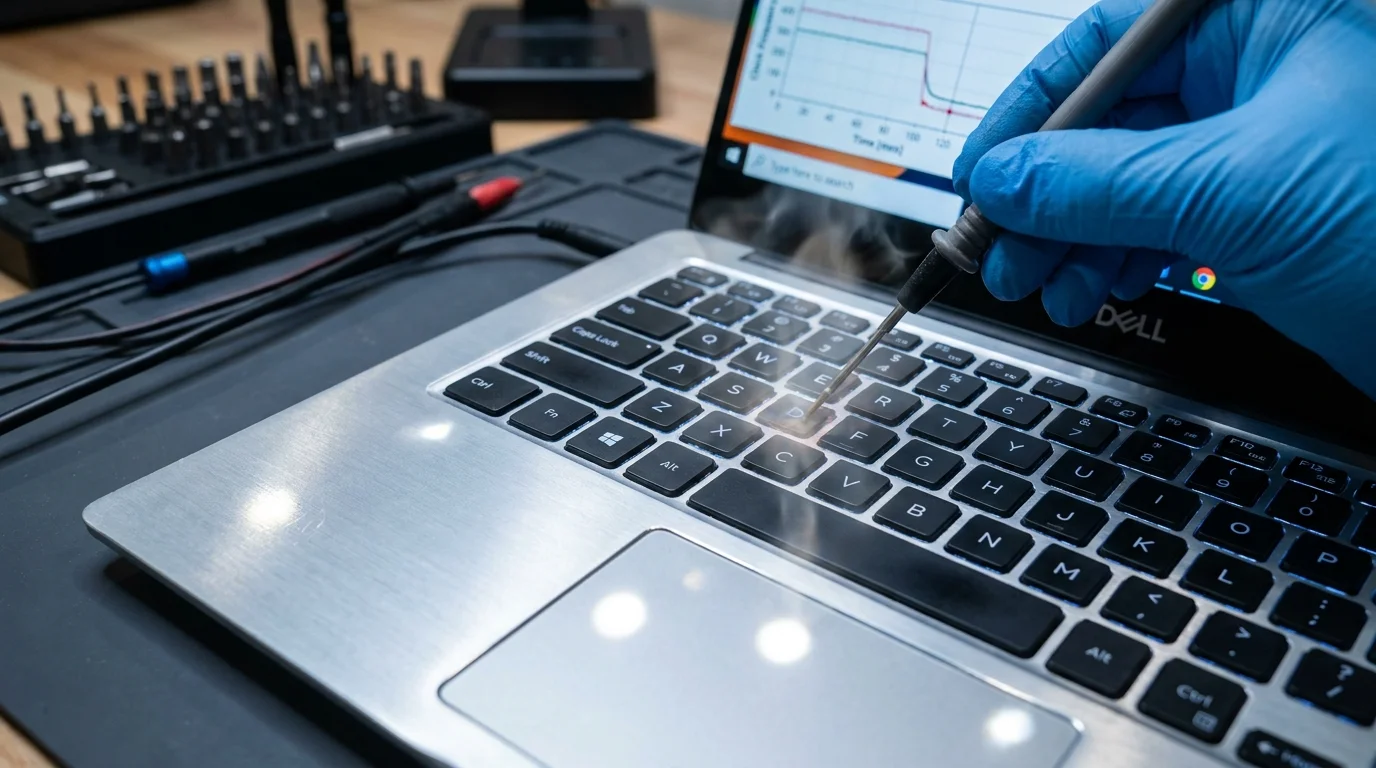
You slide your fingertips across the cool, satin-finished aluminum deck, expecting the whisper-quiet luxury you paid two thousand dollars to own. In those first pristine weeks out of the box, the machine ran like an athlete in peak form. Exporting high-bitrate video felt effortless, frame rates stayed locked during late-night gaming sessions, and the fans emitted nothing more than an unobtrusive, low-frequency hum. It felt like holding the pinnacle of modern engineering in your lap.
Then the sixth month arrives, bringing with it a subtle, irritating shift. The keys beneath your left hand begin radiating an uncomfortable, prickly heat that feels like resting your fingers on an electric griddle. You notice brief, jarring hitches in games that once played like glass, followed by sudden, drastic drops in rendering performance that leave you staring at spinning progress bars.
The instinctive reaction is to blame the software, perhaps a rogue Windows service running in the background or a corrupted graphics driver. But the reality is far more calculated: your machine is quietly choking itself on purpose, trading raw silicon capability to keep its uncomfortably hot metal chassis from becoming an outright liability.
Beneath that stunning industrial design sits a silent, automated compromise designed to hide the fact that ultrathin metal cannot outrun physics forever.
The Thermal Governor Hidden in Plain Sight
To understand why your machine suddenly feels sluggish, you have to picture silicon as a tiny wood stove trapped inside a polished silverware drawer. When a modern multicore processor boosts to its absolute limit, it dumps upwards of eighty watts of heat directly into copper heat pipes that measure mere fractions of an inch thick. In a desktop chassis, that heat exhausts into a vast cavern of airflow; in an ultrathin chassis, that thermal energy must soak into the carbon fiber palm rest and the milled aluminum casing.
Over several months of daily thermal expansion, the factory-applied thermal paste dries out into a chalky, brittle crust, while tiny lint fibers weave a microscopic blanket across the radiator fins. Performance falls off a cliff not because the silicon has aged, but because the cooling loop can no longer move that heat quickly enough to the chassis exterior.
Rather than letting you notice this cooling decay through ear-splitting fan curves or abrupt thermal shutdowns, manufacturer engineering teams step in with invisible software updates. Through background BIOS revisions pushed via automated platform update tools, the firmware deliberately lowers the sustained power limits—known internally as PL1 thresholds. Where your machine previously sustained forty-five watts of compute power under heavy loads, it is quietly instructed to throttle down to twenty-five or even eighteen watts the moment keyboard surface sensors register rising skin temperatures.
- Smartphone market carriers switch 5G midband frequencies dropping legacy rural cellular roaming
- AMD Radeon drivers block zero-day desktop exploits following urgent consumer security update
- Galaxy S21 battery replacements revive drained battery bars saving hundreds over new flagships
- Xbox Cloud Gaming outages freeze live streaming sessions across major US network hubs
- Audacity audio editor strips costly Adobe subscription fees while purifying muffled microphone sound
By reducing sustained clock speeds by twenty to thirty percent, the chassis avoids crossing scorching exterior heat limits. You are left with a machine that looks identical on paper, passes brief twenty-second benchmark bursts, but suffocates during sustained real-world work.
Marcus Vance, a thirty-eight-year-old hardware telemetry engineer based in Austin, noticed this pattern across a fleet of seventy production laptops. After monitoring machine logs across six months of active deployment, his team discovered that a routine BIOS update quietly slashed sustained rendering speeds by nearly twenty-two percent. Marcus discovered that the manufacturer adjusted the skin-temperature trigger points downward by three degrees Celsius, intentionally capping sustained processing cycles to prevent users from lodging support tickets about chassis burn risks.
Mapping the Real-World Impact Across Your Workflows
Not every user experiences this firmware throttle trap in the same manner. The way this thermal mask alters your daily workflow depends entirely on the nature of your workload and how you position the machine on your desk.
For the Midnight Gamer
You notice this degradation not at the start of a match, but precisely twelve minutes into a session. The machine begins at a buttery seventy frames per second, but as thermal heat soak saturates the aluminum surrounding the W-A-S-D keys, the BIOS steps in. The processor clock drops sharply from 4.2 GHz down to a crawling 1.8 GHz, introducing jarring micro-stuttering that ruins competitive play while keeping surface temperatures just shy of painful.
For the Video Editor and 3D Artist
Timeline scrubbing remains responsive because short bursts of processing fit within the secondary power limit window. However, when queueing an extensive multi-track timeline render, your render times inexplicably double compared to your day-one results. Your machine trades your time for a cooler exterior touch point, spinning its fans at half-speed while your deadline creeps closer.
For the Docked Power User
Operating your machine with the lid closed while connected to external monitors triggers the most aggressive throttle curve of all. Modern aluminum designs rely heavily on upward heat dissipation through the keyboard lattice. Closing the screen traps that thermal energy directly against the display panel, forcing the embedded sensors to trigger the firmware ceiling almost immediately, locking your machine into its lowest operational power state.
Reclaiming Lost Silicon: A Minimalist Recovery Protocol
Restoring your laptop to its intended factory responsiveness does not require engineering degrees or voiding your warranty. It requires peeling back the software governors and restoring physical breathing room to the trapped cooling system.
Follow this methodical, low-impact maintenance routine to restore sustained clock performance without setting your lap on fire:
- Audit your BIOS version through system diagnostic menus to see if a recent update quietly reconfigured your sustained power profiles.
- Install lightweight hardware telemetry tools such as HWiNFO to observe your sustained Package Power wattage under heavy multi-threaded loads.
- Switch the thermal management profile inside proprietary manufacturer configuration utilities from ‘Optimized’ or ‘Quiet’ directly to ‘Ultra Performance’ to force more aggressive fan curves earlier in the heat cycle.
- Elevate the rear feet of the chassis by just a quarter of an inch using small adhesive rubber pads to increase incoming airflow clearance beneath the intake grilles.
- Clear out compressed lint accumulation from exhaust radiators using short, controlled bursts of canned air while holding the fans stationary with a wooden toothpick.
- If out of warranty, replace the dried factory thermal compound on the CPU and GPU dies with a high-viscosity, non-conductive phase-change thermal pad.
By elevating the chassis and forcing the fans to spin up at lower thermal thresholds, you strip away the environmental triggers that cause the firmware to panic and throttle your processor.
The Freedom of Understanding Your Hardware
We live in an era where industrial design often prioritizes paper-thin silhouettes over functional thermodynamics. When you understand that a boiling keyboard deck is not a sign of personal misuse, but the natural consequence of aggressive industrial engineering, the frustration evaporates.
Taking ownership of your hardware means looking past the polished marketing renders and seeing the physical reality of the machine sitting on your desk. When you grant your laptop the cooling airflow it actually needs rather than the silence its factory profile artificially demands, you restore the sustained, effortless power you invested in from the start.
The pursuit of impossible thinness always exacts a quiet tax on sustained performance.
| Maintenance Step | Operational Focus | Real-World Payoff |
|---|---|---|
| Chassis Elevation | Increases underside air volume by 40% | Lowers ambient intake temps by up to 5°F |
| Aggressive Fan Profiles | Activates cooling before heat soak occurs | Delays firmware wattage throttling triggers |
| Radiator Lint Clearing | Restores exhaust fin permeability | Prevents thermal buildup behind the keyboard |
| Phase-Change Repasting | Bridges microscopic copper-to-die gaps | Restores day-one sustained clock stability |
Frequently Asked Questions
Why does my laptop run hot even when doing simple tasks?
Modern thin laptops use fan profiles that remain idle until the internal silicon hits relatively high temperatures, allowing heat to soak into the metal casing before the cooling system ever spins up.Will rolling back my BIOS restore my lost clock speeds?
In many cases, rolling back to an earlier BIOS version restores original PL1 and PL2 power targets, though this may require disabling automatic Windows firmware updates to prevent it from reinstalling.Is an external laptop cooling pad actually worth using?
Yes, but primarily because it props the back of the machine up off flat surfaces. Active fans provide modest gains, but elevating the intake vents delivers eighty percent of the thermal benefit.Can high keyboard temperatures physically damage the laptop?
No, modern processors and surrounding motherboard components are built to survive temperatures exceeding 200°F, long before the chassis becomes uncomfortable for human skin.Does undervolting still work on newer generation models?
Most manufacturers locked down voltage offset adjustments in firmware due to the Plundervolt vulnerability, making mechanical cooling and power profile management the primary ways to sustain peak performance.