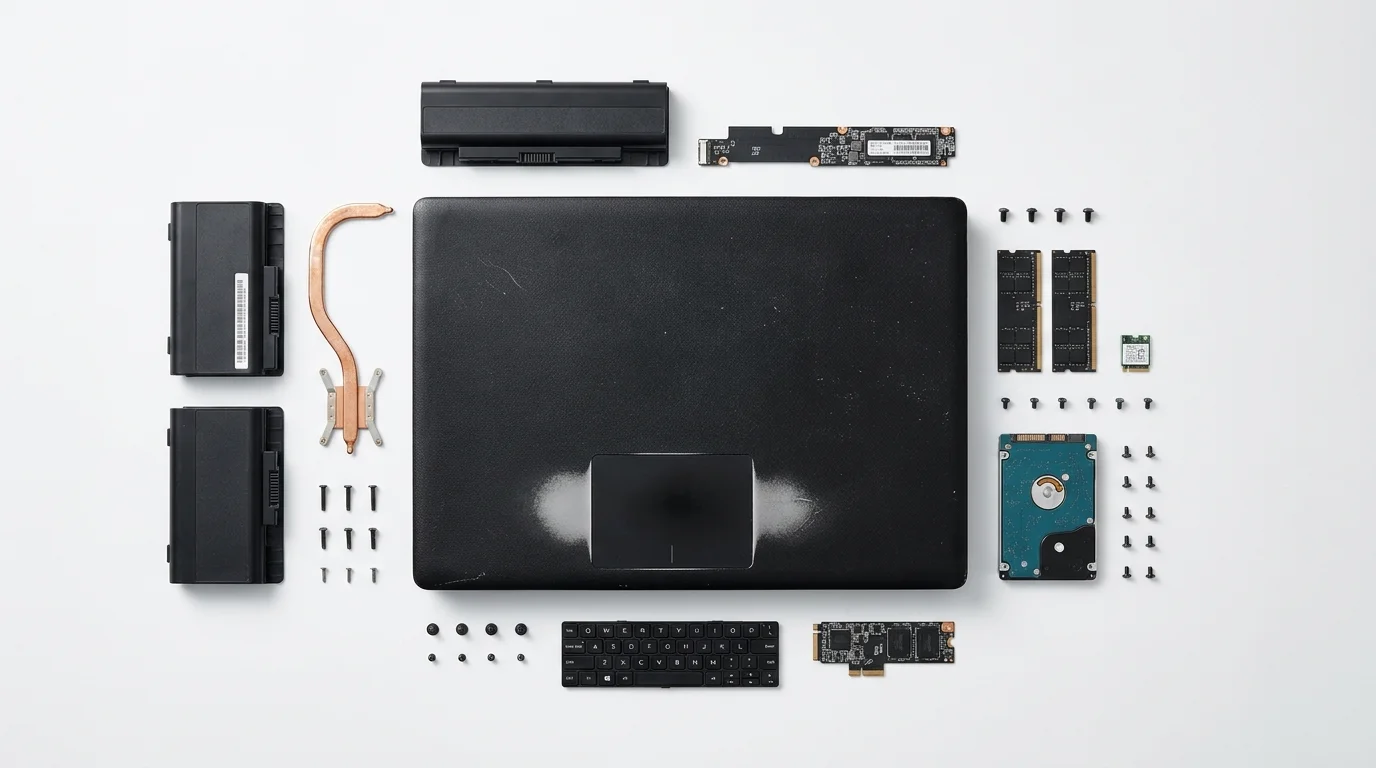
The matte finish has smoothed out into a gentle shine along the palm rests. You can run your fingertips across the textured black laptop chassis showing worn trackpad corners, feeling the smooth patches where thousands of working hours wore down the original composite coat. In a corporate office, this machine would be considered fully depreciated inventory destined for a pallet in a cold warehouse.
Yet sitting on your desk, its whisper-quiet fan is barely spinning. Plugged into wall power, the small status LED pulses with steady intent, running silently while pulling a fraction of the electricity required by a desktop tower.
Commercial network-attached storage units often promise simplicity, but they arrive stripped of flexibility, demanding expensive proprietary drives and offering meager processing power. When you rethink what sits inside an older business notebook, the equation flips on its head.
You are looking at a self-contained compute module equipped with a built-in keyboard, a diagnostic screen, and dual battery banks that double as an unshakeable power supply during local blackouts.
The Accidental Server Hiding in Plain Sight
Most home lab builds begin with a frantic shopping list of specialized parts: low-profile cases, power bricks, separate battery backups, and cooling fans. We tend to treat hardware categories like rigid boxes, assuming a server must be a noisy rectangle mounted in a rack or a plastic cube humming on a shelf.
In truth, a business workhorse like the ThinkPad T480 offers an eighth-generation quad-core engine that sips barely five watts at idle. When municipal power flickers during an afternoon summer thunderstorm, standard consumer storage arrays crash instantly, risking filesystem corruption unless you paid hundreds extra for an external battery unit. Your repurposed notebook simply switches over to its internal bridge battery without dropping a single packet.
Julian Ramos, a 38-year-old network administrator based in Austin, Texas, stumbled onto this setup when his family lost power for two days during a winter freeze. While his commercial home cloud went dark within minutes, his repurposed dual-battery ThinkPad continued serving local file backups and automated home scripts to his mobile devices over a low-power 12-volt travel router for hours without a glitch.
- Home Assistant OS local setups enforce private smart automation blocking recurring fees
- Snapdragon X Elite synthetic benchmarks reveal shocking thermal throttles during heavy emulation
- Steam Deck shader cache bloat strips gigabytes of local solid state storage
- Sonos multiroom audio ecosystems trap home speaker setups behind proprietary cloud servers
- Samsung Smart TV tracking features secretly expose private viewing data through telemetry
Tailoring Your Deployment Layers
Before closing the screen and tucking the machine onto a bookshelf, consider how you intend to route data through the network. Different use cases benefit from specific operating choices.
For the silent archivist, the primary focus is quiet longevity and data parity. By attaching two high-capacity external drives via the rear Thunderbolt port and establishing a local mirrored filesystem, you create a self-healing storage hub that writes snapshots while you sleep. The machine stays completely silent because the cooling fan rarely needs to spin up above its lowest threshold.
If you run active local applications, the balance shifts toward memory allocation. Allocating a portion of the system’s memory to container runtimes turns the dual-channel memory architecture into a snappy host for local password sync, private photo catalogs, and automated document indexing, running tasks without cloud subscription fees that usually siphon money every month.
Mindful Configuration and Thermal Management
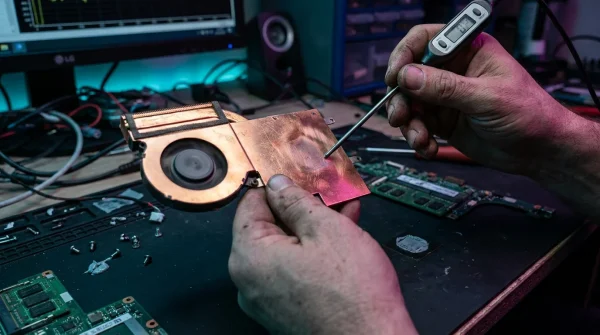
Running a laptop with its display closed requires a few intentional adjustments to prevent heat accumulation and unexpected shutdowns. When the screen rests flat against the keyboard deck, normal convective heat dissipation through the keys is restricted.
Setting up your environment involves stripping away graphical overhead and taking control of system behaviors:
- Install a lightweight, non-graphical Linux distribution such as Debian Minimal or Ubuntu Server to eliminate unnecessary background graphics rendering.
- Edit the system logind configuration file located at
/etc/systemd/logind.conf, settingHandleLidSwitch=ignoreso the operating system stays awake when closed. - Install power management utilities like TLP to limit battery charge thresholds between 50% and 80%, preserving cell health under continuous AC power.
- Store the chassis vertically in a slotted stand or on its side, allowing fresh air to reach the bottom intake vents unimpeded.
By enforcing a battery charge threshold, you prevent the internal chemistry from degrading under continuous line voltage, ensuring that the dual-battery bridge remains reliable when real emergencies strike.
The Tactical Toolkit
Keep your operational metrics simple and verifiable. You do not need expensive telemetry tools to ensure stable operation over months of continuous uptime.
Target an idle chassis temperature between 95°F and 115°F (35°C to 46°C) in an average room. Maintain a scheduled drive health check via standard SMART utilities every Sunday morning, and place the laptop on a firm, non-porous surface rather than directly on carpet or wood surfaces that trap warmth.
Reclaiming Control Over Your Data Life
There is a quiet satisfaction in taking a machine once destined for an e-waste bin and giving it a permanent, dignified role in your home network. You step outside the consumer cycle of buying single-purpose gadgets made of brittle plastics and non-repairable boards.
Instead, you build your personal cloud atop modular, battle-tested hardware that you understand, repair, and control. The quiet machine on your shelf hums away without fanfare, keeping your records safe and proving that good engineering never truly goes obsolete.
“The most sustainable, dependable server is the rugged hardware you already own, repurposed with care.”
| Key Point | Detail | Added Value for the Reader |
|---|---|---|
| Built-in Battery Buffer | Internal and external hot-swappable batteries act as a built-in UPS. | Zero data loss or file corruption during brief power interruptions. |
| Minimal Energy Footprint | Idle draw hovers around 4 to 7 watts under lightweight server loads. | Drastically reduced electric bills compared to older desktop towers. |
| Thermal Safety | Lid-close settings combined with vertical airflow prevent throttling. | Reliable long-term operation without noisy cooling fans. |
Frequently Asked Questions
Will keeping the laptop plugged in 24/7 damage the batteries?
Modern battery management tools like TLP allow you to set strict charge ceilings, keeping internal cells at roughly 70% capacity to avoid thermal stress and swelling.How do I prevent the laptop from overheating with the screen closed?
Store the laptop vertically in a simple stand to maximize ventilation across the bottom intake grille, and clean the internal fan of dust before deployment.Can an older mobile processor handle multiple home network tasks?
Yes, eighth-generation quad-core processors feature hardware-level video encoding and ample multi-threading capacity for file sync, container hosting, and local web services.What happens if the internal power supply fails?
Because business laptops use standardized USB-C Power Delivery or common barrel connectors, replacement power supplies are inexpensive and universally available.Do I need a monitor connected to manage the system?
No, once the initial base installation is complete, you manage everything remotely through a terminal connection using secure shell protocols from any computer on your network.