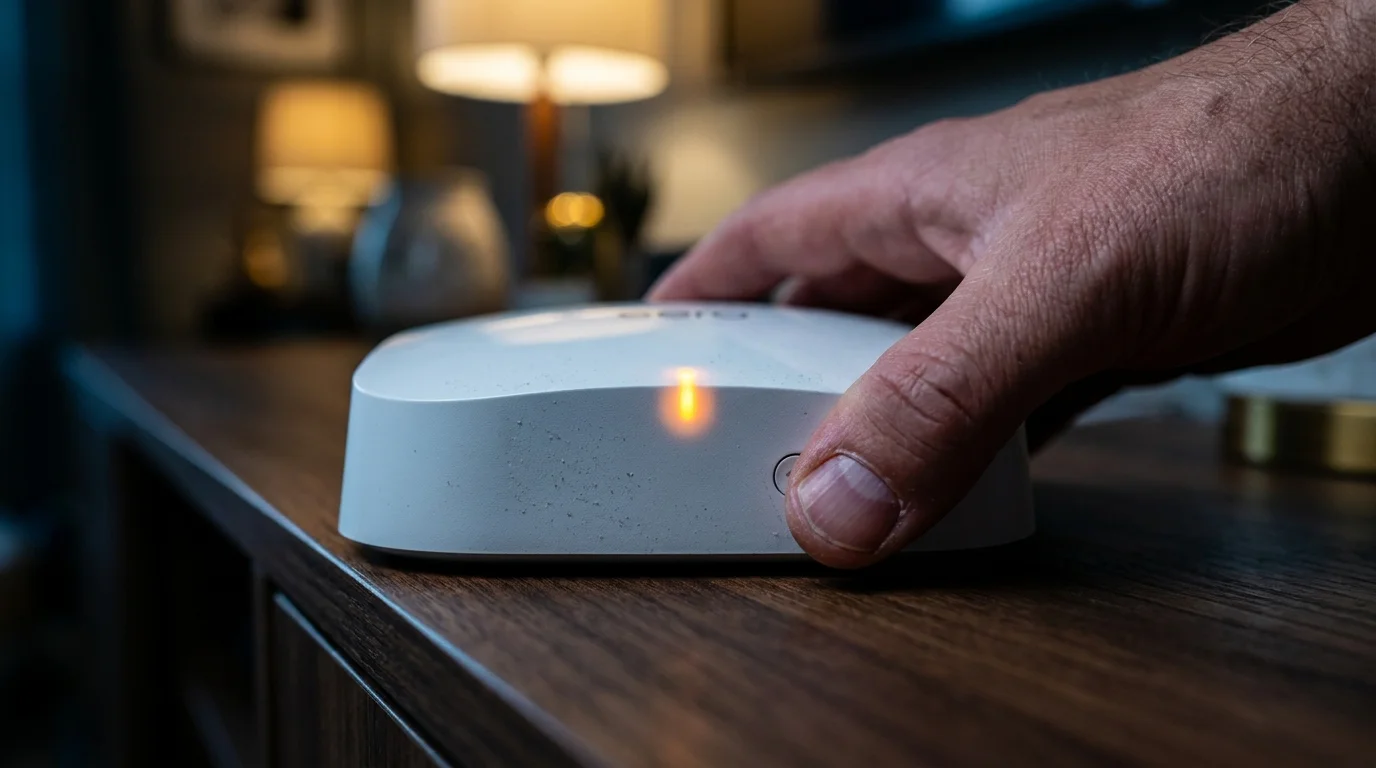
The dusk settles across your living room, casting long slate-colored shadows against the drywall while the amber glow of the kitchen pendants dims down. It is eight-fifteen on a Tuesday evening. The house is still, dinner is put away, and you settle into the sofa with a high-definition stream or fire up an urgent evening video conference with colleagues on the West Coast. On your media console, the chalk-white puck of your mesh hardware sits immaculate, cool to the touch, its pinhead status light glowing a calm, reassuring white.
Then, the image stutters. The audio tears into harsh digital grit, freezing mid-sentence before the dreaded buffering ring starts its slow, mocking rotation. You glance at your phone, tap a speed test, and watch the needle drop from several hundred megabits per second straight to zero before rebounding erratically. Invisible traffic jams your living room while your gateway shows full bars of pristine wireless signal.
The instinctive reaction is to blame your neighborhood internet provider or assume your gateway node needs another tedious power cycle. You spent top dollar on a modern mesh system precisely to forget about wireless friction, trusting its background algorithms to carve out the widest, fastest pipeline possible through your home. The packaging promised frictionless multi-gigabit throughput, pointing you toward the highest radio frequencies available.
Yet what feels like an inexplicable hardware failure is actually physics asserting itself against marketing promises. When your nodes aggressively latch onto wide, crowded high-frequency spectrum, they are not carving out a private autobahn through your walls. They are walking straight into an invisible acoustic tempest, where your neighbors’ hardware and your own satellite beacons drown each other out in real time.
The Narrow Highway: Why Wider Bands Break Under Pressure
To understand why premium mesh networks buckle during peak evening hours, picture a crowded dinner party hosted in an echoey, concrete basement. If everyone speaks in low, steady murmurs, dozens of separate conversations can happen at the same time without anyone straining to hear. But if every guest grabs a megaphone and tries to broadcast on the widest possible acoustic register, nobody hears a syllable. High frequency creates fragile acoustic tunnels that shatter the moment another device steps into the room.
Modern routers love wide channel bands—specifically the 80MHz and 160MHz swaths in the upper five-gigahertz spectrum. On paper, doubling your channel width doubles your potential data transfer, looking phenomenal in laboratory benchmarks and marketing brochures. In the real world, widening that channel turns your router’s wireless ears into giant sails that catch every gust of neighborhood interference.
- PS5 Pro consoles lock downloaded digital game purchases when automated server licenses expire
- Apple Watch SE subtle alert pulses desensitize skin receptors triggering constant phantom checks
- Motorola TurboPower adapters bake smartphone power cells triggering rapidly drained battery bars
- Discord desktop app accumulates gigabytes of hidden crash logs devouring local drive space
- Meta celebrity chatbots freeze public rollout after automated digital likenesses spark fan backlash
When your system forces traffic into these wide, high-frequency corridors, it relies heavily on beamforming—a mathematical trick where the router’s internal antenna array focuses radio waves into direct, concentrated pencils of energy toward your laptop or phone. But when the apartment next door or the house fifty feet away runs an identical system on the exact same high-band slice, those focused beams collide. Instead of passing cleanly through your drywall, the signals trip over one another, triggering silent packet drops that bring real-time streams to their knees.
A Lesson from the Broadcast Van
Marcus Vance, a forty-two-year-old remote broadcast technician based outside Austin, Texas, spent months chasing what he assumed was a defective gateway unit. Marcus spends his evenings monitoring live satellite feeds from his garage workshop, a space requiring rock-solid, low-latency connectivity. Despite owning a top-tier tri-band mesh setup with nodes placed meticulously throughout his one-story home, every evening at roughly eight o’clock, his audio feeds turned into robotic garble.
“I brought home an enterprise spectrum analyzer from our broadcast truck one Friday night,” Marcus explained over a warm mug of black coffee. “I expected to see external radar interference or perhaps a failing power supply emitting dirty radio frequency noise. What I actually saw was my own bedroom mesh beacon firing high-gain beamforming pulses on channel 149 directly against my neighbor’s router across the fence. Both routers were fighting for the exact same 160MHz slice, endlessly interrupting each other. Both systems choked on retransmissions, dropping thirty percent of their data packets while reporting a perfect five-bar connection to our phones.”
Calibrating for Your Actual Floor Plan
Your living space dictates how your wireless equipment behaves far more than the number of processing cores under its plastic hood. What works for an isolated farmhouse creates chaos in a dense suburban development.
For the dense apartment or condo dweller, the high-frequency five-gigahertz band is rarely an advantage. Your neighbors’ walls sit just inches from yours, meaning five to ten competing routers are constantly fighting for identical channel space. In this environment, forcing wide channel allocation causes constant packet collision. Prioritizing narrower, more resilient twenty- or forty-megahertz slices keeps your connection stable, trading irrelevant theoretical speed records for uninterrupted streams.
For the sprawling suburban home, the battle shifts from external neighbor noise to internal node confusion. When satellite nodes sit too close together on high-frequency bands, your handheld devices get caught in an endless game of roaming ping-pong. Overlapping beacon signals confuse your phone, causing it to drop live connections as it hesitates between two equally loud high-frequency nodes in adjacent rooms.
The Mindful Adjustment Protocol
Restoring stability to your home network does not require buying new hardware or running ugly cables along your baseboards. It requires dialing back aggressive factory configurations to give your wireless spectrum room to breathe.
Begin by auditing the physical distance between your mesh nodes. Most people scatter beacons based on where power outlets exist rather than radio mechanics. A node placed too close to another creates high-frequency overlap, while a node placed behind a massive television screen or inside a metal-framed credenza forces the radio to blast at maximum wattage, spraying erratic interference across the room.
- Reposition satellite nodes so they have a line-of-sight view through open doorways rather than forcing high-frequency waves through dense plumbing walls or masonry.
- Open your hardware management app, navigate to your network settings, and disable client steering or band-forcing features that artificially shove legacy devices onto five-gigahertz bands.
- Temporarily power down intermediate beacons to test if running two strategically placed nodes provides cleaner throughput than three crowded units.
- Audit your high-bandwidth stationary clients, such as desktop computers or game consoles, and assign them dedicated, non-overlapping channels if manual configuration is available.
Your tactical toolkit for this optimization requires zero financial investment. Keep a simple notepad to log the exact times dropouts occur, download an open-source wireless analyzer application on an Android device or laptop to visualize neighbor channels, and give yourself twenty minutes on a quiet weekend morning to make adjustments one by one.
The Quiet Luxury of Invisible Stability
In our race toward ever-larger numbers on retail packaging, we have traded invisible peace of mind for fragile peak benchmarks. A home network should feel like running water or the morning sun warming your floorboards—steady, predictable, and completely unnoticeable until you pause to appreciate it.
When you ease the pressure on your router and pull it back from crowded high-frequency limits, your web pages may load in eighty milliseconds instead of sixty. But your video calls will stop freezing mid-sentence, your streaming shows will play without pause, and the creeping evening frustration will quietly vanish into the background where it belongs.
The fastest wireless connection is never the one boasting the widest lane; it is the quiet one that never drops a single word.
| Key Point | Detail | Added Value for the Reader |
|---|---|---|
| Channel Width Paradox | Wide 80/160MHz channels invite extreme neighbor noise. | Allows you to choose stability over empty benchmark numbers. |
| Beamforming Collisions | Focused high-frequency radio beams trip over adjacent routers. | Explains why full-bar connections still suffer severe lag. |
| Node Proximity Trap | Placing mesh pucks too close causes rapid signal jumping. | Shows you how to eliminate drops simply by removing an unneeded node. |
Frequently Asked Questions
Does turning off high-frequency band steering ruin my 4K video streams?
Not at all. Standard 4K streaming only requires about twenty-five megabits per second of consistent bandwidth, which even a narrow, low-frequency band can easily sustain without stuttering.Why does my router perform worse in the evening than at noon?
Evening hours represent peak usage across your entire neighborhood. As adjacent households stream video and run smart home devices, shared radio spectrum becomes flooded with competing beams.Can thick walls actually help my high-frequency network?
Strangely enough, yes. Dense plaster or brick walls attenuate outside wireless signals, shielding your interior rooms from your neighbors’ competing high-frequency channel chatter.Should I use an Ethernet cable to connect my mesh nodes together?
If your home layout allows it, a wired backhaul removes inter-node communication from the air entirely, freeing up critical radio space for your phones and laptops.How far apart should my wireless mesh pucks realistically sit?
A practical rule of thumb is between thirty to forty-five feet through standard drywall, ensuring nodes can communicate without shouting directly over one another.