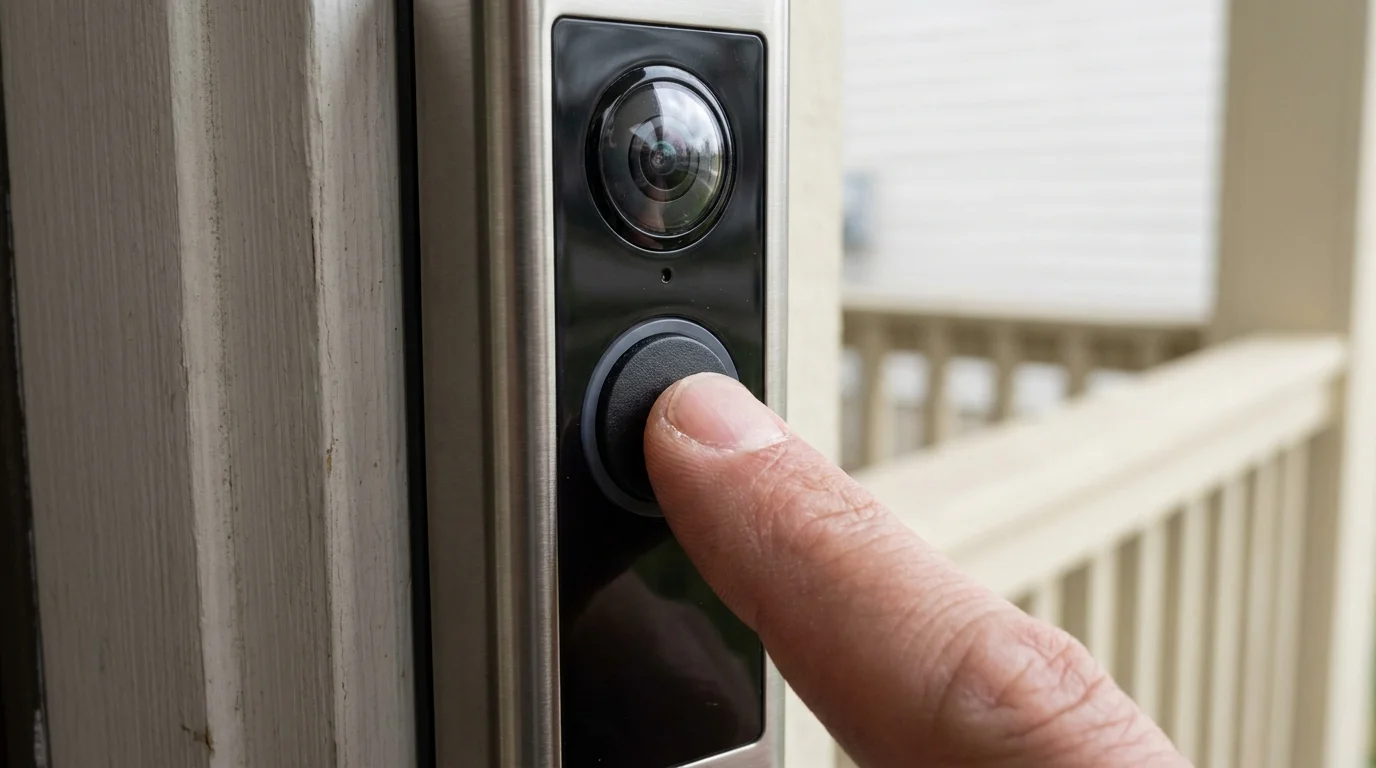
A brisk autumn wind rattles the windchimes against your porch railing, sending dry oak leaves scuttling across the welcome mat. The amber glow of your entryway lantern catches the sleek glass circle mounted next to your deadbolt. You expect the familiar soft click, the tiny infrared glow that quietly acknowledges your approach as you carry groceries up the steps. Instead, the small plastic box sits cold, oblivious, and dead to the world around it.
You pull your phone from your jacket pocket, tapping the familiar icon while standing just two feet away from your own front door. Rather than streaming crisp wide-angle video, your screen hangs on a spinning grey wheel, finally coughing up a frozen rectangle of yesterday’s porch from three weeks back. You bought the hardware with hard-earned cash, drilled the anchors into your own cedar trim, and tightened the copper wiring against the terminal screws. Yet the machine behaves as if you are a total stranger trespassing on rented silicon.
This eerie silence is not a hardware failure, a drained battery cell, or a temporary dip in your home broadband. What you are witnessing is the quiet enforcement of an invisible tether, where a piece of physical consumer electronics turns its back on its owner the moment a credit card billing cycle runs dry.
The Rental Illusion of Modern Silicon
We grew up in a world where buying an appliance meant complete dominion over its gears, coils, and switches. When you purchased an analog doorbell, pressing the button tripped a simple physical solenoid that struck a brass chime in your hallway. The transaction ended at the cash register, leaving you with a tool that answered only to physical laws and copper wires.
Modern smart home hardware operates under a radically different covenant, functioning less like a physical appliance and more like a tethered terminal breathing through a straw. The physical components inside your doorbell—the wide-angle optical lens, the complementary metal-oxide-semiconductor (CMOS) image sensor, and the passive infrared (PIR) heat detectors—remain completely healthy. Yet their firmware is architected with a digital choke point that routes raw sensor output exclusively through remote authentication servers before it ever mirrors back to the screen in your hand.
When an active subscription drops, the device does not gracefully fall back to a dumb local camera broadcast across your personal home network. Instead, the onboard controller executes a silent lockout protocol. The offline motion pipeline gets choked off, firmware tokens expire, and the camera deliberately stops committing frame buffers to memory. Without cloud handshakes validating each microsecond of footage, the optical sensors are rendered deaf and blind on purpose, effectively transforming two hundred dollars of polished engineering into an inert plastic doorstop.
- Pixel 8 displays pulse invisible backlight flickers triggering throbbing eye strain
- Sony WH-1000XM5 headphones trigger dull eardrum pressure during continuous daily playback
- PlayStation 5 stands drain liquid cooling metal downward triggering blistering exhaust heat
- Eero Pro routers drop live connections when forced onto congested high-frequency bands
- PS5 Pro consoles lock downloaded digital game purchases when automated server licenses expire
The Workbench Revelation
Marcus Vance, a 42-year-old embedded systems architect based in Raleigh, North Carolina, decided to crack open three separate models of smart doorbells after his front door feed froze overnight. His corporate credit card had expired after a routine bank re-issue, and within forty-eight hours, his entryway monitoring vanished entirely. When he hooked a hardware logic analyzer up to the camera board on his electronics bench, the findings were sobering: the image processor continued to register ambient heat signatures and light changes, but the device firmware actively dropped the data packets before they reached the local network chip, simply because the remote authorization handshake returned an empty token.
Navigating the Hardware Limbo
Understanding how this cloud tether dictates your daily security reveals three distinct camps of smart doorbell ownership. Recognizing where you sit helps you decide whether to appease the platform or cut the cord entirely.
For the Casual Porch Watcher
If your primary goal is simply knowing when a package hits the doormat while you are at the office, the friction feels like a subtle squeeze. Letting the recurring billing lapse does not completely stop the mechanical chime inside your hallway from ringing when someone physically depresses the button. However, the rich notifications that once showed thumbnail previews disappear, leaving you with vague text pings that force you to open an app only to find a black loading screen.
For the Privacy-First Architect
If you value hardware sovereignty, proprietary video ecosystems represent an active liability. You want local Real-Time Streaming Protocol (RTSP) streams fed directly into a private network video recorder (NVR) tucked away in your basement utility closet. For this setup, closed-source cloud cameras are a non-starter because their locked bootloaders refuse to pipe unencrypted video feeds across your local subnet without phoning home first.
For the Practical Renter
Those living in temporary brownstones or apartments need reliable visual records without drilling holes or signing up for perpetual monthly tolls. If you take down the camera every twelve months when a lease turns over, paying an ongoing platform tax just to keep basic motion logging active doubles the lifetime cost of the gadget before you ever unpack your boxes at a new address.
Reclaiming Your Porch: The Unplugged Audit
You do not have to accept a bricked lens on your own entryway. Regaining control requires a deliberate look at your power delivery, network boundaries, and device choices.
Start by diagnosing whether your unit is truly offline or intentionally neutered by platform permissions. Often, owners misdiagnose an aggressive software lockout as a faulty Wi-Fi chip or an underpowered transformer.
- Check your mechanical transformer voltage using a basic multimeter across the chime terminals; you need a consistent 16V to 24V AC output to prevent silent brownouts during peak streaming.
- Audit your home router dashboard to isolate the 2.4 GHz band, ensuring your device is not caught in a perpetual reconnection loop caused by aggressive 5 GHz band steering.
- Inspect your platform account status directly inside the web portal rather than the mobile app, confirming whether video history partitions have been locked behind an administrative tier wall.
- Transition mission-critical entryways to open-standard hardware supporting RTSP or ONVIF protocols that communicate directly with platforms like Home Assistant or Scrypted.
The Tactical Porch Toolkit
Keep a digital multimeter set to AC voltage handy for quick power checks at the doorframe. Maintain a dedicated 2.4 GHz guest network with client isolation disabled if you run local bridging software. Finally, keep a spare mechanical doorbell button in your toolbox so your home remains reachable even when your digital hardware decides to throw a corporate tantrum.
Restoring True Ownership at the Front Door
The front door of an American home is a sacred threshold. It is where you greet long-distance relatives, receive medicine, and watch the seasons turn across your front lawn. Entrusting that threshold to an appliance that intentionally blinds itself the instant you stop paying a recurring stipend is a quiet erosion of peace of mind.
Real security does not stem from a monthly subscription invoice; it comes from reliable tools that do their job quietly, dependably, and without corporate intervention. By learning to look past sleek marketing promises and demanding devices that respect local ownership, you transform your entryway back into what it was always meant to be: a safe, self-reliant boundary that answers only to you.
Hardware you pay for should never require permission from an offsite server to see who is standing on your welcome mat.
| Key Point | Detail | Added Value for the Reader |
|---|---|---|
| Cryptographic Tethering | Firmware intentionally disables local CMOS sensor pipelines without active cloud verification tokens. | Explains why hardware appears broken even though internal physical components are entirely healthy. |
| Local Network Isolation | Proprietary cameras deliberately block RTSP streams across personal home subnets. | Helps you avoid wasting hours debugging your router when the hardware is intentionally walled off. |
| Open-Source Alternatives | ONVIF-compliant doorbells pipe raw, uncompressed video directly to private home servers. | Guarantees continuous, fee-free motion alerts and video recording that work entirely offline. |
Frequently Asked Questions
Can my doorbell still ring my inside chime if the subscription expires?
Yes, in most wiring configurations, pressing the physical button completes the low-voltage circuit to strike your traditional indoor chime, even if video and motion feeds remain completely locked.Why does the live view fail to connect when I am on the exact same Wi-Fi network?
The camera is designed to route video packets through an outside server infrastructure first rather than broadcasting locally, meaning an account restriction or cloud hiccup blocks local viewing.Does cold weather make the motion sensors freeze up like a subscription lapse?
Extreme sub-freezing temperatures can temporarily diminish the lithium-ion battery output needed to power the radio transmitter, but it will not scrub your historical motion settings or lock the interface.Are there video doorbells that store motion clips without any recurring fees?
Yes, several manufacturers offer models featuring onboard microSD card slots or local base stations that handle full motion detection and playback directly inside your local network.What happens to my old video recordings the moment I cancel my cloud plan?
Unsaved cloud clips are typically wiped within forty-eight to seventy-two hours of cancellation, so you must manually download critical clips to your phone or computer beforehand.