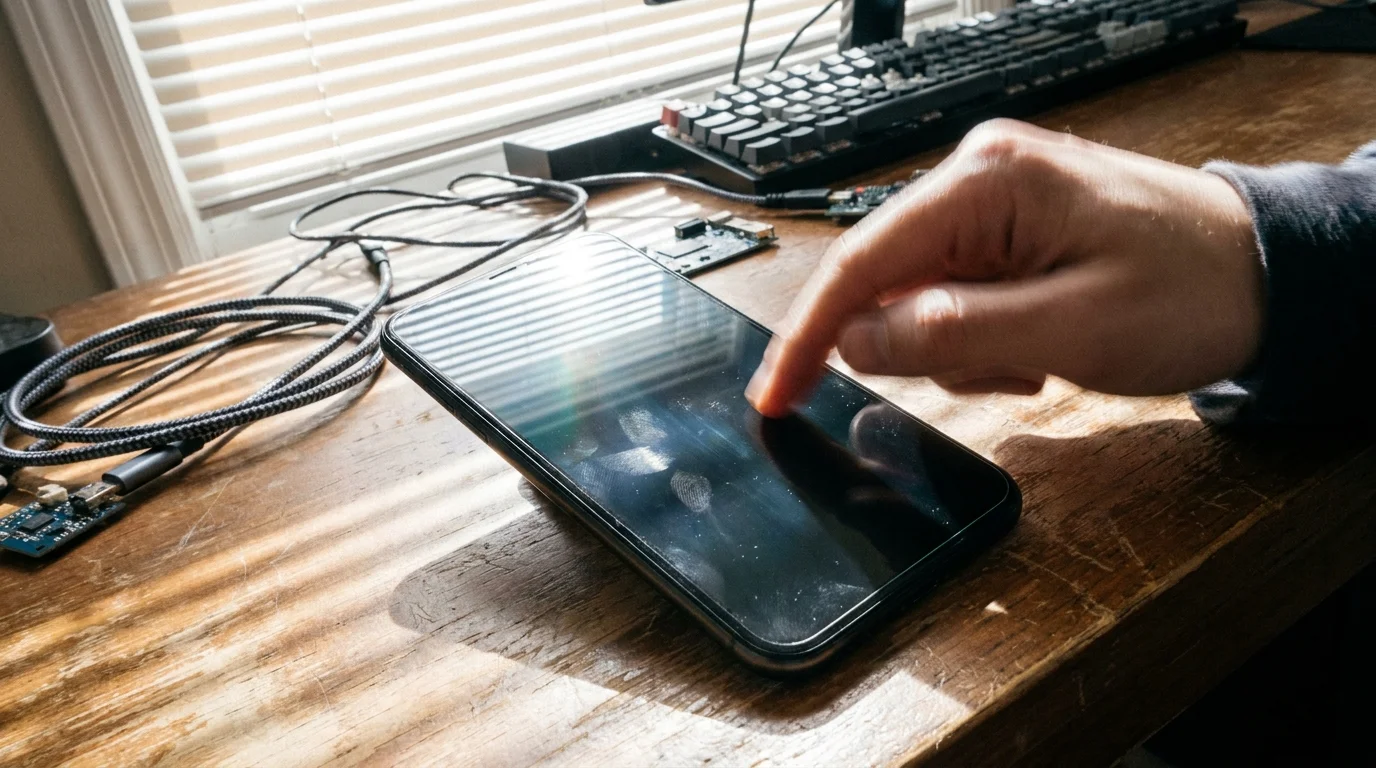
You pull your phone from your pocket under the harsh glare of midday sun. On that bright pane of glass, three missed calendar invites and four urgent Slack messages suddenly materialize all at once, their timestamps mocking you from forty-five minutes in the past. Your pocket never vibrated. The screen never lit up. You were standing right there, waiting for an alert that your device chose to swallow whole.
Modern smartphones are constantly engaged in an invisible, quiet triage. When you set your phone face down on a desk, you assume it remains an open conduit to your digital world, standing guard for every ping and reminder. In reality, the operating system is actively calculating the exact computational cost of your attention, weighing network handshakes against milliamp-hours of lithium reserve.
With recent firmware revisions rolling out across the ecosystem, that internal calculus has tipped into extreme austerity. Aggressive background process management has quietly severed the real-time tether between your favorite tools and your daily awareness, trading reliable communication for an extra fraction of battery life at the end of the day.
The Phantom Dormancy Algorithm
For years, mobile operating systems operated like an open reception desk, where any installed application could ring the front bell whenever fresh data arrived. Today, the system acts more like an overzealous security guard working the late shift. Instead of allowing independent services to maintain lightweight socket connections, the firmware bundles network requests into rigid, scheduled arrival windows.
Think of it as breathing through a tightly pinched straw. When your device detects that an application sits outside your immediate, daily rotation, it slips that service into a phantom sleep state. The application believes it is running; the remote server believes it has sent the ping. Yet the system-level scheduler simply pockets the packet, waiting until you manually wake the screen before dumping an hour of stacked alerts into your notification shade.
This shift stems from an aggressive calibration within the platform’s adaptive power engine. Rather than learning your nuanced routines over weeks, the latest update applies an immediate, heavy-handed freeze to non-whitelisted tasks the moment screen timeout engages. What the marketing literature frames as intelligent battery conservation often operates as a digital blackout for mission-critical alerts.
- Salt Typhoon telecom attacks expose critical router security flaws demanding urgent updates
- ThinkPad T480 laptops switch into silent home backup servers saving old hardware
- Home Assistant OS local setups enforce private smart automation blocking recurring fees
- Snapdragon X Elite synthetic benchmarks reveal shocking thermal throttles during heavy emulation
- Steam Deck shader cache bloat strips gigabytes of local solid state storage
Marcus Vance, a 34-year-old remote site coordinator in Austin, spent three days troubleshooting missed dispatch pings before realizing his hardware was silently suppressing them. ‘I thought our server was dropping WebSockets during field audits,’ Marcus noted while reviewing his device logs over coffee. ‘Turns out the phone had classified our bespoke field logging client as non-essential after barely twelve hours of zero touch interaction, freezing the background sync loop entirely.’
Diagnosing the Triage Layers
To reclaim reliable delivery, you have to understand how your device categorizes digital urgency. The software stack does not treat all alerts equally, creating distinct tiers of vulnerability depending on how an app interacts with the kernel.
The Standby Bucket Trap
Every application on your device lives inside one of four adaptive standby buckets: Active, Working Set, Frequent, or Rare. Once an app slips into the lower tiers, network access drops to occasional multi-hour sync windows. If you only open your smart home camera app or flight tracker when needed, the system assumes it can safely silence its real-time background threads.
FCM vs. Custom Push Protocols
Apps relying strictly on high-priority Firebase Cloud Messaging often survive the purge because they piggyback on core system services. However, independent applications, encrypted messaging platforms, and custom enterprise tools that maintain independent background heartbeats get severed almost immediately by the aggressive memory cleaner.
Mindful Reconfiguration: The Tactical Bypass
Restoring predictable notifications does not require rooting your phone or disabling every power-saving feature. It demands a deliberate, surgical exemption for the specific tools that govern your work and personal life.
By directly overriding the adaptive battery governor on an app-by-app basis, you force the scheduler to keep the network pipeline open, regardless of screen state or recent usage stats.
- Unrestricted Battery Access: Long-press the target app icon, tap the info button, navigate to Battery, and switch the profile from ‘Optimized’ to ‘Unrestricted’ to prevent the OS from killing background tasks.
- Disable Adaptive Memory Suspension: Open Device Care, select Memory, scroll down to Excluded Apps, and explicitly add your critical communication clients to prevent aggressive RAM flushes.
- Allow Background Data Transmission: Under App Settings > Mobile Data, toggle on ‘Allow background data usage’ alongside ‘Allow data usage while Data saver is on’.
- Lock App in Recents: Open your recent apps carousel, tap the application header icon, and select ‘Keep open’ to pin its active thread directly into working memory.
Keep your adjustments targeted. Applying these exemptions across thirty apps will noticeably drain your cell, but carving out exceptions for your primary calendar, two communication channels, and your two-factor authenticator restores rock-solid reliability with negligible thermal impact.
The Balance of Autonomy and Reliability
Our tools should serve our schedules, not dictate when we receive information. A phone that lasts thirty-six hours on a single charge is meaningless if it fails to notify you when a family member calls or a project deadline shifts unexpectedly.
Taking control of these low-level power levers transforms your relationship with your device. Instead of wondering whether your silence is genuine peace or just a suppressed queue of missed alerts, you regain absolute confidence that when your screen lights up, it reflects reality as it happens.
Reliability in mobile computing is not measured by the hours your screen stays off, but by the certainty that crucial signals reach you without delay.
| Configuration Layer | Default System Action | Targeted Custom State |
|---|---|---|
| Battery Optimization | App sleeping after idle period | Unrestricted process execution |
| Memory Management | Purges idle RAM allocations | Pinned background thread persistence |
| Data Saver Policy | Throttles background sync loops | Continuous socket handshake access |
Frequently Asked Questions
Why did my notifications stop working immediately after updating?
The latest firmware update resets system-level power profiles to default factory settings, re-enabling aggressive adaptive battery algorithms that place third-party apps into deep sleep.Will setting apps to Unrestricted ruin my daily battery life?
Not if you restrict the override to three or four mission-critical apps. The major battery drains are display brightness and heavy GPU tasks, not lightweight push notification listeners.Why do Google apps still deliver notifications while third-party apps fail?
Core Google services are deeply integrated into Google Play Services, which runs as an exempted system-level daemon that bypasses aggressive third-party process termination.Does turning off Adaptive Battery globally solve the issue?
Disabling global Adaptive Battery helps, but Samsung’s proprietary Device Care service runs separate power-saving layers that require manual per-app exclusions.How can I verify if an app is currently frozen in the background?
Check Device Care > Battery > Background usage limits. If the application appears under ‘Deep sleeping apps’, the system has completely severed its background capabilities.