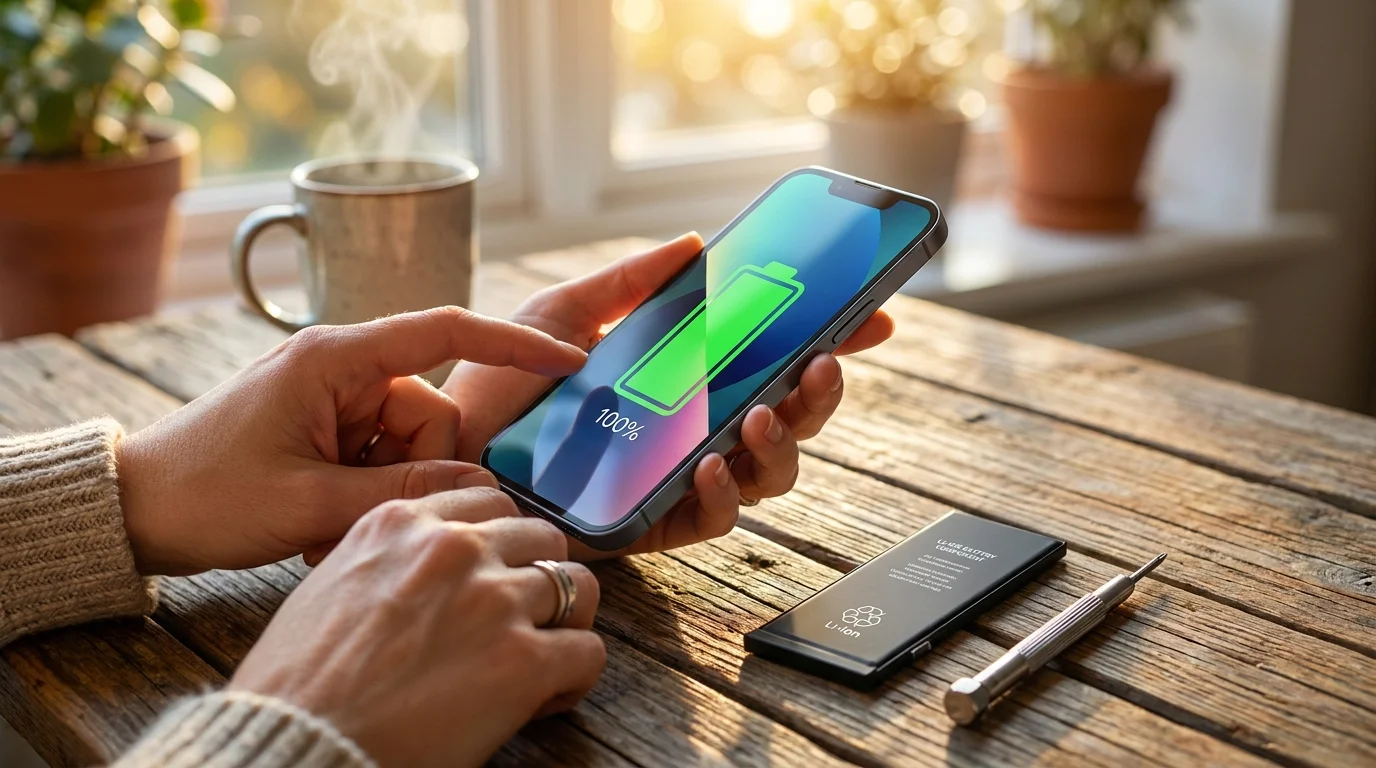
A sharp mid-afternoon chill settles against the window pane while your desk lamp casts a warm oval over scattered paperwork. In your hand sits a slab of midnight-blue aluminum and glass, cold to the touch and deceptively pristine. You tap the screen to check a calendar entry, only to see the battery bar blushing an anxious crimson at nineteen percent, though lunch ended barely two hours ago.
The immediate impulse, carefully groomed by modern carrier marketing, whispers that your hardware has grown tired. Glossy billboards and sleek keynote streams urge you to surrender the device to a trade-in bin and sign a thirty-six-month equipment financing agreement for the latest titanium flagship. Yet beneath that stubborn, rapidly draining display, the physical chassis remains unblemished, responsive, and completely capable.
Holding a device that suddenly dies mid-commute feels like breathing through a pillow. You begin rationing screen brightness, disabling location services, and carrying bulky power banks like emotional ballast. But your device is not failing from architectural obsolescence; its electrochemical reservoir has simply reached its natural twilight.
The Engine Under the Glass: Why Depletion Is Not Obsolescence
Imagine discarding a high-performance sports car merely because the original set of radial tires wore smooth against the asphalt. In any mechanical context, replacing a consumable contact point is treated as basic maintenance, yet consumer electronics have spent decades blurring the boundary between battery chemistry and core computing power.
Lithium-ion cells operate through a delicate dance of moving ions between cobalt-blended cathodes and graphite anodes. Every time you plug your device into a nightstand charger, small microscopic fractures develop within those chemical layers, gently choking the flow of current over hundreds of nights. The processor inside your hand remains as lightning-fast as the morning you peeled away the factory pull-tab, but it is forced to sip voltage through an increasingly narrow straw.
When software detects this chemical wear, it throttles peak performance spikes to prevent random system shutdowns. You experience this safety cushion as sluggish keyboard taps, stuttering camera shutters, and sudden percentage drops in cool weather. The illusion of a dying phone is convincing, but it is merely the protective reflexes of software guarding a tired chemical tank.
Julian Vance, a 41-year-old micro-soldering technician who runs an independent diagnostic lab outside Boston, sees hundreds of these motherboards across his microscope every month. “People walk through my door convinced their A15 chip has somehow rotted,” Julian explains while peeling back an adhesive gasket with titanium tweezers. “Then we pop in a fresh, calibrated cell, and the diagnostic bench shows identical clock speeds to a brand-new device fresh off the assembly line. You do not discard a solid engine when the fuel pump runs dry.”
- DaVinci Resolve tools strip choppy timeline stutter rivaling thousand-dollar video editing suites
- NotebookLM audio notes silence noisy laptop fan whines during intensive document audits
- Samsung Galaxy S26 launches enforce strict retail quotas amid global display shortages
- Google Messages RCS protocols override legacy carrier cellular networks nationwide
- Apple TV 4K updates block dangerous zero-day streaming exploits across home networks
The Balance Sheet: An Eighty-Nine Dollar Swap Against Carrier Indenture
The financial ledger tells an even more dramatic story than the bench diagnostics. Securing an official Apple Store battery replacement for an iPhone 13 currently requires an out-of-pocket investment of eighty-nine dollars plus your local state tax. Within two hours, an authorized technician runs pressure tests, replaces the internal water-resistant seals, and hands back your existing phone running at one hundred percent peak health.
Contrast that surgical precision against the deceptive siren song of zero-down carrier financing. Upgrading to a base modern flagship demands an immediate payment of state sales taxes on the full retail value—roughly eighty dollars upfront in most American jurisdictions. Financing locks your monthly cashflow into thirty-six recurring device payments of thirty dollars or more, while quietly forcing your account onto premium, un-throttled unlimited plans that tack on another twenty dollars each billing cycle.
Over a three-year span, deciding to upgrade rather than service your current device extracts upwards of twelve hundred dollars from your household budget. That massive price disparity buys you marginally thinner screen bezels, an action button you will rarely press, and a camera upgrade whose subtle dynamic range differences remain imperceptible when viewing snapshots on social media feeds.
Tailoring Your Strategy: The Three Diagnostic Profiles
Deciding when to schedule a service visit depends heavily on how your device fits into your physical day. Understanding your usage layer helps identify whether an immediate hardware refresh makes practical sense.
For the Road Warrior and Commuter
If your daily routine involves navigating busy metro interchanges, streaming podcasts over cellular modems, and managing client calls from airport terminals, battery volatility is a professional liability. When maximum capacity drops below eighty percent, the modem struggles to draw the burst current required to maintain fringe 5G signals. A fresh cell eliminates sudden signal loss and the dreaded mid-day black screen without burdening your travel bag with heavy external batteries.
For the Digital Minimalist
Perhaps you treat your phone as an intentional tool: casual texting, banking verifications, and taking occasional weekend photos. If your battery health indicator lingers around eighty-three percent, you may not need an immediate service visit. Toggling low power mode proactively during quiet afternoon stretches can easily stretch your current cell another six months, allowing you to bypass service logistics entirely until the operational dip becomes unmanageable.
For the Family Hardware Steward
Hand-me-down cycles often break when a teenager or elderly parent inherits a phone with degraded thermals. Instead of buying a budget-tier new phone that features cheap plastic construction and weak display glass, an eighty-nine dollar service visit converts your old iPhone 13 into a reliable, flagship-grade tool that will run modern software safely for several more years.
The Diagnostic and Restoration Sequence
Restoring your device to showroom endurance does not require technical daring, but it demands mindful preparation to ensure your data stays protected and your downtime stays minimal.
- Open your settings, select the battery pane, and examine your maximum capacity percentage. If the reading sits below eighty percent, or displays a service notice regarding throttled peak performance, scheduling an official service appointment is justified.
- Execute a complete encrypted backup using your personal computer or cloud storage immediately prior to your appointment. While standard battery replacements rarely disturb onboard flash memory, diagnostic security resets can happen.
- Clean the Lightning charging port gently using a wooden toothpick or dry micro-brush. Often, compacted pocket lint prevents charging cables from seating properly, masquerading as battery failure when the true culprit is poor mechanical contact.
- Book an appointment directly through official service portals rather than walking into high-traffic retail stores unscheduled. Technicians can complete an authorized battery swap and reseal the adhesive water barrier in roughly ninety minutes when parts are staged in advance.
Avoid cheap non-certified replacement kits purchased from unverified marketplace sellers. Uncalibrated third-party power packs lack factory thermal monitoring sensors, often triggering persistent warning banners in your operating system while creating genuine safety risks under heavy charging loads.
The Quiet Freedom of Keeping What Works
There is a distinct, grounding satisfaction in resisting the annual churn of consumer tech upgrades. When you step outside the cycle of artificial urgency, your phone ceases to be a status symbol tied to a carrier contract and returns to what it was always meant to be: a dependable, silent utility that serves your life without demanding constant financial attention.
Carrying a paid-off, high-performance tool with a brand-new battery feels light in the pocket in more ways than one. You keep your favorite form factor, avoid the friction of migrating accounts and digital authenticators, and keep a functional piece of precision engineering out of the global waste stream. With a single eighty-nine dollar maintenance step, you turn back the clock three years, keeping your focus where it belongs—on your life, not your battery percentage.
“True consumer power lies not in buying the newest release, but in knowing precisely when an eighty-nine dollar repair can outsmart a twelve-hundred-dollar marketing trap.”
| Key Point | Detail | Added Value for the Reader |
|---|---|---|
| Physical Battery Replacement | Costs approximately $89 via certified service channels with genuine calibrated parts. | Saves over $1,000 compared to entering a new 36-month carrier financing contract. |
| Diagnostic Performance Threshold | Health metric below 80% capacity triggers active CPU power management and throttling. | Pinpoints the exact physical moment when sluggishness is fixable without a new phone. |
| Thermal & Water Resistance | Professional replacement includes fresh factory-grade perimeter seals and pressure testing. | Maintains moisture protection and heat dissipation that DIY repairs frequently compromise. |
Frequently Asked Questions
How long will an iPhone 13 remain supported with major security and software updates?
Apple historically supports hardware architectures with operating system updates for six to seven years from launch. The iPhone 13, powered by the 5nm A15 Bionic processor, is comfortably positioned to receive full software and critical security updates well into 2027 or 2028.Will replacing the battery erase the personal data and photos on my device?
Standard battery replacement protocols do not target internal storage partitions, meaning your photos, messages, and settings remain untouched. However, creating an encrypted local or cloud backup prior to handing over the device remains a non-negotiable safeguard against accidental diagnostic resets.How long does an authorized service provider take to swap the battery?
If you schedule a reservation through an Apple Store or an authorized service provider with the specific part in stock, the bench repair, adhesive curing, and pressure calibration typically take between sixty and one hundred and twenty minutes.Can an independent repair shop perform this swap without causing software warnings?
Independent shops operating under authorized repair programs possess the proprietary calibration tools needed to link the new battery serial number to your motherboard. Unaffiliated repair kiosks without this access will trigger an ‘Unknown Part’ notification and disable native battery health metrics.Does fast charging degrade a newly installed battery faster?
High-wattage wall bricks running above twenty watts generate higher ambient thermal loads during the zero-to-fifty percent charging cycle. To maximize the lifespan of your fresh cell, use standard lower-wattage bricks overnight and engage optimized battery charging within your software settings.