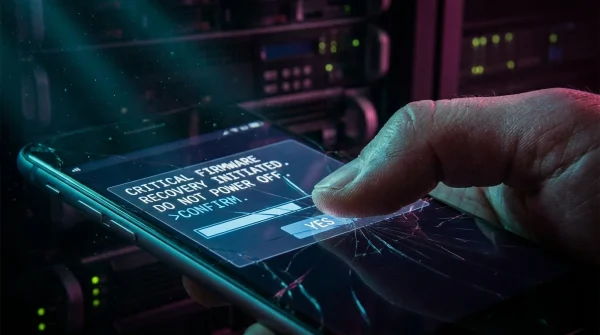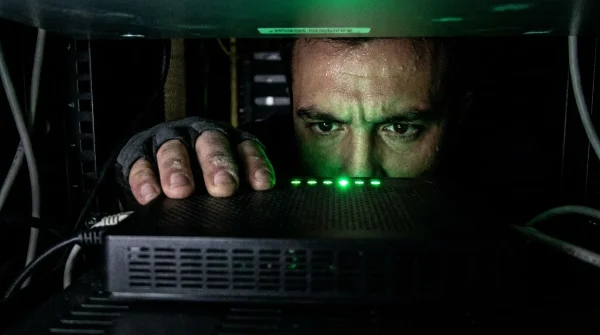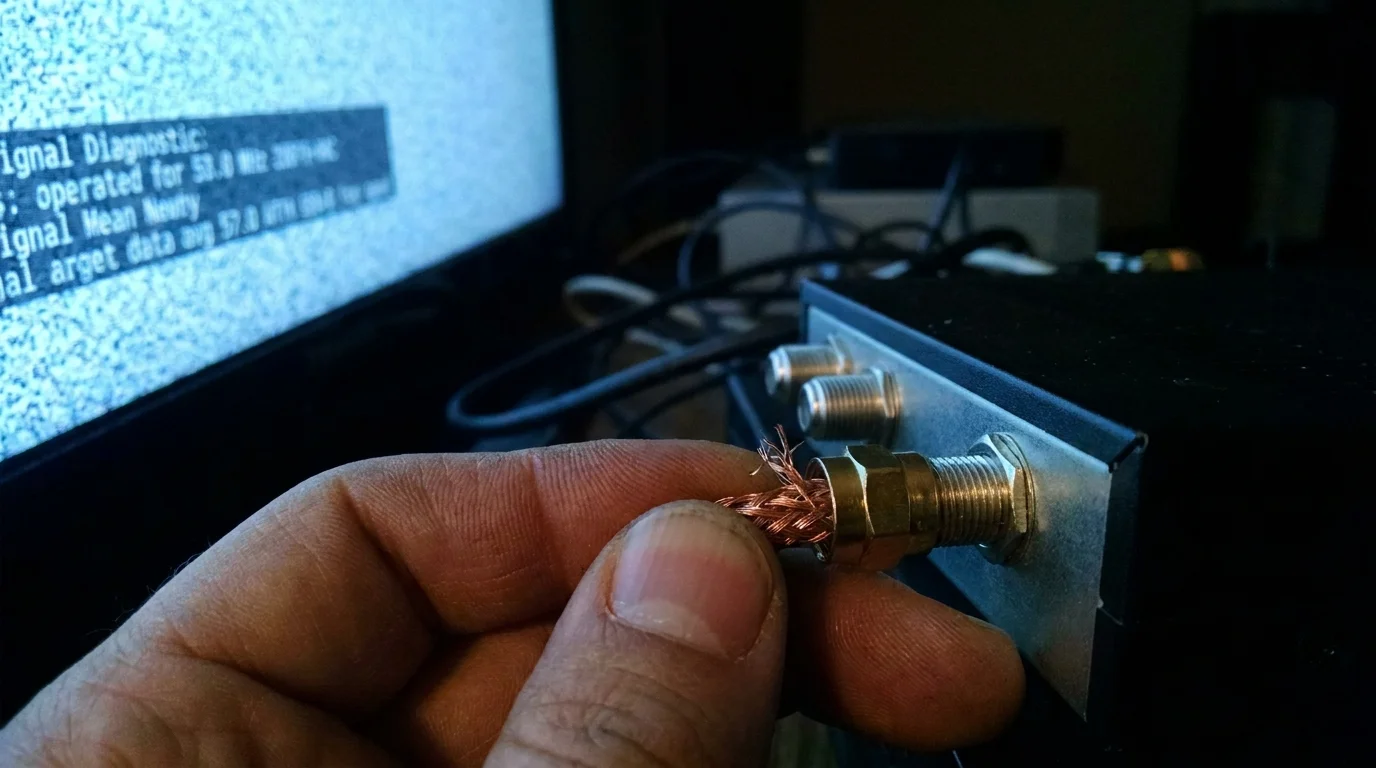
A familiar hum fills the quiet room as afternoon light cuts across the wooden cabinet beneath your television. You press the power button on that trusted, silver-fronted set-top box, expecting the local news or the ballgame to flicker instantly into view. Instead, the screen drops into a void of mottled digital noise, stuttering pixel blocks, or a stark message stating the channel is no longer authorized.
You lean over the back of the console, the faint scent of warm electronics and settled dust greeting you. Reaching into the tangle of black cords, your fingertips brush against a threaded brass coaxial connector showing fraying copper wire braid near the rubber boot. You tighten it a quarter turn against the threaded wall plate, convinced it is merely a loose fitting or weather-beaten drop line outside your window.
Yet the silence persists. For decades, we treated the coaxial line entering our homes like a municipal water pipe: a passive conduit that simply delivered pictures as long as the copper remained unbroken. Physical cables outlive internal tuners, but the invisible traffic riding through that copper has crossed an irreversible threshold.
What looks like a sudden hardware failure is actually a quiet, coordinated spectrum reallocation. Cable operators across the United States are overhauling their physical frequency architectures, reclaiming traditional analog and legacy digital channels to feed an insatiable demand for gigabit upstream internet bandwidth.
The Spectrum Squeeze: Why Copper Has a New Language
To understand why your legacy receiver suddenly went dark, think of your coaxial line as a multi-lane interstate highway. For thirty years, cable providers dedicated eighty percent of those lanes to one-way downstream television broadcasts, reserving just a narrow shoulder on the low end—typically 5 to 42 megahertz—for basic box communication and modest internet uploads.
As cloud backups, video calls, and home servers multiplied, that narrow shoulder choked. Cable networks are now executing mid-split and high-split upgrades, pushing the upstream boundary to 85 MHz or even 204 MHz. Legacy set-top tuners blindside viewers because their internal bandpass filters physically cannot interpret television signals remapped into frequencies above 1 GHz or compressed into entirely new IP video streams.
The physical copper line in your living room still works perfectly. The problem is that your vintage box is listening for an old acoustic dialect that the network has stopped speaking.
- Google Assistant voice logs expose unencrypted audio telemetry prompting urgent account privacy resets across home speakers
- Sony PS Plus subscription tiers enforce strict cloud storage caps blocking automated game capture backups
- Xbox dashboard software updates trigger aggressive energy caps stopping heavy standby power drain across connected hubs
- Xbox console power cords spark urgent replacement advisories over overheating plugs and scorched plastic ports
- Apple trade-in valuations demand spotless camera lenses and zero greasy scratches for peak cash payouts
The Field Reality: Thirty Years on the Utility Pole
Marcus Vance, a 52-year-old network maintenance technician working the suburbs outside Philadelphia, spends his mornings running frequency sweep tests from service pedestals. In his tool belt rests a worn spectrum analyzer that has documented the slow death of analog channels and the rise of dense digital quadrature amplitude modulation.
“People call us convinced their wall outlet died overnight,” Marcus says, adjusting his hard hat against the morning glare. “They show me a heavy, gray Motorola or Scientific Atlanta box that ran without a hiccup for fifteen years. They don’t realize that when we light up DOCSIS 3.1 and 4.0 upstream blocks in their neighborhood, those old QAM tuners get swamped by carrier noise. The box isn’t broken; it’s stranded in the wrong frequency decade.”
Evaluating Your Setup: The Three Affected Configurations
Not every household experiences this spectrum migration in the exact same manner. Depending on how long you have preserved your existing entertainment gear, your transition path falls into one of three distinct categories.
The Legacy Multi-Room Subscriber
If your home relies on thick, heat-radiating boxes with mechanical front clocks and component video outputs, your hardware relies on legacy MPEG-2 digital decoders. Modern networks require HEVC compression and IPTV handshakes, rendering these legacy receivers incapable of picking up high-definition broadcasts once a node converts to all-digital IP carriage.
The Direct-to-Coax Minimalist
Many guest rooms and garages feature a coaxial cable screwed straight into an older flat panel using an internal ClearQAM tuner. Unencrypted broadcast feeds are vanishing as providers encrypt entire channel lineups to prevent signal theft and free up raw megahertz for symmetrical broadband tiers.
The Hybrid Modem and Video Home
If you run a newer DOCSIS 3.1 standalone modem on the same coaxial splitter as your vintage television boxes, you may notice micro-stuttering on your screen whenever someone uploads a heavy file. Unfiltered legacy splitters bleed frequencies, creating localized packet collisions between your high-speed internet data and aging television tuners.
Reclaiming Your Signal: The Equipment Transition
Restoring your high-definition broadcasts does not require rewiring your walls with new construction, but it does require swapping out the outdated gateways sitting on your shelves. Approach the transition with a clear, step-by-step strategy to avoid unnecessary hardware rental fees.
The simplest path forward replaces the legacy tuner with a small-footprint IP streaming client provided by your carrier or a modern digital-to-IP television bridge. Digital adapters draw less electricity and process video feeds routed directly over local Wi-Fi or MoCA home network channels.
- Inspect your existing splitters and confirm they are rated for 5 to 2150 MHz to ensure full high-split DOCSIS pass-through.
- Replace any aging RG59 coaxial patch cords with double-shielded RG6 cables featuring solid brass compression fittings.
- Request a DOCSIS 3.1 wireless video receiver or an approved Xumo/Android TV IP box directly from your service provider.
- Install a point-of-entry MoCA POE filter at the main external splitter to prevent local network signals from bleeding into neighboring lines.
- Verify that your television display accepts direct HDMI input to bypass obsolete analog component or composite connections.
Tactical Toolkit for Spectrum Migration
Keep these precise technical specifications handy when auditing your home hardware or speaking with customer support representatives:
• Frequency Split Standard: High-Split (5–204 MHz upstream, 258–1218+ MHz downstream)
• Recommended Cable Spec: RG6 Quad-Shield with 75-Ohm nominal impedance
• Minimum Tuner Protocol: DOCSIS 3.1 with Full Band Capture tuning or Carrier IPTV profile
• Splitter Rating: 2.4 GHz Bi-Directional with gold-plated F-connectors
The Invisible Evolution of Home Infrastructure
Letting go of hardware that served reliably for over a decade can feel like planned obsolescence, but this shift represents something far more functional. Reclaiming crowded airwaves empowers communities with symmetrical data speeds, turning old one-way entertainment pipelines into two-way digital conduits.
When you swap out that warm, humming box for a silent, palm-sized digital converter, you clear out clutter, lower your utility bill, and eliminate the crackling static of an exhausted spectrum. The copper line inside your wall remains an engineering marvel—it just needed a modern interpreter to breathe clear sound and vibrant color back across the screen.
“Spectrum is not an infinite void; it is real estate, and modern connectivity demands that every megahertz pull its weight.”
| Equipment Layer | Technical Limitation | Upgrade Payoff |
|---|---|---|
| Legacy QAM Box | Limited to MPEG-2/4 over fixed downstream sub-bands | Instant access to 4K streams and interactive program guides |
| Direct ClearQAM Tuner | Blocked by encrypted channel tiering and zero carrier support | Restores missing local networks through native IP applications |
| 5–1000 MHz Splitter | Attenuates mid-split and high-split return path signals | Eliminates pixelation and stabilizes home internet upload speeds |
Frequently Asked Questions
Why did my cable box stop working without any physical damage to the wire?
Your cable provider moved broadcast channels to higher frequencies or migrated them to all-IP streams to expand internet bandwidth, leaving older tuners physically unable to read the signal.Can I use a simple over-the-air antenna to fix this?
An antenna will restore free local broadcast channels (like NBC, CBS, and FOX), but you will need an updated digital box from your cable company for specialized cable programming.Do I have to tear open my walls to replace the coaxial cables?
No. Standard RG6 coaxial cables already inside your walls can carry modern DOCSIS 3.1 frequencies once outdated splitters and legacy set-top boxes are upgraded.Will these new IP-based TV boxes slow down my home internet?
No. Cable operators prioritize television packets using dedicated bandwidth management, ensuring your streaming video feeds do not degrade household download speeds.How do I know if my coaxial patch cables are too old?
Check the lettering printed on the jacket; if it reads ‘RG59’ or features push-on slip connectors instead of screw-down brass fittings, replace it with an RG6 cable immediately.