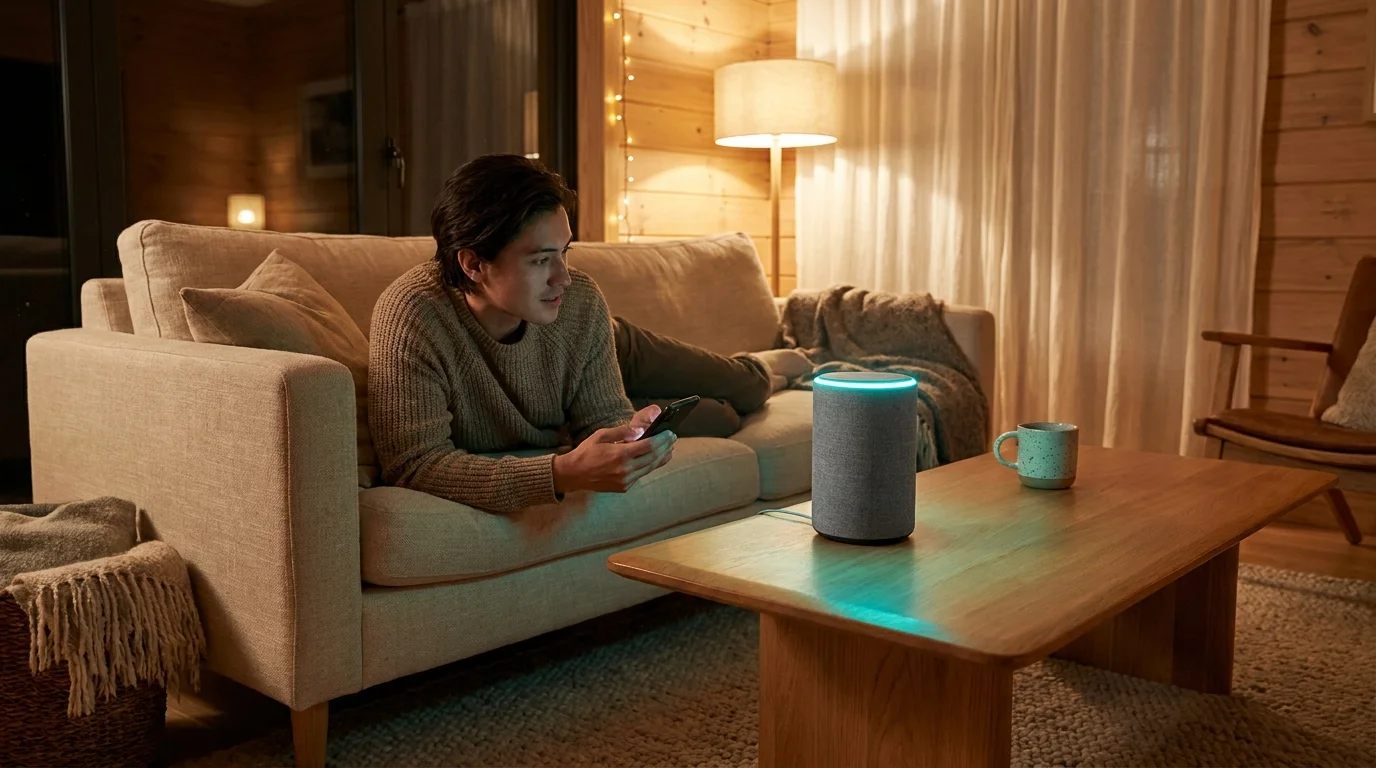
Late at night, when the house settles into stillness, look at the fabric-wrapped smart speaker resting quietly on your bookshelf. In the dim hallway light, that tiny cylinder sits motionless, its muted matte finish blending into the woodwork. You bought it to play morning podcasts, check the weather, or set pasta timers while your hands were covered in flour.
You assume that when you stop speaking to it, the device simply listens for its wake word and does nothing else. You expect your home network to stop at your front door, contained neatly within the drywall and insulated windows of your living space. But as you sleep, a faint cyan glow sometimes pulses across the top ring—a silent pulse of background activity you never explicitly scheduled.
Behind that subtle glow, your device is quietly reaching past your walls. Without asking for a monthly subscription or flashing an alert across your phone, it is quietly pooling your private bandwidth into a shared neighborhood grid. Your internet router has been quietly conscripted into an experimental municipal mesh network, bridging data across property lines to communicate with unfamiliar hardware down the block.
The Neighborhood Driveway You Didn’t Know You Paved
Imagine buying a secure wooden fence to enclose your backyard, only to discover the carpenter secretly installed a revolving turnstile for anyone walking down the street. That is precisely how Amazon Sidewalk treats your residential internet connection. It turns your private hardware into a public municipal relay station.
The system works by carving out a slice of your Echo or Ring device’s wireless capability—using Bluetooth Low Energy, standard Wi-Fi, and long-range 900MHz LoRa radio frequencies. Instead of keeping your internet pipe solely between your family and your provider, your speaker becomes a bridge. When a delivery tracker, a neighbor’s smart floodlight, or an unfamiliar sensor outside loses connection to its own hub, it piggybacks onto your Echo to transmit telemetry back to the cloud.
Tech conglomerates pitch this feature as the ultimate community safety net. They frame it as a way to keep outdoor smart locks online and locate missing pet tags. Yet, the foundational flaw lies in the architecture: it is turned on by default, treating your residential internet connection as communal enterprise property unless you manually intervene.
- Car wireless charging docks roast hot lithium cells against baking windshield sun
- WhatsApp desktop shortcuts strip clumsy mouse navigation into rapid split-second chat switches
- TP-Link Archer routers eliminate dead zone buffers after switching noisy default channel widths
- Samsung Galaxy Tab S10 Ultra recycles identical display panels leaving buyers with minimal upgrades
- iPhone Stolen Device Protection blocks rogue passcode thieves from locking iCloud accounts instantly
Marcus Vance, a 41-year-old network systems architect in Austin, discovered this quiet protocol firsthand while running packet captures across his home VLAN. Late one Tuesday evening, he noticed anomalous outbound telemetry originating from an Echo Dot in his guest bedroom at 3:15 AM. The speaker was actively relaying encrypted payload bursts from a third-party outdoor security camera installed three houses away, consuming local channel airtime without a single notification appearing on his phone.
Assessing the Mesh Radius: Suburbia vs. Dense Urban Blocks
The operational reality of this quiet radio bridge shifts dramatically depending on where you park your car at night. The environmental impact on your wireless space is not one-size-fits-all.
The Low-Density Suburban Lot
In sprawling neighborhoods with wide front lawns and detached garages, the 900MHz radio band becomes an expansive net. Because low-frequency signals travel over half a mile without breaking a sweat, your Echo can effortlessly reach down the street. In this setting, your speaker acts as an anchor point for outdoor yard sensors, smart water timers, and neighborhood delivery beacons, quietly transmitting external diagnostic payloads through your primary modem.
The High-Density Multi-Unit Complex
In an apartment building or condo floor with shared walls, dozens of compatible devices sit stacked within inches of each other. This creates a hyper-congested radio environment where individual speakers continuously negotiate mesh handshakes with neighbor hardware. The result is invisible radio interference on your local 2.4GHz bands, contributing to micro-stutters during video calls and unnecessary telemetry traffic across your personal gateway.
Reclaiming Your Perimeter: The Alexa App Audit
Restoring the boundary around your home network does not require unplugging your smart speakers or burying them in a drawer. It simply requires flipping a deeply buried digital toggle that should have been optional from the beginning.
Take three minutes right now to walk through your mobile device and reclaim your bandwidth:
- Open the Amazon Alexa app on your iOS or Android phone.
- Tap the More icon located in the bottom-right corner of the navigation bar.
- Select Settings from the menu list, then scroll down to tap Account Settings.
- Locate and select the line labeled Amazon Sidewalk.
- Look for the primary toggle switch at the top of the screen and flip it to Disabled.
- Confirm the prompt to ensure the bridge status permanently reads as inactive.
Once disabled, your Echo devices will communicate exclusively with your authorized home hardware, instantly terminating their role as external neighborhood repeaters.
Tactical Toolkit: Hardware Verification
Keep these baseline operating figures in mind when auditing your smart home perimeter:
- Bandwidth Allocation: Sidewalk caps monthly shared bandwidth at 500MB per account, with data rates restricted to 80Kbps. While small, this steady trickle introduces constant background packet traffic.
- Radio Frequencies: The system utilizes 900MHz LoRa bands for long-range reach and 2.4GHz Bluetooth LE for close-quarters handshakes.
- Status Check: If you ever perform a hard factory reset on an Echo or Ring device, verify this setting immediately. Resetting hardware frequently re-enables default mesh sharing.
Drawing Quiet Lines in a Connected Home
Modern personal technology is most rewarding when it serves the people living under your roof, rather than acting as decentralized infrastructure for an enterprise cloud platform. There is a deep satisfaction in knowing that your living room remains your own, free from invisible data bridges reaching out to the curb.
Taking control of buried device settings transforms you from a passive consumer into an intentional steward of your living space. By shutting down unwanted background telemetry, you ensure your home network remains exactly what you pay for: a private, secure sanctuary for your daily life.
“True network privacy begins the moment you decide that your home hardware works exclusively for your household, not for the neighborhood grid.”
| Key Point | Detail | Added Value for the Reader |
|---|---|---|
| Mesh Conscription | Amazon Sidewalk shares small slivers of your home internet bandwidth by default. | Identifies why your smart speaker sends background data when idle. |
| Transmission Spectrum | Uses 900MHz LoRa and Bluetooth LE to broadcast up to half a mile. | Reveals how far your device reaches beyond your physical property lines. |
| Manual Opt-Out | Hidden deep inside the Alexa app under Account Settings. | Gives you immediate, actionable steps to secure your private network boundary. |
Frequently Asked Questions
Will disabling Amazon Sidewalk break my Echo or smart lights?
Not at all. Your Echo, smart plugs, light bulbs, and streaming routines will continue to work normally over your standard Wi-Fi network.Does Amazon Sidewalk cost extra money on my internet bill?
While Amazon does not charge for the feature, the shared data draws from your home ISP data allotment, which could matter if you have strict monthly data caps.Can my neighbors see my private browsing data through Sidewalk?
No. The data transmitted over the mesh is encrypted with layered keys, meaning neighbors cannot view your private browsing history or local files.Which devices act as Sidewalk bridges?
Most Echo smart speakers (Echo Dot 3rd Gen and newer, Echo Show models, Echo Studio) and select Ring security floodlights and cameras act as bridges.Will I need to disable this again after a power outage?
A standard power outage will preserve your settings. However, performing a factory reset on any individual Echo device will require you to check the slider again.