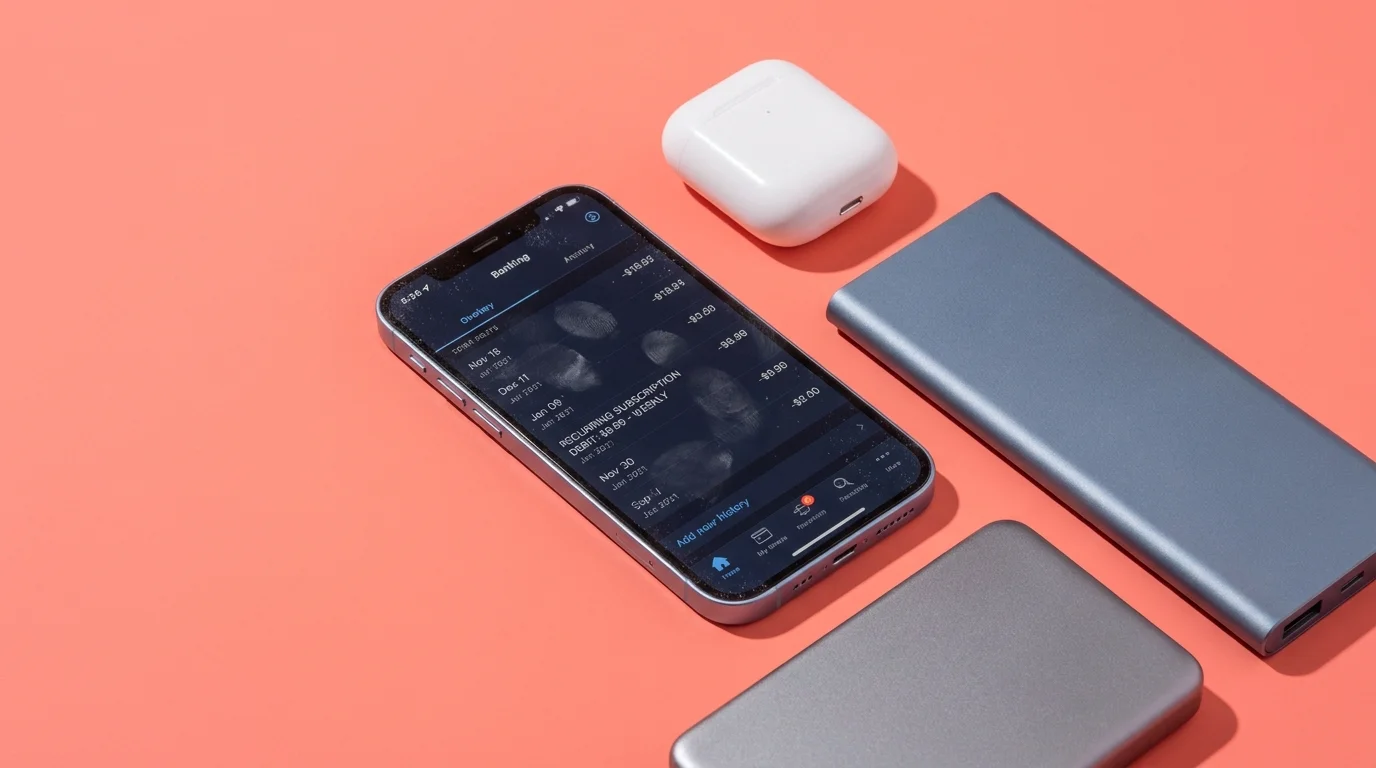
You open your digital banking statement PDF late on a quiet Tuesday evening, scanning through grocery runs and utility payments under the pale glare of your kitchen pendant light. Between an ordinary grocery run and an electric bill, something quiet and unfamiliar catches your eye: a faint recurring line item for $9.99, labeled only with a vague billing code like APL*ITUNES.COM/BILL. It looks small enough to ignore at a casual glance, but scrolling backward through three months of archives reveals the cold reality of a compounding bleed. That single, forgotten transaction has pulled over a hundred dollars from your checking account every four weeks without a solitary alert or push notification.
We have all been conditioned to view software trials as generous digital lending libraries. You tap a promising tool to scan a single tax form or erase a stray tourist from a vacation photo, greet a splash screen promising three free days of access, and double-click the side button to confirm. In your mind, you borrowed an app for an afternoon chore; on your ledger, you quietly signed a lease for an ongoing weekly charge that rivals the cost of a home broadband connection.
The financial friction of modern software no longer hits all at once like an annual boxed software purchase. It arrives instead as a silent drip—dozens of obscure utility apps deliberately structuring their pricing around short, aggressive weekly cycles that slip right beneath your weekly spending radar. Understanding how these billing loops catch you off guard is the first step to securing your digital wallet.
The Illusion of the Frictionless Trial
Mobile app store mechanics operate on an asymmetric psychological design. Developers of predatory utility apps know you rarely measure expenses in seven-day increments; your rent, insurance, and salary all move on monthly rhythms. When an interface masks a staggering $520 annual expense behind a casual prompt of ‘$9.99 per week,’ it bypasses the mental guardrails you normally reserve for three-figure software suites.
These applications construct their enrollment screens around engineered misdirection. The primary call-to-action button glows bright and welcoming, claiming to start your zero-cost evaluation period, while the true billing cadence hides in low-contrast, six-point gray type tucked right against the bezel. Because modern smartphones use instant biometric confirmation, your face authorizes the transaction before your eyes can process the fine print.
Elena Rostova, a 34-year-old interface auditor based in Seattle, spends her days cataloging dark patterns across consumer software ecosystems. Last autumn, she documented how a generic PDF scanner app generated over three million dollars in quarterly revenue by utilizing a three-day trial that rolled directly into a $7.99 weekly fee on Friday nights at midnight. Her research proved that over eighty percent of affected users never opened the application a second time after their initial chore, leaving the recurring charge running undetected for an average of five billing cycles.
- Refurbished Surface Pro tablets expose worn battery cells during five minute diagnostic audits
- Beats Fit Pro earphones stop choppy audio stutter through a simple Bluetooth network reset
- Whoop 4.0 bands deliver erratic sleep metrics when greasy skin oils coat optical sensors
- Beats Fit Pro earphones stop choppy audio stutter through a simple Bluetooth network reset
- Google Photos sync strips away local camera roll albums during rushed phone transfers
Deconstructing the Three Traps in Your Pocket
Not every subscription app operates with predatory intent, but the ones draining weekly accounts tend to fall into distinct operational categories. Identifying the fingerprint of these categories helps you spot the trap before your thumb touches the confirmation trigger.
The Single-Use Utility: These are document compressors, barcode readers, and flashlight extensions that solve immediate, high-urgency friction. You download them in a pinch—standing in an office lobby or waiting at the post office—where cognitive bandwidth is low. Their billing screens exploit your hurry by presenting a full-screen trial prompt that mimics an operating system setup screen.
The Fleeting Novelty Studio: AI portrait generators, aging filters, and ringtone makers thrive on viral social trends. They offer instant gratification behind a seventy-two-hour trial, knowing full well you will lose interest by tomorrow afternoon. Because the entertainment value expires long before the trial does, the application sits abandoned in an app library folder while billing silently repeats every Monday.
The Ambiguous Fitness Routine: Generic step counters and fasting timers frequently avoid standard monthly billing tiers in favor of weekly structures. They disguise their fees behind prolonged intake quizzes, conditioning you to tap ‘Next’ repeatedly until the final tap seamlessly authenticates a recurring payment.
The Zero-Second Cancellation Protocol
The single most powerful rule of mobile app trials is one that developers deliberately obscure: canceling a trial does not immediately revoke your access. Under Apple’s native billing infrastructure, when you initiate a free trial, your entitlement to those features remains valid until the original expiration timestamp, even if you terminate the renewal contract thirty seconds later.
- Open your primary settings: Tap your name at the very top of the main iOS Settings menu to enter your Apple Account hub.
- Navigate to Subscriptions: Select the dedicated Subscriptions tab, which compiles every active and expired recurring service linked to your payment methods.
- Terminate the renewal trigger: Tap the offending application and choose ‘Cancel Free Trial’ or ‘Cancel Subscription’. Confirm the prompt without hesitation.
- Audit phantom family shares: If Family Sharing is enabled, verify whether an unmanaged child account has authorized secondary trial loops.
By making cancellation your immediate, automatic second step the moment you download any trial-gated software, you dismantle the recurring trap entirely. You retain full access to test the tools for the advertised three or seven days, while guaranteeing that the transaction terminates automatically without a single cent leaving your bank balance.
If you discover an unexpected charge that already cleared your statement, bypass the developer entirely. Navigate directly to Apple’s official refund portal at reportaproblem.apple.com, sign in with your credentials, select ‘Request a refund,’ and choose ‘I did not mean to renew a subscription.’ Most initial refund claims submitted within fourteen days of billing are resolved within forty-eight hours.
Reclaiming Your Digital Balance Sheet
The modern smartphone is the most intimate piece of hardware you own, but it is also a hyper-efficient retail terminal designed to minimize buying friction. When micro-charges disappear into the background noise of everyday banking, you lose sovereignty over your hard-earned capital in exchange for tools you never intended to keep.
Establishing a deliberate, mindful routine around your digital subscriptions restores clarity. Treating every biometric prompt with the same gravity as signing a paper contract ensures that your technology serves your life, rather than quietly siphoning your balance when your back is turned.
Treat your biometric confirmation like a physical signature on a legal contract, because your digital banking ledger certainly will.
| Billing Trap Type | Deceptive Mechanism | Immediate Protection Strategy |
|---|---|---|
| Weekly Utility Loop | Masks high annual fees ($520/yr) behind short $9.99/wk billing cadences. | Cancel inside iOS Settings immediately after app installation. |
| Biometric Ambush | Triggers Face ID confirmation during routine in-app navigation clicks. | Disable in-app purchases under Screen Time Content Restrictions. |
| Silent Renewal | Converts 3-day trials into charges without sending push notifications. | Audit the Apple Account Subscriptions list on the first of every month. |
Frequently Asked Questions
Will I lose my trial features if I cancel on the first day?
No. Apple’s billing framework preserves your full access to the trial features until the stated expiration date, even if you cancel the recurring renewal immediately.Why do apps charge weekly instead of monthly or yearly?
Weekly billing obscures the high overall cost of the software and fits under many automated banking fraud alert thresholds, allowing charges to continue unnoticed for months.Does deleting an app from my home screen stop the subscription?
No. Removing an application icon from your device does not cancel the underlying billing agreement managed by your Apple ID.How do I request a refund for an accidental weekly charge?
Visit reportaproblem.apple.com, sign in with your Apple ID, choose ‘Request a refund,’ and select the charge from your purchase history.Can I prevent apps from initiating trial subscriptions altogether?
Yes. You can navigate to Settings > Screen Time > Content & Privacy Restrictions > iTunes & App Store Purchases and set ‘In-app Purchases’ to ‘Don’t Allow.’