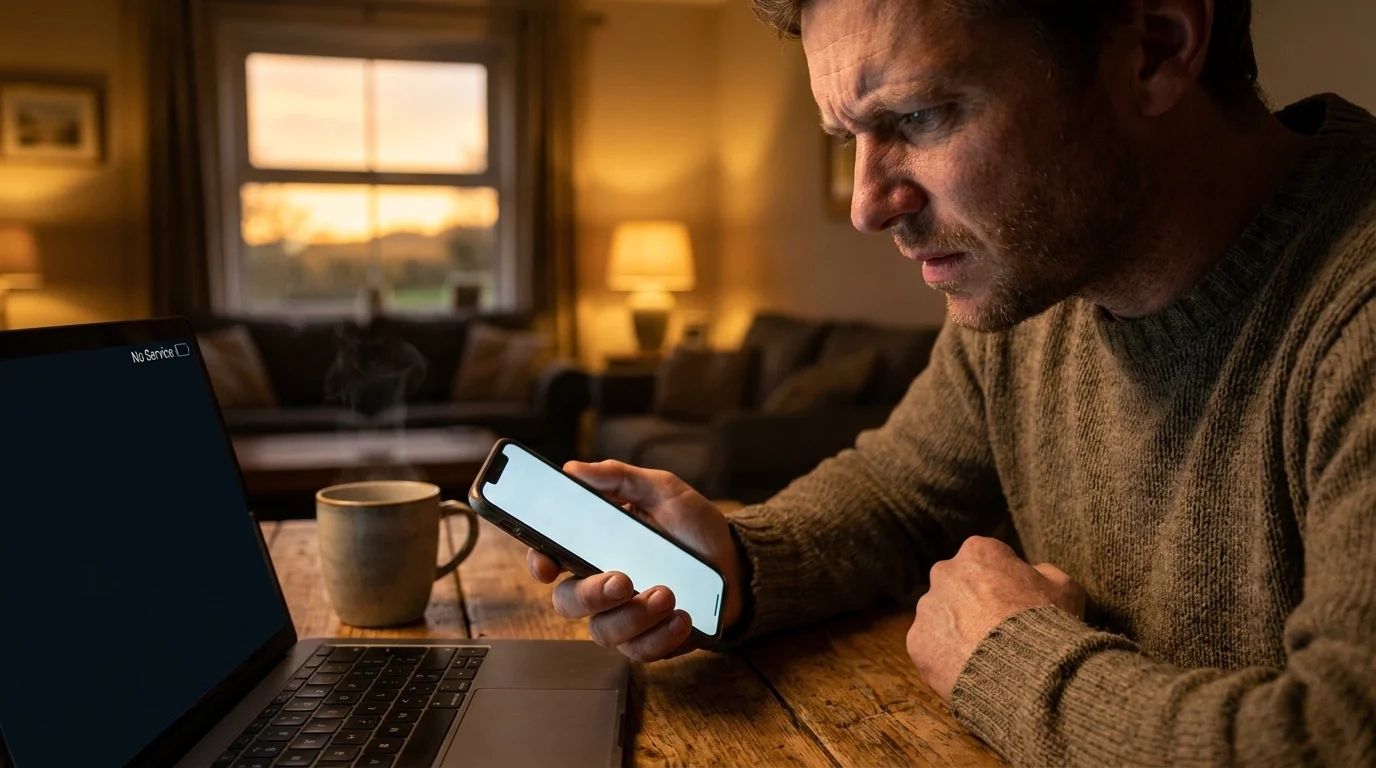
You are sitting at your kitchen counter on a calm Tuesday morning, steam curling off your mug of coffee. Your phone rests face-up against a salt shaker, screen dark, minding its own business while you finish a slice of sourdough toast. Then, the display wakes on its own. There is no chime, no incoming call banner, and no notification preview. Instead, in the top corner where your cellular bars normally sit full and white, the tiny signal icon quietly evaporates into a stark, hollow outline, replaced by a cold grey label: No Service.
You might think a cell tower near your street simply blinked off for routine maintenance. You toggle airplane mode on and off, waiting for the familiar LTE or 5G glyph to snap back into place, but the silence lingers. Within minutes, while your screen remains stubbornly quiet, thousands of dollars can migrate out of your checking account, past your savings guardrails, and into an offshore crypto mixer.
The plastic chip inside your device—or the invisible eSIM profile tied to your Verizon account—just surrendered your entire digital identity. You did not click a shady link, and you did not hand over your password to an overseas caller. The failure happened inside the carrier’s automated support infrastructure, where an attacker convinced a representative or an automated portal to transfer your mobile line to a burner device under their control.
This quiet breach exposes a widespread vulnerability in modern personal finance: trusting standard text verification codes to guard your wealth.
The Paper-Thin Lock on Your Front Door
For over a decade, banks, brokerage firms, and email providers have trained you to treat your cell phone number as an infallible digital passport. When you log in from an unfamiliar laptop, they send a six-digit code via text message, expecting that only you could possibly read it. We treated this one-time code like a bank vault door, but in reality, it behaves more like a cardboard padlock hanging from a nylon string.
Telecommunications networks were designed in an era when phone lines were dumb copper wires wired into physical wall jacks, long before anyone used a handset to approve a $10,000 wire transfer. SMS messages travel unencrypted across cellular carrier infrastructure, landing wherever the carrier routes that specific phone number. When a criminal executes a SIM swap, they do not break into your phone hardware; they simply tell the network to point the digital garden hose somewhere else.
- Apple App Store free trials drain weekly bank balances through hidden auto-renew billing traps
- Refurbished Surface Pro tablets expose worn battery cells during five minute diagnostic audits
- Beats Fit Pro earphones stop choppy audio stutter through a simple Bluetooth network reset
- Whoop 4.0 bands deliver erratic sleep metrics when greasy skin oils coat optical sensors
- Beats Fit Pro earphones stop choppy audio stutter through a simple Bluetooth network reset
Once your carrier points your phone number to the attacker’s SIM, every password reset prompt, login confirmation, and wire approval bypasses your physical handset entirely. The thief requests a password reset on your primary email, intercepts the SMS confirmation code, locks you out of your inbox, and then systematically resets your financial logins one after another.
The Story from the Ground: David’s Wake-Up Call
David Miller, a 42-year-old landscape architect from Denver, learned how brittle this system was while standing in line at a home supply store. He pulled out his phone to check a project invoice and noticed his cellular signal had completely vanished, leaving him with an unexpected ‘SOS Only’ indicator. Thinking his account had an unpaid bill, he walked outside to connect to the store’s public network and open his carrier app, only to find his credentials rejected. By the time he drove to a physical retail store twenty miles down the road, his bank account had been drained of $18,400 via four rapid external transfers, each authorized by single-use text codes sent directly to the criminal’s intercepted phone line.
Layering Your Defense: Tailoring Your Transition
Stepping away from phone-based verification is not an all-or-nothing scramble that must ruin your weekend. How you reconstruct your digital perimeter depends entirely on the complexity of your daily routine and how many sensitive accounts you manage.
For the Everyday User
If you primarily check your checking balance, pay utilities, and browse social media, your transition should focus on simplicity without sacrificing strength. Move your primary email account and banking profile away from SMS delivery toward a software-based authenticator. Free, dependable tools like Ente Auth, Aegis, or Google Authenticator run entirely offline on your phone’s local processor, generating rolling six-digit tokens that cannot be intercepted over a cellular tower.
For the Remote Worker and Investor
If you oversee retirement portfolios, corporate credentials, or domain names, an app on your phone represents a solid baseline, but hardware security keys provide true immunity. FIDO2 physical hardware keys plug directly into your computer’s USB port or tap your phone via NFC. They use public-key cryptography tied to the specific web address in your browser, meaning even if an attacker tricks you into visiting a counterfeit bank website, the key simply refuses to transmit an authentication response.
Mindful Application: Locking Down Your Carrier Profile
Reclaiming control over your personal communication requires about twenty minutes of focused configuration. Approach this as a deliberate digital hygiene routine, clearing away fragile legacy settings.
- Open your carrier application on your handset and navigate to the security settings to turn on ‘Number Lock’ or ‘Transfer PIN Protection’ immediately.
- Assign a dedicated, random six-digit account PIN that you do not use for any other device, ATM card, or voicemail box.
- Download a standalone authenticator application to your device before altering your financial settings.
- Log into your primary email inbox, navigate to the multi-factor security dashboard, enroll your authenticator app, and delete your mobile phone number as an account recovery fallback.
- Visit your primary banking and brokerage portals to replace text-message authentication prompts with your newly minted authenticator codes or hardware keys.
By taking these steps, you sever the fragile link between your carrier’s customer service desk and your lifetime savings. Even if an attacker manages to walk into a strip-mall retail shop with a fake driver’s license and port your cellular line, your accounts will sit entirely undisturbed behind cryptographically isolated walls.
The Peace of Architectural Independence
There is a profound, quiet relief that comes from knowing your security does not rely on the split-second judgment of an overworked retail employee or an automated carrier script. When you take the keys to your digital life away from telecommunication networks, you stop worrying about random network disconnects or strange system alerts. Your phone returns to what it was always meant to be: a quiet tool for conversation, rather than a fragile bridge to your life savings.
Treating a phone number as an identity token is like using a postcard to mail a house key.
| Verification Method | Vulnerability Point | Added Value for the Reader |
|---|---|---|
| Standard SMS Text | Carrier support desks, SIM cloning, network routing leaks | Familiar and frictionless, but leaves bank balances exposed to remote takeover. |
| Authenticator App (TOTP) | Local device theft or unencrypted cloud backups | Generates codes offline locally, eliminating all cellular interception risks. |
| Hardware Key (FIDO2) | Physical loss of the key itself | Provides absolute phishing protection with zero mathematical bypass vectors. |
Frequently Asked Questions
Why do banks continue to offer text-message verification if it is insecure?
Financial institutions prioritize low customer friction and broad accessibility over modern security standards. Nearly every customer owns a phone that receives texts, making it the cheapest way to reduce casual password guessing despite its severe flaws against targeted SIM swaps.Will placing a PIN on my cellular account completely stop a SIM swap?
A carrier PIN helps block automated port requests, but it is not foolproof. Social engineering tactics, rogue retail staff, or insider threats at third-party carrier kiosks can sometimes bypass or reset these PINs without your consent.What happens to my authenticator app if I drop my phone in water?
Modern standalone authenticator apps offer encrypted, password-protected export files or zero-knowledge cloud backups. Keeping an encrypted backup file on an external thumb drive ensures you can restore your login tokens in minutes on a replacement handset.Can attackers intercept codes sent via WhatsApp or Signal?
End-to-end encrypted messaging apps protect data in transit between active accounts, but their initial setup verification still relies on standard phone calls or SMS text messages, leaving the initial enrollment step vulnerable to SIM hijacking.Is an eSIM safer from physical swapping than a traditional plastic SIM card?
An eSIM prevents a thief from physically removing a tiny card from your stolen handset, but it does not protect against remote carrier porting. Remote attackers target the carrier’s digital provisioning database, making eSIMs equally vulnerable to standard SIM-swap fraud.