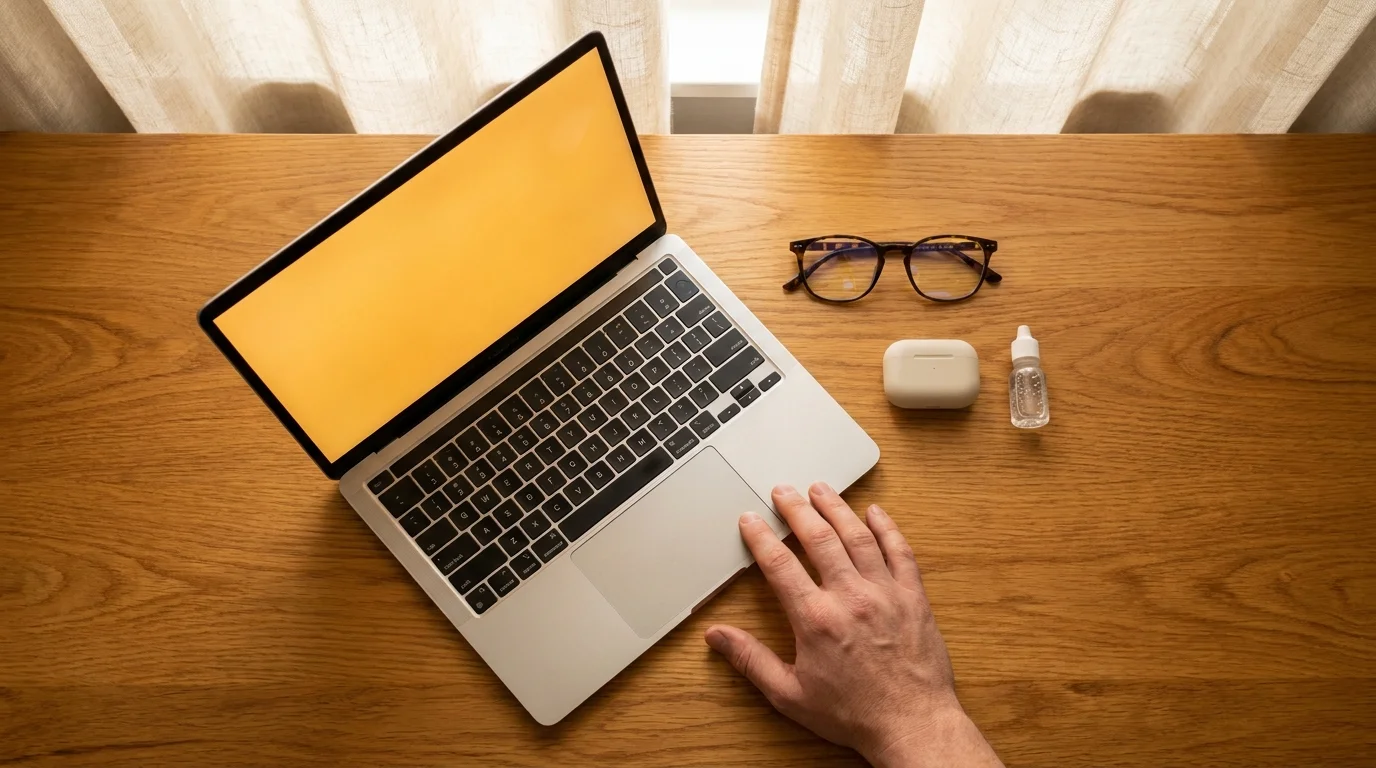
The radiator ticks softly against the baseboard while the rest of the house sleeps. You open your MacBook Pro to finish a late draft, and the Liquid Retina XDR screen blooms into the dark room with crisp, surgical perfection. For the first ten minutes, the sheer precision of the black levels and the razor-sharp typography feels luxurious. It is the pinnacle of consumer display engineering, built to mimic real-world contrast with breathtaking accuracy.
Then the subtle burn sets in behind your temples. Your eyelids feel heavy, dragging like sandpaper across dry glass, and blinking does not clear the stinging sensation. You reach for the brightness keys, turning the illumination down to a faint glow, but the harsh edge remains. Even at minimal luminescence, the text seems to vibrate against the backdrop, leaving an afterimage floating in your field of view whenever you glance away into the shadows.
We are conditioned to equate extreme fidelity with visual comfort. We assume that if an instrument costs thousands of dollars and renders 120 frames per second without stutter, it must naturally be gentle on our nervous systems. Yet the very architecture that makes these displays look stunning under bright office lighting turns them into miniature sunlamps when the sun slips below the horizon.
The Mini-LED Paradox: Why Flawless Glass Burns at Dusk
To understand why your eyes sting at midnight, you have to peel back the marketing term Liquid Retina. Beneath that sheet of glass sits an array of over ten thousand miniature light-emitting diodes, tightly clustered into localized dimming zones. Unlike older, softer edge-lit panels that washed out black tones with a gentle gray leak, this panel produces pitch blacks by shutting off zones entirely while driving neighboring pixels with concentrated, high-energy light. It is visual wizardry during midday, but in a darkened bedroom, it forces your pupils into an exhausting physiological tug-of-war.
Your iris behaves like the aperture of an antique camera. When the surrounding room is dim, the muscle relaxes, widening your pupil to gather ambient light. But when you look back at that pin-sharp display, a concentrated spike of narrow-band blue light around the 450-nanometer wavelength strikes your dilated retinas. Staring into this hyper-focused contrast in the dark is like holding a jeweler torch inside a moonlit tent. The eye cannot decide whether to adapt to the deep shadows of your bedroom or the blazing micro-peaks of the screen, creating relentless muscular fatigue.
- Bank of America fraud alerts expose malicious spoofed caller IDs stealing personal banking logins
- Sony WF-1000XM5 earbuds demand blue tack cleaning to stop muffled speaker crackle
- iOS System Data storage traps phantom gigabytes behind bloated cache files on iPhones
- Audio-Technica ATH-M50x headphones reveal crisp studio sound while stopping bloated premium markup traps
- Apple Location Services toggles block sneaky background tracking halting drained battery bars
Elena Rostova, a 34-year-old architectural visualizer working out of Chicago, spent six months visiting optometrists to resolve persistent evening migraines and burning eyes that flared only when reviewing plans past 8 PM. Standard blue-light blocking glasses barely took the edge off, and dropping screen brightness made fine blueprints illegible. The breakthrough came when she stopped treating her panel like a static canvas and learned to reshape the spectral warmth curve to match the incandescent glow of her desk lamp, instantly breaking the cycle of nightly ocular strain.
Tailoring the Spectrum to Your Evening Routine
Human circadian biology evolved alongside the flickering warmth of wood fires and the gradual amber fade of twilight. When you ask your brain to process clinical daylight tones at 11 PM, you scramble more than just your sleep architecture; you trigger excessive tear evaporation because your blink rate naturally drops by half when tracking high-contrast motion.
For the Late-Night Writer: If your evening consists of black text on white backgrounds, the default color balance is your enemy. Apple’s True Tone sensor attempts to sample ambient light, but in low-lux environments, it often misinterprets room darkness and locks into an icy, stark white point. Shifting your panel into a deep, honeyed amber strips away the aggressive violet-blue peaks without sacrificing letterform legibility. You trade the clinical accuracy of a print shop for the soothing softness of aged paperback pages.
For the Motion-Sensitive Browser: ProMotion technology dynamically ramps your refresh rate up to 120Hz to make scrolling feel as smooth as running water. However, fast refresh rates paired with pulse-width modulation dimming can induce subtle eye strain in sensitive users. Switching to a locked 60Hz profile in the evening softens the rapid micro-flicker of shifting pixels, letting your optic nerve rest instead of constantly tracking high-velocity refresh states.
Calibrating Your Display for Evening Serenity
Restoring evening comfort does not require third-party utility bloatware that drains system memory. Modern macOS contains the precise levers you need, provided you stop relying on automatic toggles and dial them in manually.
- Open System Settings, select Displays, and locate the Night Shift settings menu.
- Set the schedule to Custom rather than sunset-to-sunrise, beginning the transition at least 90 minutes before your typical working session ends.
- Drag the color temperature slider past the halfway mark toward More Warm; the glass should take on a distinct tea-colored cast that eliminates high-energy glare.
- Disable True Tone temporarily if your room relies solely on warm accent bulbs, as the sensor often overcompensates and washes out contrast.
- Reduce overall display luminance until white window backgrounds roughly match the illumination of a blank white sheet of paper resting flat beside your keyboard.
Tactical Toolkit for Eye Comfort: Aim for an ambient working brightness between 80 and 100 nits. Lock your room accent lighting to warm 2700K incandescent or warm-white LEDs positioned behind the screen as a bias light. Keep artificial screen contrast soft, and give your eyes twenty seconds of unfocused gaze into the dark room every twenty minutes.
Reclaiming the Intimacy of Late-Night Focus
Working late into the night carries a special kind of quiet focus. The world outside slows down, message pings fade away, and you finally have uninterrupted space to think, create, or finish loose ends. But that sanctuary disappears when your primary tool punishes your senses with aggressive, midday-grade energy.
When you transform that clinical pane of Liquid Retina glass into a soft, amber hearth, your entire physical posture changes. Your shoulders drop an inch away from your ears, your forehead unknots, and your eyes stop burning against the darkness. Technology should conform to human physiology, not the other way around. By commanding your display to mirror the natural descent of the evening, you protect your vision while preserving the quiet magic of your midnight hours.
The most advanced display is not the one that shines the brightest, but the one that knows how to whisper when the sun goes down.
| Adjustment Factor | Default System State | Calibrated Evening Setup |
|---|---|---|
| Color Spectrum | Dynamic cool white (True Tone active) | Fixed amber warmth (3000K-3400K equivalent) |
| Peak Brightness | Auto-scaled up to 500+ nits SDR | Manually throttled to match ambient room lux |
| Refresh Rate | Dynamic ProMotion up to 120Hz | Steady 60Hz to limit micro-flicker fatigue |
Frequently Asked Questions
Does turning on Night Shift ruin the color accuracy needed for creative work?
Yes, heavy amber tints will skew color perception for video grading and photo editing. For critical work, complete your color passes earlier in the day, reserving evening sessions for layout, sequencing, or writing tasks that do not depend on exact chromatic balance.Why isn’t lowering the display brightness enough to stop the stinging?
Lowering brightness reduces total lumens, but the underlying mini-LED backlight still emits narrow, high-energy blue wavelengths. If the white point remains cold, the contrast between dark pixels and bright text continues to strain your pupil’s focus mechanism.Does True Tone automatically fix this problem?
Not in dim environments. True Tone relies on a tiny ambient light sensor next to the webcam. In near-darkness or under weak accent lamps, the sensor lacks sufficient photon data to calculate an accurate white balance, frequently leaving the screen far too blue.Can 120Hz ProMotion cause eye strain?
For certain individuals sensitive to temporal dithering or pulse-width dimming modulation, 120Hz displays can cause subtle neurological fatigue. Dropping down to a fixed 60Hz refresh rate simplifies the visual processing load during late-night reading.What is bias lighting and does it help with MacBook displays?
Bias lighting involves placing a soft, warm light source behind your display rather than shining light directly onto the screen. This elevates the ambient lux of your peripheral vision, drastically reducing the high-contrast shock of looking at a bright panel in pitch darkness.