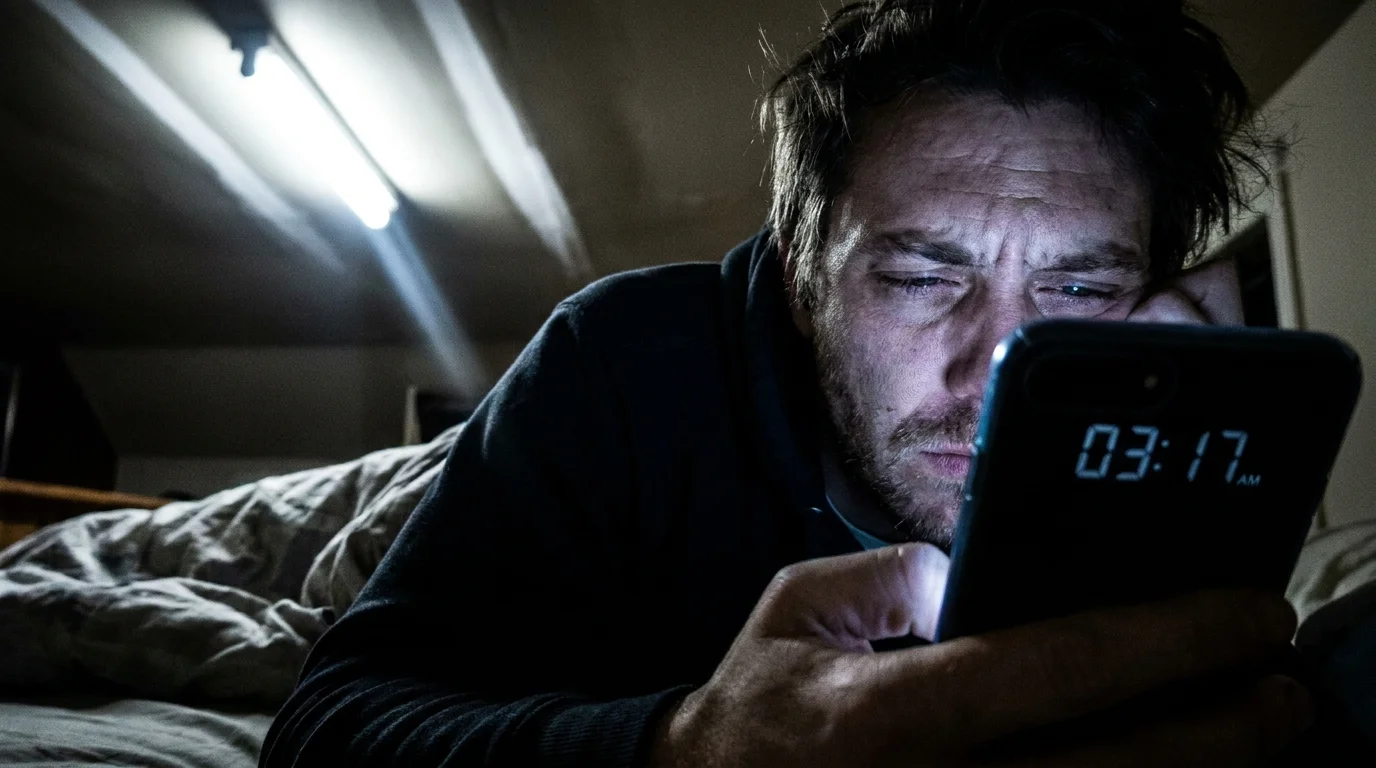
The summer thunderstorm outside rolls away around three in the morning, leaving a quiet, sodden silence across your neighborhood. You are tucked deep into sleep until, without warning, an intensely bright fluorescent-white ceiling bulb glares across your pitch-black bedroom. Your eyelids burn against eighty watts of uninvited 2700-Kelvin daylight. The ceiling fan clicks back into motion, the digital clock on your nightstand blinks a steady twelve, and your eyes ache as you squint toward the ceiling in sheer disorientation.
You instinctively reach for your phone, tap the screen with one bleary eye open, and open the Philips Hue app to kill the blinding floodlight. Instead of smooth, reactive control, you are greeted by an infuriating circle of spinning gray dots, followed by a blunt amber banner: bulbs unreachable through bridge. Swiping down does nothing. Tapping the off switch produces an unresponsive pause. Your premium lighting hardware, which cost several hundred dollars to blanket your living spaces in gentle sunset hues and soft amber glows, has reverted into an obstinate, dumb incandescent bulb that refuses to hear you.
Most people assume this midnight flash means their Zigbee mesh collapsed, their hub suffered a hardware surge, or the bulbs themselves fried during the grid flicker. The immediate impulse is to scramble out of bed, rip the Ethernet cord from the back of the bridge, flick the physical wall switches back and forth five times in desperation, or even delete the light fixture entirely to initiate a painful re-pairing cycle. You assume the physical equipment is broken because modern technology has conditioned you to associate a loss of connectivity with systemic failure.
In truth, nothing is broken. You are simply witnessing the collision between analog wall wiring and factory safety defaults. The hardware did exactly what it was programmed to do when electrical current rushed back into its base—it screamed awake at full brightness to ensure you wouldn’t stumble down a dark hallway during an emergency, while its internal radio chip scrambled to reconstruct a communication network before the home router had even finished warming its boots.
The Anatomy of Factory Amnesia
To understand why your smart lighting turns rebel after an electrical surge, you have to peer beneath the frosted glass and recognize the dual identity of a connected lamp. Every Philips Hue bulb contains both an LED driver and a low-energy Zigbee radio processor. Under standard operating conditions, your Hue Bridge acts as the conductor of a delicate orchestra, routing commands across a decentralized mesh where each connected bulb relays commands to its neighbor.
When an outage cuts the power across your street, that digital web snaps instantly. The moment the utility transformer down the road hums back to life, electricity slams back into your light sockets. By default, out of the box, Philips Hue bulbs operate under a fail-safe philosophy: defaulting to full brightness. If you flip an analog wall switch off and on in a dark room, you expect light immediately. Philips built these bulbs so that an elderly guest or a babysitter who has never seen an app can still toggle the physical wall switch and illuminate the kitchen counter without needing a smartphone.
The hidden friction arrives in the handshake that follows. Your Hue Bridge—plugged into a surge strip next to your living room modem—takes three to four minutes to boot its operating system, negotiate an IP address with your router, and wake its internal Zigbee coordinator. During those critical ninety seconds of silence, your bulbs wake up instantly, shout into the darkness looking for the bridge, hear nothing, and fall into a stubborn, detached standalone mode. They stay pinned at blinding, full-tilt illumination, deaf to your app until the entire network handshake settles.
- Android Focus modes block noisy group chat pings while preserving emergency family telephone calls
- PlayStation 5 heatsinks trap dense dust blankets triggering loud fan whining and sudden shutdowns
- Holafly eSIM profiles strip cellular data connection traps before clearing international airport gates
- Apple HomePod mini speakers require deep Siri history resets halting muffled room audio recordings
- Google Pixel 9 Pro cameras strip muddy photo noise after disabling aggressive sharpening toggles
The Midnight Reset in Practice
Marcus Vance, a 42-year-old home automation specialist based out of Portland, spends half his winter service calls dealing with this exact customer complaint following atmospheric river storms. “People call me convinced their five-hundred-dollar starter kit blew out during the windstorm,” Vance explains while coiling patch cables in his van. “They walk into their living rooms, see every single light blazing at hundred-percent white, see the red network light blinking on the bridge, and they start deleting rooms from their application. They inadvertently wipe their entire configuration trying to fix something that was actually just waiting for a persistent memory handshake.”
The secret lies in configuring your bulbs so they never scream awake unless you explicitly ask them to. Inside the microcode of every modern Hue bulb sits a tiny block of persistent, non-volatile storage designed to remember the exact state the filament was in before the electrons stopped flowing. If you have never explicitly told that chip what to do, it assumes every power cut is an emergency requiring full-beam safety light.
Tailoring Your Recovery Protocols
Every home handles grid interruptions differently, and your smart lighting behavior should reflect how your household actually uses physical spaces.
For the Bedroom and Nursery: This is where the default setting does the most damage. Waking up a sleeping infant or shocking your circadian rhythm at two in the morning is unacceptable. For these fixtures, your setting must be adjusted away from factory daylight to a quiet state of absolute rest.
For Entryways and Stairwells: Safety takes precedence over slumber. In these transition zones, letting the bulb ignite at a muted forty percent amber ensures you can navigate dark hallways if the power snaps back on during a storm, without frying your retinas.
For Shared Family Spaces: If you live with family members who habitually flick physical switches out of muscle memory, forcing the bulb to remember its last known color state bridges the gap between conventional switch habits and automated living.
Mindful Configuration: The Power-On Rescue
Fixing this behavior takes less than two minutes, requires no tools, and permanently protects your home from midnight glare. You do not need to reset your bridge or climb on a ladder to read tiny serial numbers.
Sit comfortably near your living room router where your mobile device has a steady connection to your local network. Follow these exact steps:
- Open the Philips Hue app on your phone or tablet.
- Tap the Settings gear icon in the bottom right corner of the home screen.
- Select Power-on behavior from the primary preferences menu.
- Scroll down to inspect your fixtures room by room. You will notice most say “Hue default”—the culprit behind full-blast glaring lights.
- Tap on your bedroom fixture and select Power loss recovery (or choose Custom to lock in a dim, warm-amber safety glow).
- Repeat this adjustment across every sleeping quarter, media lounge, and nursery in your house.
By shifting this parameter to Power Loss Recovery, the bulb writes a directive into its onboard memory: if the power cuts and restores, return silently to whatever brightness and color you were displaying before the blackout. If the room was dark when the storm hit, it remains dark until morning.
The Quiet Confidence of a Tuned Home
Technology should bend to the rhythm of human rest, not disrupt it with artificial daylight during a storm recovery. The true elegance of smart hardware does not lie in flashy rainbow presets or voice-activated novelties; it sits quietly in the subtle friction you eliminate through deliberate setup.
When you take three minutes to teach your lights how to behave during power cuts, you transform an unpredictable electronic appliance into a courteous domestic partner. The next time wild winds rattle your windows and the grid flickers into temporary silence, you will sleep right through the reboot. The power will return, the bridge will silently blink back to life, and your room will remain wrapped in the undisturbed peace you intended.
“A smart home should never act louder than the human silence it is built to protect.”
| Key Point | Detail | Added Value for the Reader |
|---|---|---|
| Default Behavior | Bulbs fire to 100% warm white immediately after power returns. | Explains why you wake up to blinding illumination after storms. |
| Root Cause | Bulb radios boot faster than your router and Hue Bridge mesh can sync. | Prevents unneeded hardware resets and deleted bridge pairings. |
| App Fix | Switch setting from ‘Hue default’ to ‘Power loss recovery’. | Keeps dark rooms completely dark when electricity restores. |
| Hardware Safety | Bulbs store setting directly onto onboard non-volatile memory chips. | Works reliably even if the internet connection is completely down. |
Frequently Asked Questions
Will setting bulbs to Power Loss Recovery prevent me from using normal wall switches?
No. If you toggle an analog wall switch off and on twice in rapid succession, Hue bulbs interpret this as a manual override and illuminate instantly for safety.Why does my Hue Bridge show an unreachable status for several minutes after power returns?
Your bridge must wait for your home router to boot up, assign local IP addresses, and establish an active Zigbee channel before it can reconnect to the bulbs.Do older first-generation Philips Hue bulbs support power-on behavior customization?
Only Hue bulbs with updated firmware support onboard power-on memory. Ensure your bulbs are updated under the Software Update tab in the app.Does this setting still work if my Wi-Fi is completely down during an outage?
Yes. The instruction is stored on the physical bulb itself, allowing it to remember its previous state without needing any cloud or Wi-Fi verification.Why did my bulb reset itself back to factory bright white out of nowhere?
Rapid electrical fluctuations or switch toggles can trigger a manual factory override. Check your app to verify the Power-on state remains locked to your preference.