A sharp crack of distant thunder rattles your bedroom window pane, followed by the soft click of an electrical breaker cycling on the street corner. The house slips into pitch-black silence for barely two seconds before snapping back to life. But instead of returning to your sleep-friendly, low-amber sanctuary, you are struck by raw lightning indoors.
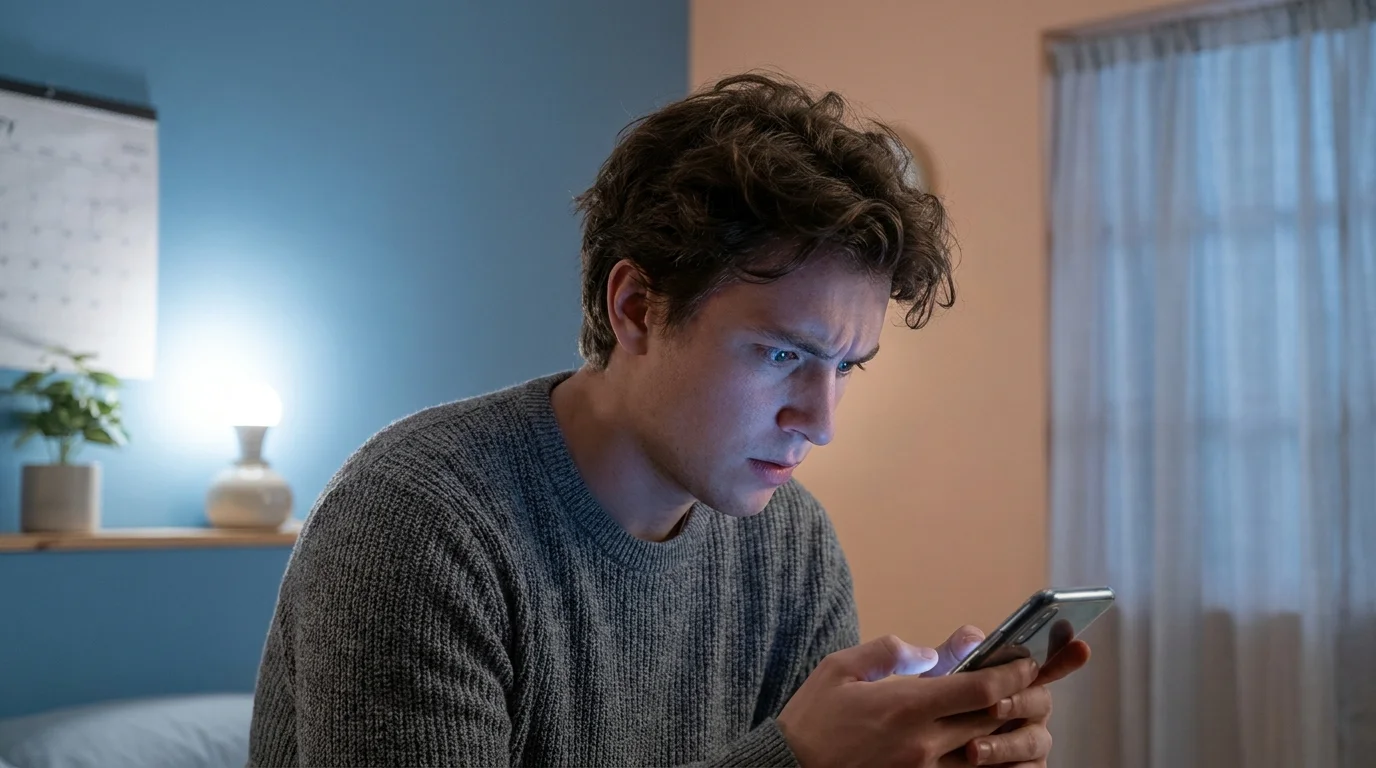
A frosted Govee smart bulb emits a harsh, cold white beacon in an otherwise dim bedroom, slicing through your eyelids at 3:14 in the morning. You squint against the clinical 6500 Kelvin glare, heart racing, fumbling blindly on your nightstand for a phone that refuses to connect quickly enough to dim the intrusion.
The immediate reaction is familiar irritation directed at your home internet. You curse the service provider, assume your wireless router is gasping for air, or suspect that the hardware inside the socket finally fried after a year of heavy daily use.
The reality has nothing to do with signal degradation or failing router antennas. The cold glare is an intentional, poorly communicated hardware behavior: an unconfigured volatile memory state that defaults to blinding emergency illumination the second current resumes.
The Amnesia Switch: Understanding Volatile Memory Logic
Smart bulbs are tiny networked microcontrollers masquerading as passive glass globes. When you flip a traditional wall switch, you physically sever the electrical line, cutting off power to the internal circuit board. To make smart lighting function in houses wired during the Eisenhower administration, manufacturers engineered these bulbs to assume that a sudden rush of electricity means you walked into a dark room and flipped a mechanical switch.
Without explicit instructions to remember where they were, these devices awaken like amnesiacs in a sterile hospital ward. The bulb does not check your previous schedules, your dimming preferences, or whether it is the middle of the night; it simply pumps full voltage into cold-white LEDs to ensure nobody trips in the dark.
Because Govee dominates affordable smart lighting across millions of households, this behavior is a widespread domestic shock. When a summer storm triggers micro-brownouts—cycling line power three times in ten seconds—your home does not just recover; it erupts into an accidental industrial floodlight showroom. The hardware is not broken; it is simply waiting for you to tell its tiny memory partition to retain its soul.
- iPhone Emergency Bypass toggles block frantic lock screen buzzing while letting critical family calls ring
- PlayStation 5 Slim chassis traps dense dust blankets triggering deafening cooling fan roars
- Airalo travel eSIM profiles block costly roaming connection freezes through early APN manual setups
- Google Nest Audio speakers hoard private background chatter triggering urgent voice history deletions
- Galaxy S24 Ultra cameras switch off intelligent optimization stripping away mushy skin textures
The Field Reality: A Wirecutter’s Discovery
Mark Lin, a 38-year-old residential audio-visual technician based out of Raleigh, North Carolina, spends his workdays untangling botched home automation installations. Over the past three years, Lin noticed that nearly seventy percent of his warranty service calls following coastal squalls had zero to do with fried hardware or destroyed mesh radios. Clients were convinced their inexpensive lighting ecosystems had failed simultaneously, threatening to tear out hundreds of dollars of hardware because their bedrooms lit up like emergency rooms at dawn. Lin showed them that fixing the disruption took less time than boiling an electric kettle—it required changing a single toggle hidden beneath three submenus in the mobile interface.
Tailoring Persistence Across Your Living Spaces
Restoring order to your lighting ecosystem does not mean applying a single brute-force setting to every fixture in your home. Different rooms serve radically different safety and comfort profiles, and you should segment how your hardware recovers from line drops accordingly.
For the nightstand and nursery fixtures, light intrusion ruins circadian rhythm and disrupts deep sleep. Here, you want pure state persistence or an outright ‘remain off’ command so a 2:00 AM grid flutter never wakes a sleeping child or jars you awake with an aggressive blast of daylight-spectrum photons.
In living rooms, home offices, and entertainment areas, accent backlights and floor-standing corner lamps should retain their previous mood. If you were watching a movie with the fixtures set to a deep, 12% warm amber, an electrical flicker should return seamlessly to that identical tone rather than exploding into blinding white. The goal is zero visual shock during volatile weather.
Hallways, basements, and exterior garage sconces represent the sole scenario where factory defaults retain genuine utility. If an outage strikes during an emergency or high-wind event, you want those pathways instantly illuminated with maximum visibility the moment the grid stabilizes, ensuring safe navigation around unexpected obstacles.
Securing Your Lighting Memory in Five Minutes
Fixing this behavior requires configuring the internal flash memory on each bulb through the companion app. Make sure your phone is within Bluetooth range of the fixture, as deep configuration toggles often write directly to the local chip rather than routing through cloud servers.
Follow this precise sequence to lock in your hardware’s memory:
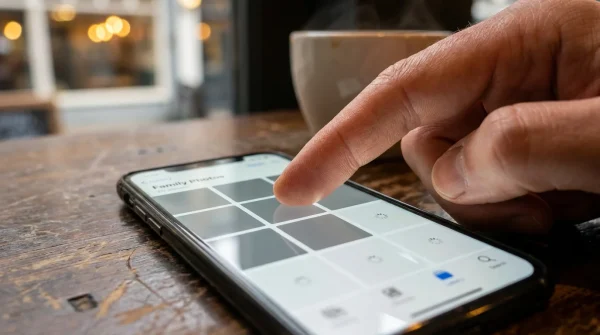
- Launch the Govee Home app and select your specific bulb or light strip from the main device grid.
- Tap the Settings cog icon located in the upper right corner of the device control screen.
- Scroll past the general hardware diagnostics until you spot the Power-off Recovery or Power Loss Recovery submenu.
- Toggle the setting to active, selecting ‘Restore to Prior Status’ rather than the default ‘Turn On at Default Settings’.
- Repeat this process across all fixtures, verifying that each bulb’s firmware is updated to the latest minor version to prevent memory reversion.
Once written, this micro-instruction sits in non-volatile flash storage. Even if the bulb stays completely unpowered for forty-eight hours, it will no longer jump into shock mode when the utility company restores neighborhood power.
Keep your setup stable with this lightweight operational toolkit:
- App Environment: Govee Home version 5.8 or higher.
- Radio Bands: Clean 2.4 GHz network separation to avoid mesh handshake timeouts during simultaneous bulb reboots.
- Inspection Cadence: Run a manual test toggle once every daylight saving cycle to ensure OTA updates have not silently restored factory defaults.
Restoring Sanctuary to Your Living Space
A smart home should behave like an intuitive shelter, quietly anticipating human habits without demanding frantic attention when infrastructure stumbles. When domestic technology demands your immediate panic in the dead of night, it ceases to be an asset and becomes a noisy chore.
Taking five minutes to adjust the memory logic of your hardware transforms cheap ambient lights into resilient fixtures. You strip away the erratic personality of an inexpensive gadget and replace it with reliable, predictable stillness. The next time a seasonal storm brushes against your roof and drops the power line, your home will simply wait in the dark, preserving your peace until the sun rises on your terms.
True smart design does not announce itself; it simply remembers who you were before the dark arrived.
| Key Point | Detail | Added Value for the Reader |
|---|---|---|
| Volatile Memory Trap | Factory logic resets to 100% cold daylight white as an old-school safety precaution. | Stops you from discarding perfectly healthy bulbs or blaming your Wi-Fi router. |
| Power-Off Recovery | Local flash memory toggle located within the companion app settings screen. | Instantly locks in previous brightness and color temperature after micro-brownouts. |
| Zonal Segmentation | Differentiating bedroom bulbs from hallway lamps during sudden line returns. | Prevents ruined sleep cycles while retaining emergency path lighting where needed. |
Frequently Asked Questions
Why do smart bulbs turn on after a power outage in the first place?
Manufacturers configure bulbs to light up at 100% white by default so they can still work with standard mechanical wall switches. This ensures that someone without a smartphone or voice assistant can still turn on the light in an emergency.Do I need an active internet connection for Power-Off Recovery to work?
No. Once you toggle the recovery setting inside the app, the command is written directly to the bulb’s internal flash memory via Bluetooth or local Wi-Fi. The bulb will remember its state even if your home router remains completely offline.Why does my bulb still flash white for a split second before returning to color?
This slight pulse is a brief hardware handoff. The power delivery supply powers the LEDs instantly upon line connection, but the internal micro-controller takes a fraction of a second to read the memory chip and dim the diodes to your custom setting.Will firmware updates erase my custom power settings?
Occasionally, major over-the-air firmware upgrades can wipe custom memory partitions and return the device to factory defaults. It is good practice to open the device settings and verify the recovery toggle whenever your fixtures install an update.Does this memory toggle drain more standby electricity?
No. Writing your preference to the bulb’s internal flash memory requires zero continuous power draw. The fixture pulls the exact same negligible fraction of a watt in standby mode whether the setting is enabled or disabled.