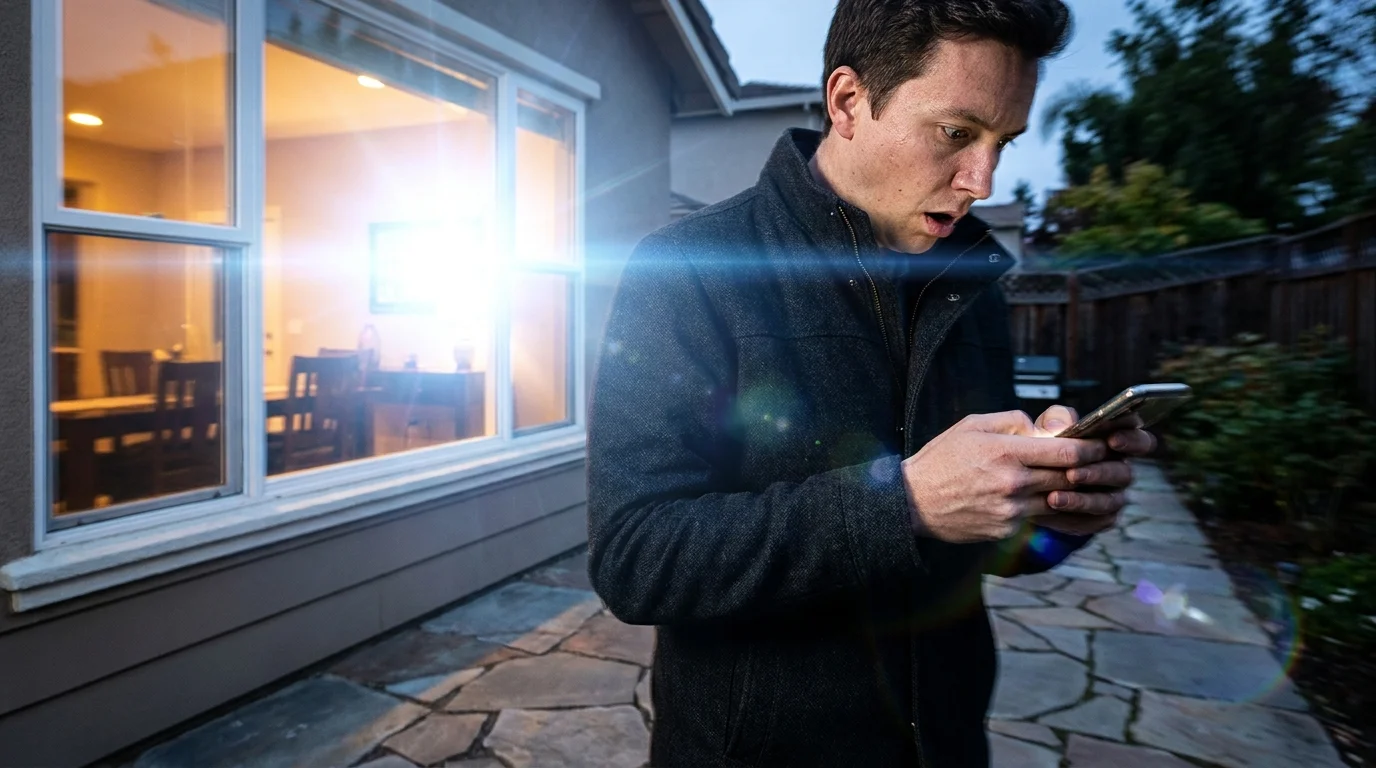
The house is quiet at three in the morning, submerged in cool shadows and the low, steady hum of the refrigerator. Then comes the briefest pop from the transformer down the street, an imperceptible dip in the grid, and suddenly your bedroom erupts into an interrogation room. A piercing, 100 percent cool-white ceiling bulb glares into your eyelids, banishing sleep in a fraction of a second.
You reach for your phone, bleary-eyed and squinting against the harsh beam, opening the Hue app to silence the glare. Instead of a responsive slider, you are greeted by stubborn orange exclamation marks and grayed-out icons. Your mesh network has collapsed overnight, leaving your high-end smart home acting like a cheap hardware store fixture.
We invest hundreds of dollars into premium ambient fixtures under the promise of seamless automation. We expect our lights to mimic the gentle arc of the sun, fading into soft amber at dusk and maintaining discreet silence when we rest. Yet the moment a suburban summer storm rattles the power line for two seconds, the entire ecosystem seems to forget who it is.
The instinctive reaction is to blame the hardware or assume the bulbs suffered damage from a voltage spike. The truth, however, is much more grounded in how wireless mesh radio signals negotiate current, routing pathways, and physical safety fallbacks.
The Anatomy of a Radio Stumble
To understand why your setup abandons its programming, you have to peer into the silent conversation between your Hue Bridge and the microchips sitting inside each ceramic bulb base. Unlike standard Wi-Fi gadgets that scream directly at your central router, smart lighting relies on the Zigbee protocol. It functions like a quiet bucket brigade, passing commands from one lamp to the next across your living space.
When a neighborhood power outage strikes, every node in that bucket brigade dies at the exact same instant. When the current surges back, every radio wakes up screaming for attention simultaneously. In their default state, factory settings dictate that if a bulb loses power and regains it, it assumes an emergency: someone flipped an old-fashioned wall switch in the dark because they need instant light to walk across the room.
Because every single bulb floods the 2.4 GHz airwaves trying to broadcast its generic boot sequence while re-establishing its routing table, the bridge gets choked with signals. The coordinators drop their handshakes, the child nodes lose their parents in the mesh, and your tailored automations drift into limbo while the bulbs stay stuck at maximum, cold output.
- Apple Focus Filters silence intrusive workplace app alerts while preserving urgent parent calls
- Xbox Series X vents trap dense dust mats triggering loud cooling fan whines
- Anker PowerCore batteries spark airport security confiscations exceeding airline watt hour limits
- Amazon Echo Dot microphones record unintentional room chatter until voice history toggles flip
- iPhone 16 Pro camera lenses trap muddy digital artifacts under default sharpening profiles
A Lesson from the Lighting Trench
Danielle Mercer, a 38-year-old architectural lighting designer in Denver, spent years diagnosing why high-end residential installations routinely misbehaved following seasonal mountain brownouts. Her clients would call in a panic, convinced their expensive bridges had fried because their custom evening scenes would vanish after a micro-outage.
What Danielle discovered in the field was simple: the hardware was functioning precisely as safety regulators demanded, but entirely against the human habits of modern homeowners. When she audited client configurations, over 90 percent had left their devices on the default factory boot state. Once she reprogrammed the internal non-volatile memory of each bulb to hold its last known status, service calls dropped to zero.
Tailoring Your Recovery Profiles
Restoring order to your lighting requires treating individual rooms according to their real-world consequences rather than treating every socket identically. A hallway requires a fundamentally different survival instinct than a nursery.
For the Sleeping Sanctuary
In bedrooms and nurseries, a midnight surge must never trigger illumination. Configure these specific fixtures to ‘Power Loss Recovery’. If a blackout occurs at 2:00 AM while the bulb is off, the bulb checks its tiny flash storage upon boot, recognizes it was dark before the interruption, and remains completely dark. Sleep stays entirely uninterrupted even if the utility grid flickers three times before morning.
For Strategic Pathway Fixtures
Entryways, basements, and staircases carry physical safety risks during real emergencies. For these zones, select a customized preset rather than pure recovery. Program them to power on at a warm, soft 20 percent amber brightness. If the power snaps back during a storm, you have enough visual guidance to navigate the stairs without searing your retinas or overloading the Zigbee channel with maximum wattage draw.
For Peripheral and Exterior Accents
Garden uplights, soffit runs, and cabinet strips should always default to their previous state. These fixtures often sit at the outer perimeter of your radio mesh. If they reboot into heavy discovery modes, they introduce unnecessary noise across the fringe of your network, dragging down the response time of indoor rooms that need immediate synchronization.
The Reset Sequence: Mindful Reconfiguration
Fixing this behavior takes less than ten minutes of focused adjustment from your sofa. You do not need third-party plugins, terminal commands, or replacement hardware.
Begin by checking physical switch integrity throughout the home. Smart bulbs require steady, uninterrupted current to maintain their mesh links. If an old mechanical wall switch is partially engaged or switched off, the bulb cannot participate in passing data packets across the room.
- Open your official Hue application and navigate directly to the Settings tab in the bottom right corner.
- Tap on Power-on behavior to view the complete inventory of your connected light points.
- Avoid using the global toggle; tap into each room individually to establish intentional states.
- Select Power loss recovery for all bedrooms, television rooms, and living areas.
- Assign a soft, low-intensity custom color for stairwells and primary escape corridors.
- Perform a rolling save, allowing thirty seconds between rooms so the bridge can write the new command to the local memory of each physical bulb.
Once programmed, test the system intentionally. Flip the room breaker off for ten seconds and switch it back on. The mesh should hold silent, maintaining whatever scene or stillness you enjoyed moments before.
Peace of Mind in the Shadows
There is profound satisfaction in a home that knows how to behave when conditions turn volatile. Technology proves its real worth not through dazzling parlor tricks or voice-activated novelties, but through quiet competence during ordinary household friction.
When you take time to align your lighting with the natural rhythms of your life, an electrical storm stops being a threat to your sleep. The power may cut out, the digital clocks may flash twelve, but your home absorbs the shock with calm, silent elegance.
Smart lighting only feels genuinely smart when it respects your silence as much as your commands.
| Key Point | Detail | Added Value for the Reader |
|---|---|---|
| Factory Default Fallback | Bulbs revert to 100% cool white upon reboot to simulate mechanical switch toggles. | Explains the blinding midnight awakening without blaming faulty equipment. |
| Zigbee Mesh Congestion | Simultaneous reboots flood the 2.4 GHz channel with radio handshake requests. | Clarifies why bulbs display unreachable errors immediately after blackouts. |
| Power Loss Recovery Setting | Instructs onboard bulb memory to restore the exact state prior to electricity cutoff. | Ensures dark bedrooms stay completely dark when neighborhood power flickers. |
Frequently Asked Questions
Why do my Hue bulbs default to full brightness after an outage?
By design, factory settings prioritize traditional safety. The bulb assumes an occupant flipped a manual light switch on the wall and urgently needs light to see.Will configuring Power Loss Recovery cause bulbs to ignore physical wall switches?
No. If you toggle an ordinary wall switch off and on twice in rapid succession, the bulb overrides its memory and illuminates instantly for safety.Does every individual bulb need to be updated manually?
Yes, because each bulb houses its own independent Zigbee radio and flash memory module that must locally store its unique power-up instruction.Why does the Hue app show lights as unreachable after power returns?
When dozens of bulbs reconnect at once, the radio traffic briefly chokes the bridge. Giving the network five minutes usually lets the mesh heal itself.Does this feature work without an active internet connection?
Yes. The Power-On Behavior profile lives inside the bulb hardware and local bridge, requiring zero cloud communication to function correctly.