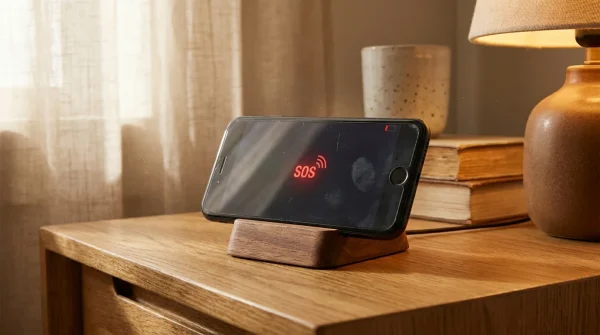
You plug your phone into a sleek 30-watt wall brick resting on your nightstand. The bedroom is dim and quiet, cooled to a pleasant 68 degrees Fahrenheit, with late-evening air drifting past the curtains. The familiar charging chime rings out—crisp, clean, and reassuring.
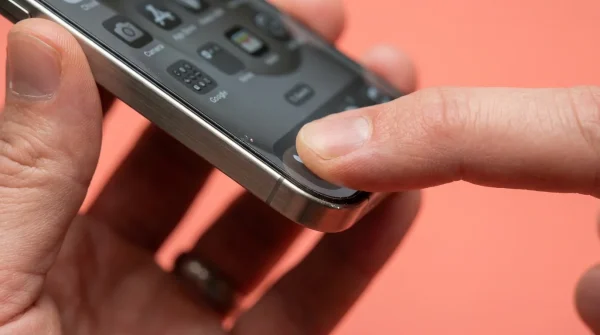
Ten minutes later, you reach over to check an incoming message. The brushed metal perimeter bites into your palm with an unexpected, localized sting. Radiating heat through titanium feels distinct from older hardware; instead of spreading evenly across the chassis, the thermal spike pools right beneath the volume buttons, stubbornly lingering against your skin.
Then the display flickers. The lock screen drops its brightness to half, and an amber warning icon takes over the panel: charging paused, waiting for the enclosure to cool. What felt like standard modern convenience suddenly feels like a tiny forge working inside your pocket.
We expect modern microchips to drink down wall power effortlessly. Yet high-wattage power delivery inevitably clashes with structural metallurgy, turning the routine task of topping up your battery into a balancing act between charge speed and structural preservation.
The Thermal Trap: Why Grade 5 Titanium Changes the Rules
For years, consumer electronics relied on aluminum and surgical steel to wick board-level friction away from delicate silicon. Aluminum behaves like a porous sponge for heat: it absorbs thermal runoff immediately and casts it out across a broad surface area. Titanium, however, behaves like a cast-iron skillet.
Grade 5 titanium boasts an extraordinary strength-to-weight ratio, but its thermal conductivity sits at roughly one-tenth that of aluminum. Heat becomes stubbornly trapped within the substructure, forcing the interior logic board to shoulder the thermal burden until firmware stepping clamps the power supply shut.
When you attach a high-output fast charger, the internal power management unit negotiates for maximum wattage—often pulling 20 to 27 watts during the initial sprint from zero to fifty percent. Without an expansive aluminum outer frame acting as a passive radiator, the internal battery temperature climbs past 105 degrees Fahrenheit in minutes, triggering automatic safety throttles.
The advisories showing up on displays across the country are not necessarily signs of broken hardware. Rather, they are the software’s frantic attempt to manage physics, stepping down incoming voltage before the battery cathode incurs irreversible micro-fracturing.
- Apple Trade In values plummet over micro-scratched display glass unless polishing kits restore shine
- EV charging QR codes hijack mobile payments draining bank cards through counterfeit checkout overlays
- Kasa smart bulbs drop offline after storm blackouts exposing rooms to blinding glare
- iPhone Focus modes silence frantic work pings while preserving buzzing emergency family rings
- Xbox Series X exhaust vents trap dense grey dust triggering screaming fan whines
The Silicon Valley Tear-Down Perspective
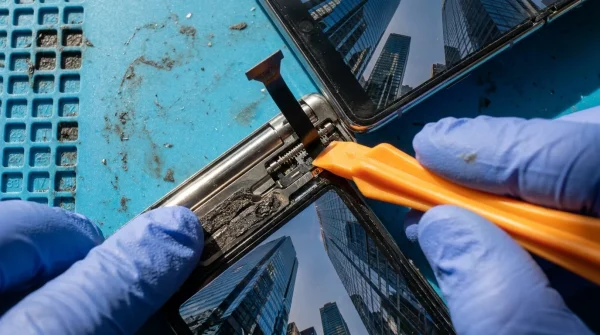
Marcus Vance, a 42-year-old hardware reliability specialist in Austin, Texas, spent weeks running thermal imaging loops across current-generation flagships during fast-charging cycles. His diagnostics revealed that the internal copper thermal spreaders transfer heat directly into an internal aluminum substructure, but the exterior titanium skin forms an insulating barrier that slows ambient radiation.
“People assume their phone is a uniform block of metal,” Marcus noted while inspecting board schematics. “In reality, you have an aggressive power controller attempting to pump 9 volts into a cell wrapped inside a titanium thermos. If software did not throttle current at 104 degrees, you would degrade months of chemical capacity before breakfast.”
Calibrating Your Charging Routine by Scenario
Not every charging routine generates the same degree of thermal friction. How and where you plug in dramatically shifts how your enclosure handles incoming current.
For the Nightstand Plug-In
Overnight charging never requires a 30-watt surge. When your device sits undisturbed for seven hours, fast charging merely cooks the chemical layers for the first forty minutes while you sleep, achieving nothing of practical value.
Using a legacy 5-watt or 10-watt USB adapter maintains battery cell temperatures below 85 degrees Fahrenheit throughout the night. Gentle trickle charging prevents the rapid expansion of lithium ions, keeping the titanium rails completely cool to the touch by morning.
For the Commuter Running Navigation
Clamping a phone to an active dashboard mount during a sunny afternoon drive while connected to a fast-charging cable represents the worst-case scenario. Solar radiation through the windshield compounds with inductive or wired power delivery, immediately triggering warning banners.
Switch to a vent-mounted clip where air conditioning directly cools the chassis, or drop your wired connection to an unboosted 5-volt port. Keeping direct sun off the dark back glass is often enough to preserve normal charging rates without system shutdowns.
For the Midday Power Sprint
If you genuinely need forty percent battery in twenty minutes before boarding a flight, high-wattage charging is a lifesaver. But you must give the hardware room to breathe.
Strip heavy silicone cases before plugging in, and lay the device face-down on a hard, flat surface like stone, glass, or bare wood. Dense surfaces draw away concentrated thermal pockets far better than soft bedspreads or sofa cushions ever could.
Mindful Steps to Neutralize Enclosure Heat
Managing device thermals does not require complex technical surgery. It simply demands small, deliberate changes in daily habits to preserve internal battery chemistry over years of ownership.
First, audit the adapters you use across your home and office. If a brick lacks USB-PD (Power Delivery) 3.0 compliance, it may feed inflexible voltages that force internal buck converters to dump excess current as pure waste heat.
- Strip off thick protective cases before engaging in high-wattage midday charging cycles.
- Disable background refresh for heavy sync apps during charging sessions to reduce baseline chip activity.
- Avoid gaming, 4K video recording, or high-bandwidth tethering while the battery sits below 50 percent on a fast charger.
- Position the device on cool, conductive surfaces rather than insulating blankets or upholstery.
- Enable the native 80-percent charge limit toggle if your daily schedule accommodates a brief afternoon top-up.
Your tactical charging toolkit is simple: maintain ambient charging environments between 60 and 72 degrees Fahrenheit, rely on certified 20-watt power bricks rather than oversized 65-watt laptop adapters, and expect the device to safely tap the brakes whenever skin temperatures graze 102 degrees Fahrenheit.
The Long View on Pocket Technology
We live in a culture that prizes speed above longevity. We want our batteries filled in the time it takes to brew an espresso, housed inside materials forged for aerospace applications, wrapped in skins that weigh practically nothing.
Yet physical matter always demands its compromise. When your device halts charging and displays a thermal advisory, it is not failing you; it is doing the quiet, unglamorous work of protecting your $1,200 investment from its own speed. Learning to accommodate that design choice brings peace of mind, ensuring the hardware stays in your pocket for years rather than ending up in a recycling bin before its time.
“Thermal throttling is not a design flaw; it is the protective boundary where ambitious industrial design yields to the immutable laws of chemistry.”
| Charging Method | Peak Temperature Range | Impact on Device Health |
|---|---|---|
| 5W to 12W Standard USB | 78°F – 86°F | Negligible chemical stress; preserves maximum long-term capacity. |
| 20W to 30W Fast USB-PD | 98°F – 108°F | Accelerates cathode micro-fracturing if used as the exclusive daily method. |
| MagSafe Wireless Fast Charge | 95°F – 106°F | Moderate thermal pooling against rear glass; software stepping frequently cuts speeds. |
Frequently Asked Questions
Does seeing the charging paused warning permanently damage my phone?
No, the alert appears specifically to prevent permanent harm before battery cells reach destructive temperature thresholds.Why does titanium feel hotter than aluminum if it conducts less heat?
Titanium traps thermal energy locally rather than spreading it across the whole chassis, making specific zones feel noticeably hotter to the touch.Is it dangerous to use a 65W laptop charger on a phone?
Modern devices negotiate only the wattage they can safely handle, but higher-rated bricks can push the phone to sustain maximum wattage longer, raising ambient heat.Should I put my phone in the fridge to cool it down quickly?
Never place a warm phone in a refrigerator, as rapid temperature drops cause internal moisture to condense across microchips and trigger liquid damage sensors.Does removing my protective phone case really make a difference?
Yes, heavy rubber and leather cases insulate the metal frame like a winter coat, trapping heat and forcing the operating system to throttle charging speeds.