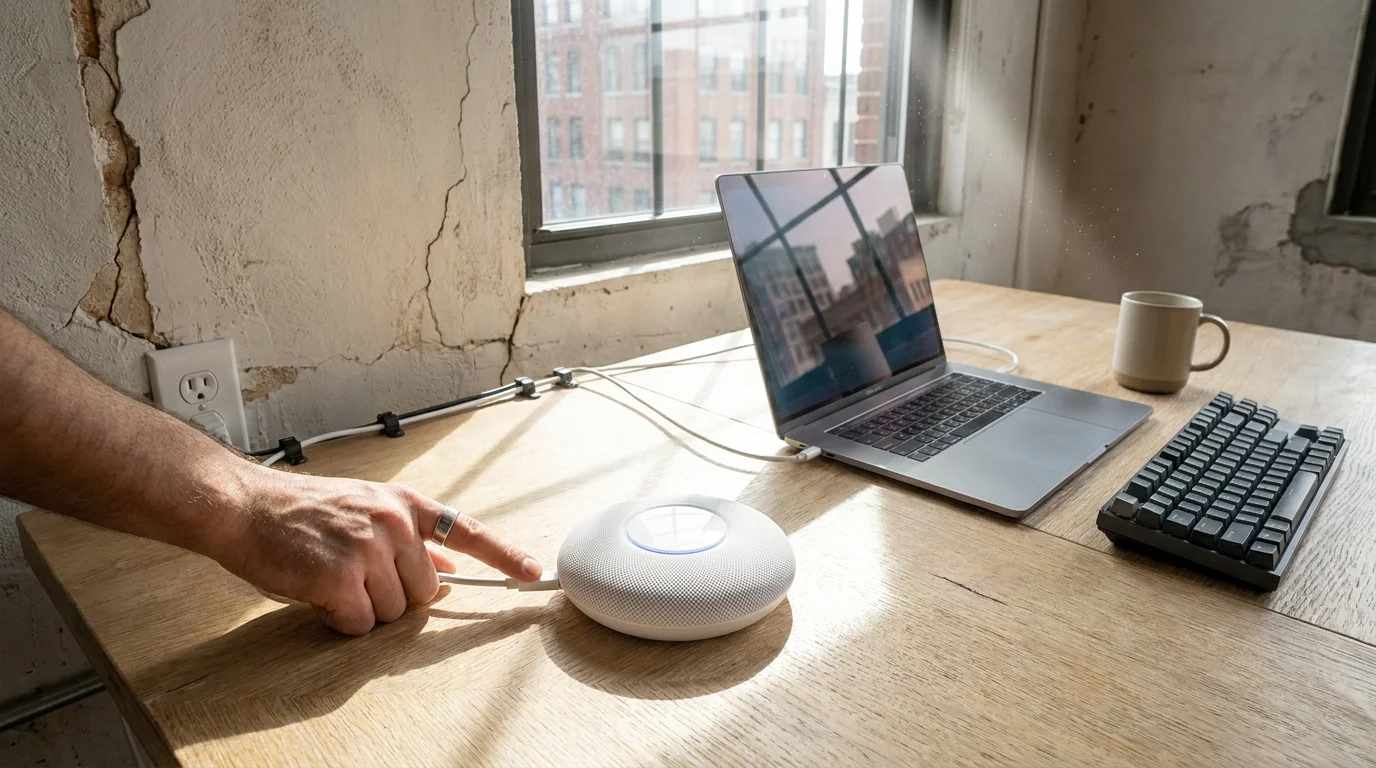
A tiny pinprick of pale LED light casts a faint ring on aged, eggshell-painted baseboards. Beside it, a glowing white circular plastic router rests silently against cracked drywall, humming without sound while a spinning gray loading circle freezes across your television screen two rooms away. Outside, evening cicadas drone through suburban humidity; inside, high-definition audio stutters into robotic static right at the climax of a film.
You instinctively consider opening a shopping tab to purchase another expensive beacon extender to daisy-chain down the hallway. Hardware manufacturers want you to believe the only cure for domestic connectivity dead spots is throwing three hundred dollars of additional plastic and silicon at your floorplan.
Yet the physical structure of your house is not merely absorbing your signal; it is confusing your router’s internal traffic direction. In homes framed before modern drywall took over, dense layers of wire lath and heavy gypsum act like murky aquarium glass to high-frequency radio waves, baiting your devices into an invisible digital stalemate.
The Acoustic Mirage Behind Dense Partitions
Think of modern dual-band wireless networking like sound traveling through a locked hotel room door. A piercing whistle (5 GHz) carries immense data quickly through open air, but it spatters and dies against solid plaster. A subterranean bass rumble (2.4 GHz) carries far less pristine clarity, yet its long physical waves roll straight through dense wood, brick, and wire mesh without breaking stride.
Modern routers deploy an automated traffic protocol called band steering. Routers force single network names to present an illusion of simplicity, guessing which radio frequency your streaming television or tablet ought to use. When you sit on a sofa behind a dense plaster partition, your streaming stick sees a fleeting, fragile whisper of the faster 5 GHz band. The automated steering protocol pushes your device toward it, convinced it offers superior throughput.
The result is catastrophic packet loss. The streaming stick constantly reaches for the fragile high band, drops the connection when a person walks past the hallway, renegotiates, and freezes your video stream. What presents itself as an agonizing lack of signal coverage is actually a stubborn machine choosing speed over penetrative stability.
- iPhone 16 Pro Max hardware reveals identical smudged camera glass failing to beat discounted predecessors
- iPhone Taptic Engine pulses spark phantom pocket vibrations while resting silently across bare desks
- Apple Messages spam filters derail aggressive text scams halting frantic lock screen buzzing alerts
- Samsung One UI RAM Plus toggles block virtual memory thrashing halting sluggish app stutter
- TikTok mobile app updates quietly switch microphone access sparking warm pocket battery drain
The Field Secret of an Old-Home Wireman
Frank Kowalski, a 54-year-old low-voltage cabling technician in Cleveland, Ohio, spends his working life threading Cat6 cable through century-old Dutch Colonials and post-war brick ranches. “Every homeowner calls me convinced their home has lead-lined phantom walls,” Frank explains while coiling wire in a damp basement. “They show me four mesh nodes plugged into power strips every twelve feet, screaming at each other on the exact same channel overlaps. They do not need more hardware; they need their router to stop outsmarting itself.”
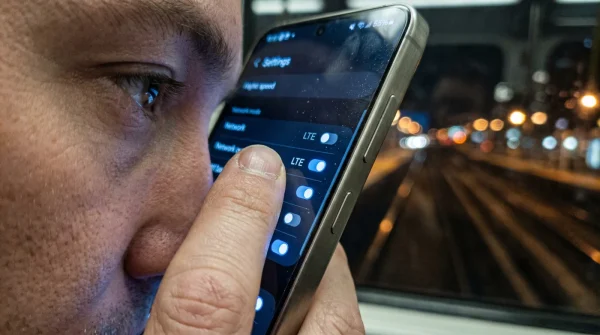
Frank routinely walks into living rooms, pulls out the homeowner’s smartphone, toggles off the automatic band-balancing protocol inside their network management software, and watches forty-megabit buffering loops instantly stabilize into clean, uninterrupted four-thousand-pixel playback streams.
Mapping the Structural Layers of Your Home
Every home presents its own physical acoustic signature to wireless spectrums. Solving choppy video buffering requires matching your physical architecture to the appropriate radio frequency profile.
For Pre-1960 Plaster and Lath Construction
In older residences, walls are dense sandwiches of horsehair plaster spread over thin horizontal wooden slats or conductive steel mesh. High frequencies simply disintegrate when striking these boundaries. Locking media hardware to 2.4 GHz ensures your packets punch through dense structural hurdles with total reliability, eliminating the jitter that causes video buffer pauses.
For Modern Open-Floor Framing
If your home features standard half-inch drywall over softwood studs, high-frequency signals bleed easily across twenty to thirty feet of open floor space. In this environment, automatic band switching causes devices sitting at the exact geometric halfway mark between rooms to oscillate endlessly between frequencies. Manually pinning stationary devices ends the perpetual handshaking cycle.
Mindful Reconfiguration: The Silent Tweak
Taming your network does not require climbing into the attic or splicing phone lines. It demands five minutes of deliberate attention inside your companion app to strip away automated steering.
- Launch the Eero companion app on your phone while connected directly to your home network.
- Navigate directly to the Settings tab located in the lower right corner of the display.
- Select Network Settings, then tap the menu designated for Client Steering (often labeled Band Steering).
- Toggle the switch to the Off position, allowing client devices to negotiate pure signal strength without the router aggressively kicking them to higher bands.
- For sensitive smart appliances or stubborn streaming sticks, access the Troubleshooting menu, select My device won’t connect, and temporarily suppress the 5 GHz band to permanently register the device on the low-frequency carrier.
Once you disable the algorithmic nudging, restart your primary streaming hardware. The television will settle into the band capable of maintaining a stable signal-to-noise ratio, rather than reaching for a fragile phantom connection through thirty feet of gypsum.
The Tactical Network Toolkit
Keep these baseline operating figures in your mind when configuring physical placement:
- Operating Channel Target: Set 2.4 GHz bandwidth to 20 MHz to avoid overlapping with neighborhood networks.
- Signal Margin: Maintain a minimum of -67 dBm RSSI at the client device location for uncompressed 4K video.
- Physical Separation: Keep the router base at least 3 feet off the floorboards and 12 inches away from masonry walls to prevent back-wall radio reflections.
A Calmer Digital Perimeter
There is quiet satisfaction in restoring domestic ease without feeding the cycle of consumer upgrades. When your home technology functions seamlessly, it vanishes from your conscious thoughts, leaving behind only the rich dialogue of an evening film or music drifting across rooms uninterrupted.
Reclaiming digital balance at home rarely involves purchasing new plastic beacons. Often, peace requires stripping away the automated layers meant to anticipate our needs, allowing humble, low-frequency radio physics to do the heavy lifting unhindered.
“True network stability is rarely about raw bandwidth capacity; it is almost always about signal consistency through physical mass.”
| Configuration State | Physical Behavior | Added Value for the Reader |
|---|---|---|
| Band Steering Active | Router forces devices toward fragile 5 GHz signals regardless of wall density. | Explains why expensive routers still cause stuttering and dropouts in older homes. |
| Client Steering Disabled | Devices bind securely to the strongest penetrative wave without forced handoffs. | Eliminates micro-buffering during high-bitrate video streaming immediately. |
| Temporary 5 GHz Pause | Forces legacy media streamers to identify and latch onto the 2.4 GHz carrier. | Prevents endless connection drops behind wire lath and plaster walls. |
Frequently Asked Questions
Will disabling band steering slow down my high-end smartphones and laptops?
No. Modern flagship phones possess sophisticated internal roaming logic that independently selects 5 GHz when standing near the router, without needing external encouragement from network firmware.Why does 2.4 GHz work better if 5 GHz is technically faster?
Speed is irrelevant if packets drop during transmission. The longer physical wave of 2.4 GHz bypasses dense structural obstacles, delivering a steady 50 Mbps stream rather than a broken 500 Mbps connection.Do I need to leave the 5 GHz frequency paused permanently?
No. The pause function lasts only ten to fifteen minutes, which is just long enough to pair stationary devices like televisions and smart plugs to the robust lower frequency.Will this adjustment prevent interference from my microwave or baby monitor?
While 2.4 GHz shares space with household appliances, disabling aggressive band switching prevents your streaming hardware from disconnecting entirely whenever momentary ambient noise occurs.Can I turn band steering back on if I move to a new apartment?
Yes. The toggle is entirely reversible in the application settings if your next living space features open drywall layouts without dense plaster barriers.