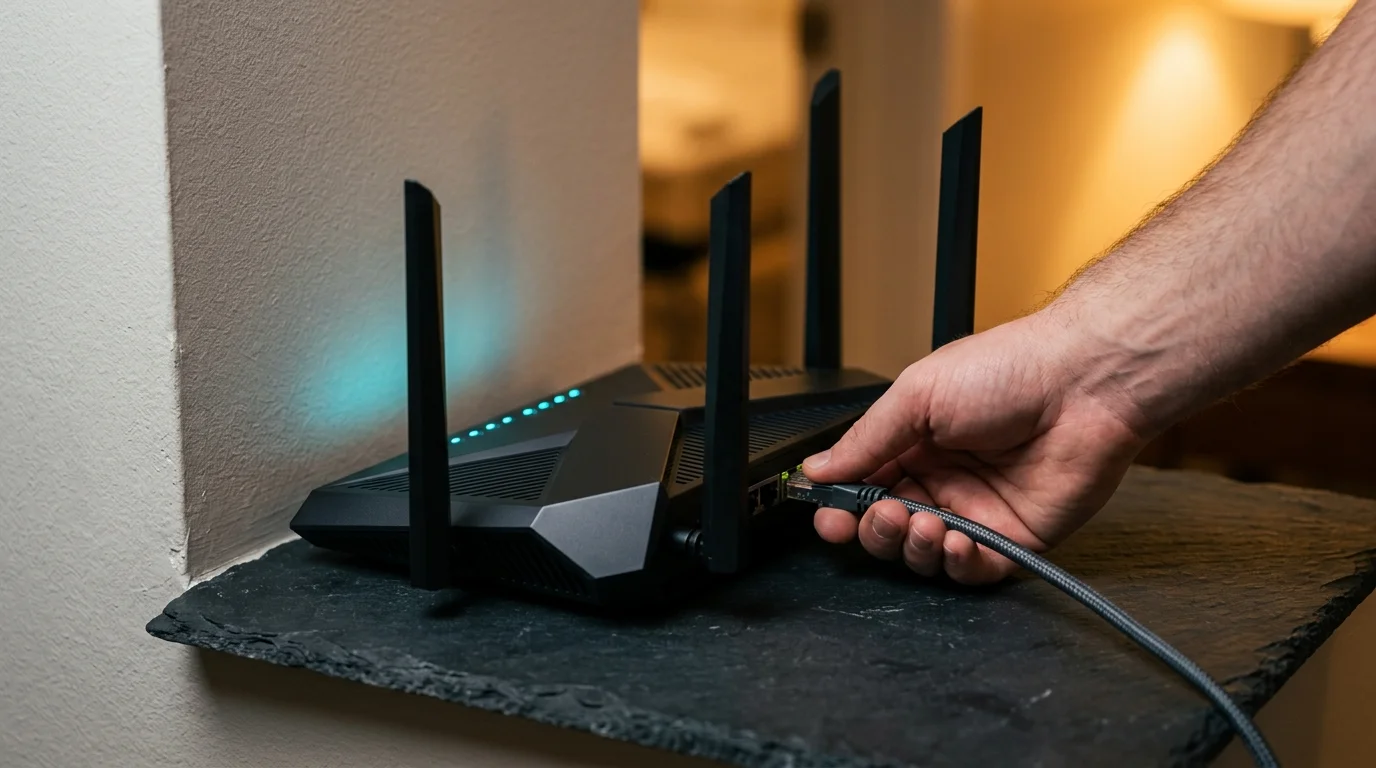
Homeowners upgrading to Wi-Fi 7 routers in the United States to achieve multi-gigabit wireless speeds across multiple rooms often encounter a persistent physical limitation: higher-frequency radio waves struggle to penetrate interior walls. While the Wi-Fi 7 standard introduces wider channels and utilizes the 6 GHz spectrum to deliver rapid data transfers in the same room as the router, physical barriers such as standard drywall partitions reduce signal strength and can erode that speed advantage over distance.
Understanding how 6 GHz signals behave inside residential structures is critical for consumers investing in expensive new networking hardware. Depending on a home’s floor plan, wall materials, and router placement, achieving consistent gigabit throughput in distant rooms may require strategic node placement, fallback to lower frequency bands, or wired Ethernet backhaul connections between mesh units.
Channel Width Gains Meet Higher-Frequency Physics
The primary speed advantage of Wi-Fi 7 stems from its ability to use the 6 GHz band alongside expanded channel widths. Where supported by both client hardware and regional regulations, Wi-Fi 7 can operate on channels up to 320 MHz wide, doubling the 160 MHz maximum channel bandwidth available in Wi-Fi 6E, according to Teltarif.de and TechTrader System. In an uncongested RF environment, doubling the channel width substantially increases peak theoretical capacity for compatible laptops, smartphones, and desktops.
However, wider channels and higher frequencies carry inherent propagation tradeoffs. Radio frequency engineering dictates that as frequency increases and wavelength shortens, signals experience greater path loss over distance and higher absorption or reflection when striking solid objects. According to TechTrader System, the 6 GHz band is generally most effective when client devices operate close to the router or in adjacent open spaces, and it often delivers less reliable coverage than the 5 GHz band when signals must pass through multiple interior barriers.
Because wide 320 MHz channels require a strong signal-to-noise ratio to maintain high modulation rates, even moderate signal degradation across rooms can force a Wi-Fi 7 router and client device to step down to lower link rates or switch to a narrower channel on the 5 GHz band.
How Drywall Partitions Affect Wireless Attenuation
In standard American residential construction, interior rooms are typically separated by wood or metal studs covered with drywall sheets. While drywall is far less dense than masonry or concrete, it still absorbs radio energy, and the penalty grows stiffer as wireless frequencies climb higher.
Technical evaluations of lower Wi-Fi bands illustrate how frequency affects wall penetration. According to building-material attenuation figures cited by TechInstalls, a standard drywall partition introduces about 5.4 dB of signal loss on the 2.4 GHz band, compared with about 10.1 dB of attenuation on the 5 GHz band. Because the decibel scale is logarithmic, a 10.1 dB drop represents a substantial reduction in received signal power after crossing just a single interior partition.
At the same time, differing reports and technical assessments highlight important nuances regarding how severely drywall alone degrades Wi-Fi 7 connections. While the 2.4 GHz and 5 GHz figures cited by TechInstalls demonstrate the upward trend in attenuation as frequencies rise, those specific measurements do not directly test 6 GHz Wi-Fi 7 routers. Meanwhile, analysis from TechTrader System notes that 6 GHz loses reliability across multiple barriers, whereas broader router testing covered by CHIP indicates that Wi-Fi 7 hardware can still deliver strong performance in favorable layouts. Consequently, while passing through one or more drywall partitions reduces the near-router speed advantage of 6 GHz, the exact throughput drop varies based on room geometry, transmitter power regulations, and client antenna design.
Wireless Mesh Backhaul Versus Wired Ethernet Connections
The physical limits of 6 GHz propagation also shape how multi-node mesh Wi-Fi systems perform in larger homes. Many consumer mesh kits market the 6 GHz band—or multi-link operation across bands—as a high-speed wireless backhaul linking satellite nodes back to the primary router connected to the fiber or cable modem.
If satellite nodes are placed too far apart or separated by multiple interior walls, the wireless backhaul link itself suffers from the same signal attenuation affecting client devices. When the wireless bridge between mesh units loses capacity across walls or distance, every device connected to the remote node is bottlenecked by that weakened link, according to TechTrader System.
Connecting mesh nodes via wired Ethernet backhaul bypasses this wireless hop altogether, delivering full multi-gigabit capacity directly to remote access points regardless of how many walls separate them. That allows each node to broadcast a fresh, short-range 6 GHz signal inside its immediate room. Still, industry analyses from TechTrader System and CHIP do not support a blanket rule that wired backhaul is universally mandatory for multi-room gigabit speeds. In open-concept homes or layouts with clear lines of sight between mesh units, wireless backhaul can remain viable, making the need for Ethernet cabling dependent on building layout, equipment capability, and target network speeds.
What Homeowners Should Consider Before Upgrading to Wi-Fi 7
For buyers evaluating Wi-Fi 7 routers and mesh systems, real-world network planning matters just as much as peak specifications printed on a retail box. Below are key practical considerations for residential deployments.
How do 5 GHz and 6 GHz bands compare through residential walls?
The 6 GHz band offers wider channels—up to 320 MHz on compatible Wi-Fi 7 gear—and less interference from legacy devices, making it ideal for maximum speed in the same room or nearby areas. Once signals cross multiple drywall partitions or longer hallways, 5 GHz often maintains more reliable coverage due to its lower path loss, while 2.4 GHz penetrates barriers best at about 5.4 dB of loss per drywall partition versus about 10.1 dB at 5 GHz.
Is wired Ethernet backhaul always required for multi-room gigabit speeds?
Wired Ethernet backhaul is not required in every home, as close-range or open-floor layouts can still sustain high wireless throughput between nodes. However, when multiple walls separate the main router from remote rooms, Ethernet cabling eliminates backhaul signal loss and provides the most consistent path to multi-room gigabit performance.
How does drywall compare with denser building materials?
Standard drywall partitions cause noticeable attenuation at higher frequencies, but denser obstacles such as brick, plaster over wire mesh, foil-backed insulation, or poured concrete block wireless signals far more aggressively. Homes constructed with masonry or plaster walls face steeper 6 GHz range reductions than standard wood-stud and drywall residences, increasing the value of wired access points.