The thunderstorm rolls over your roof at three in the morning, rattling the sash windows before the neighborhood grid drops out with a dull, heavy thud. For five seconds, the room falls into absolute blackness. Then comes the snap of a neighborhood transformer re-engaging, and suddenly your bedroom ceiling ignites into a harsh, clinical, daylight-white glare that feels like a doctor’s examination light. You reach for your nightstand, grab your phone, and drag open the WiZ app through squinted eyes, only to be met with small spinning gray circles and a cold alert: Device Unreachable.
You flip the physical wall toggle down, wait, and flick it back up, hoping the fixture will remember its warm, twenty-percent amber glow. Instead, it snaps right back to that glaring factory default, completely blind to your Wi-Fi network and deaf to your home assistant. It sits there, stubbornly illuminated at maximum brightness, refusing every automation you spent months curating.
This is the quiet torment of budget smart lighting when the municipal power lines stutter. What feels like a blown circuit or a ruined silicon chip inside the aluminum base is actually something far more frustrating: an intentional software design choice colliding with the physical messiness of American electrical infrastructure. Your home did not lose its bulbs to an electrical surge; your bulbs were tricked into erasing their own memories.
The Logic Behind the Amnesiac Filament
To understand why an outage leaves your ceiling stuck in glowing limbo, you have to look at the severe physical limits of a bulb socket. Unlike a smart speaker or a streaming box, a standard household light fixture has no pinhole reset button, no tactile pairing toggle, and no screen. The manufacturer needs a universal way for anyone to wipe the device clean if they move into a new house or change their Wi-Fi password.
Their solution was simple: the pulse-code reset mechanism. By wiring the firmware to count rapid interruptions in direct alternating current, engineers turned the ordinary light switch into a rudimentary keyboard. If the chip detects power cutting and returning three to five times within a narrow window of seconds, it assumes you are deliberately wiping its flash memory to prep it for a new owner. The light blinks cool white, dumps its cryptographic Wi-Fi credentials, and retreats to its initial state.
When an electrical storm hits or a substation recloser trips along a utility corridor, the grid does not just turn off cleanly like turning a key. It stutters. Power arcs, drops, rebounds for half a second, falls away again, and finally stabilizes as automatic switches test the line. To your human eyes, the room flickered violently before going dark. To the microscopic processor nestled in the neck of your smart bulb, that brownout sequence looked identical to an intentional, rapid-fire factory wipe command.
The Field Secrets of Grid Recovery
Marcus Vance, a forty-one-year-old electrical technician from Austin, Texas, spends his summers repairing residential control panels after Gulf storms hammer the regional grid. He notes that the calls he receives about ‘fried’ lighting fixtures rarely involve damaged wiring or blown drivers. Instead, they almost always trace back to homeowners caught in an accidental loop between their utility meters and their home routers.
- Apple HomePod mini microphones capture accidental room recordings until switching voice audit toggles
- Xbox Series S intake grilles pack thick carpet dust sparking deafening fan whines
- Airline battery limits confiscate unlabelled power banks leaving travelers with drained battery bars
- Pixel Camera app defaults ruin low-light portraits with harsh sharpening and noisy grain
- Hotel Wi-Fi networks leak private browsing traffic without instant encrypted DNS toggles
Marcus points out that the problem compounds when power returns because your internet router takes anywhere from two to four minutes to boot its operating system, re-establish its upstream wide-area network connection, and broadcast its local radio bands. Meanwhile, your light bulb powers on in less than two hundred milliseconds. When the bulb wakes up, it searches for a router that does not yet exist in the airwaves. By the time your Wi-Fi network actually reappears, the bulb has already timed out its connection attempts and lapsed into an un-paired setup mode, leaving you staring at an unresponsive beacon.
Layering the Fix Across Household Fixtures
Not every light in your home responds to grid brownouts the same way. The layout of your physical switches dictates exactly how you need to approach the recovery process, especially when multiple bulbs share a single electrical run.
For multi-bulb fixtures—such as a dining room chandelier or a track rail over a kitchen island—a brownout can desynchronize the array. Because cheap internal capacitors discharge at microscopic variances in speed, two bulbs in the same fixture might register four power pulses while the third bulb only registers three. You end up with two bulbs blinking in pairing mode while the third sits solid white, impossible to configure as a unified group until you isolate them.
For freestanding table lamps and task lights plugged into conventional wall outlets, the problem is often simpler but equally annoying. These lamps are frequently plugged into circuits that experience heavy voltage sag when large appliances like your air conditioner’s compressor kick on immediately after an outage. If that initial voltage drop mimics a toggle, the lamp drops its handshake while your ceiling fixtures hold firm.
For whole-home installations governed by a single switch bank, attempting to fix one stubborn bulb using the wall switch inevitably resets every other functional bulb on that circuit. Understanding which layer of your lighting needs attention keeps you from accidentally wiping ten working fixtures just to fix one that went rogue.
The Rhythm of the Cadence Reset
Restoring an unresponsive bulb does not require unscrewing it from the socket or deleting it from your mobile dashboard. It simply requires you to speak the firmware’s language with clean, deliberate physical timing, clearing the false reset command and allowing it to re-handshake with your router.
Before touching the wall switch, ensure your home router has completely finished its boot cycle. Check your phone to verify that the 2.4 GHz Wi-Fi band is active and accessible. Trying to reset a bulb while your router is still negotiating its DNS lease will trap the bulb in pairing mode indefinitely.
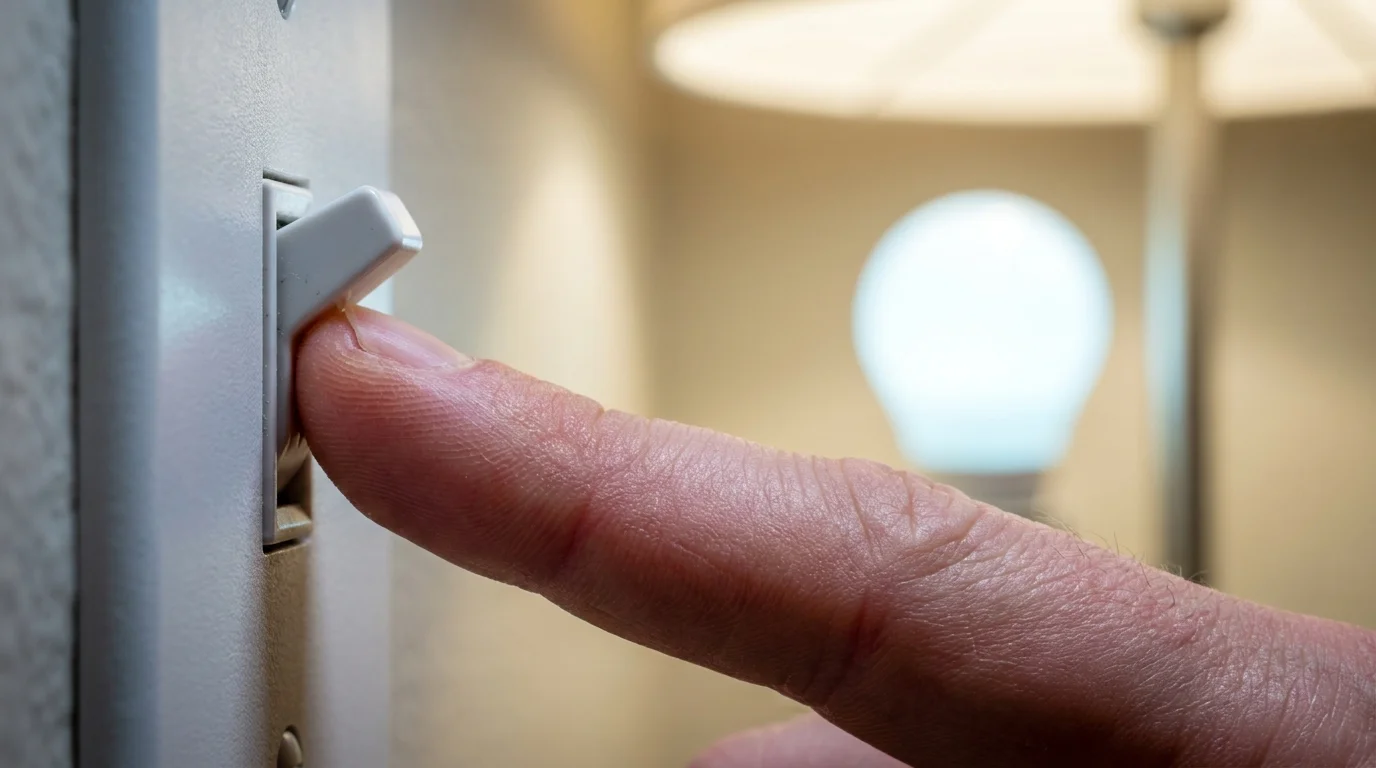
Once the network is steady, approach the switch controlling the unresponsive fixture. You need to perform a rhythmic, deliberate reset cadence rather than rapid, frantic flipping.
- Flip the switch OFF and leave it off for a full five seconds to allow the internal electrolytic capacitors to drain completely.
- Flip the switch ON for two seconds, then OFF for two seconds. Repeat this motion precisely three times.
- On the fourth cycle, flip the switch ON and leave it alone. Do not touch the toggle again.
- Watch the filament. The bulb should pulse smoothly in a soft blue or warm white rhythm, indicating it has opened its temporary setup channel without purging your existing cloud scenes.
- Open the WiZ app, navigate to your room, tap the plus sign, and select ‘Manual Pairing’ or wait for the local background broadcast to discover the orphaned MAC address.
If your bulbs sit in a multi-socket ceiling fixture, unscrew all but one bulb halfway so the metal threads disconnect. Perform this physical cadence on a single bulb at a time. It feels tedious for ten minutes, but it prevents the erratic voltage cross-talk that prevents clustered bulbs from clearing their pairing state simultaneously.
Your Tactical Toolkit for Storm Recovery:
- Switch Cadence: Two seconds ON, two seconds OFF, repeated three times, followed by a steady resting ON state.
- Capacitor Drain Time: Five full seconds of unbroken zero-voltage state before beginning any sequence.
- Network Priority: Strict 2.4 GHz band broadcast; disable 5 GHz band roaming temporarily on mesh nodes if the app stalls during rediscovery.
- Hardware Safeguard: Enable the ‘Power-on behavior’ toggle inside the device settings menu once reconnected, switching the default from ‘Cool White 100%’ to ‘Last Status’ or ‘WiZclick’.
The Bigger Picture: Reclaiming Analog Sovereignty
There is an odd vulnerability that comes with standing in your living room, unable to turn off an uncomfortably bright light bulb because a cloud server and an electrical storm had a brief miscommunication. It highlights the invisible friction of our modern homes, where simple mechanical actions have been traded for digital layers that don’t always respect the chaotic reality of physical utilities.
Mastering this simple reset rhythm does more than quiet an annoying glare; it shifts your relationship with the hardware in your walls. You stop treating smart home equipment like delicate, disposable magic that breaks at the first sign of rain, and begin treating it like any other mechanical appliance that simply requires an occasional tune-up. When the next storm inevitably rolls through and the transformers hum in the dark, you will not have to wake up to a room that feels like an emergency ward. You will know the exact beat of the switch that puts your home back to sleep.
The most reliable smart home is never the one with the most complicated code, but the one whose physical boundaries are understood by the hands that live inside it.
| Key Point | Detail | Added Value for the Reader |
|---|---|---|
| Root Cause | Grid brownouts mimic the manual switch-toggle sequences that trigger factory firmware resets. | Stops you from assuming your light hardware is physically broken or burnt out after a storm. |
| The Delay Trap | Bulbs power on in milliseconds, while routers require up to five minutes to broadcast Wi-Fi. | Prevents premature troubleshooting while local networks are still establishing connections. |
| Desynchronization | Multi-bulb fixtures experience slight capacitor variations, causing uneven reset states. | Saves hours of frustration by teaching you to isolate and reset one socket at a time. |
| Default Safeguard | The factory setting defaults to 100% cool white upon reboot unless deliberately altered. | Allows you to configure ‘Last Known State’ so your home stays dim if power returns at night. |
Frequently Asked Questions
Why do my bulbs turn on at 100% brightness after the power comes back?
Budget smart bulbs are designed to double as safety lights in an emergency; if a fire or hazard cuts local power, flipping the wall switch must guarantee light. You can override this in the WiZ app under device settings by changing ‘Power-on behavior’ from ‘Default’ to ‘Last Status’.Will a surge protector prevent smart bulbs from losing their pairing?
Surge protectors catch high-voltage spikes, but they do not stop brownouts or low-voltage flickers. The rapid drop-and-catch of a stuttering grid will pass right through a surge strip and still trigger the bulb’s internal reset counter.Do I have to delete the bulb from the WiZ app and start from scratch?
No. In most cases, cycling the bulb through the three-cycle cadence simply forces it to broadcast its setup beacon again. The mobile app will recognize the bulb’s hardware MAC address and restore its custom room, name, and presets automatically.Why does this happen to my WiZ bulbs but not my Philips Hue bulbs?
Hue bulbs communicate via a dedicated Zigbee mesh bridge rather than direct Wi-Fi. The bridge maintains the localized network map independently of your home router and does not use simple switch-toggling as its primary factory-reset mechanism.Can I stop my multi-bulb chandelier from desynchronizing during flickers?
The most effective prevention is installing a smart in-wall switch rather than using smart bulbs in multi-socket fixtures. If you stick with smart bulbs, keep a single spare standard bulb handy to screw into one socket to absorb baseline circuit noise during volatile weather seasons.