The sudden crack of summer thunder rattles your window frame, followed by that eerie, dead silence when the hum of the refrigerator drops out. In the hallway, the dark lasts for just a heartbeat before the municipal grid stutters, snaps back to life, and violently floods your living room. But instead of returning to the muted, amber glow you spent weeks dialing in, your ceiling erupts into an icy, blinding hospital-grade white. You pick up your phone, open the Govee app, and watch the tiny status wheels spin indefinitely into dull grey icons reading ‘Device Offline.’
It is easy to assume the sudden spike fried the fragile microcontrollers tucked inside the plastic housings. You picture tiny scorched capacitors and burnt silicon traces, resigning yourself to climbing a stepladder, deleting five separate fixtures from your network, and re-entering your home Wi-Fi password one tedious character at a time. The standard consumer expectation after a storm is hardware failure or permanent software amnesia.
The physical reality is far simpler and much less catastrophic. Your light did not die, nor did it lose its mind. Instead, the electrical shuddering of the transformer down the street whispered a very specific sequence of commands directly into the bulb’s power receiver, triggering a deliberate failsafe built into the silicon itself.
The Tripwire in the Silicon
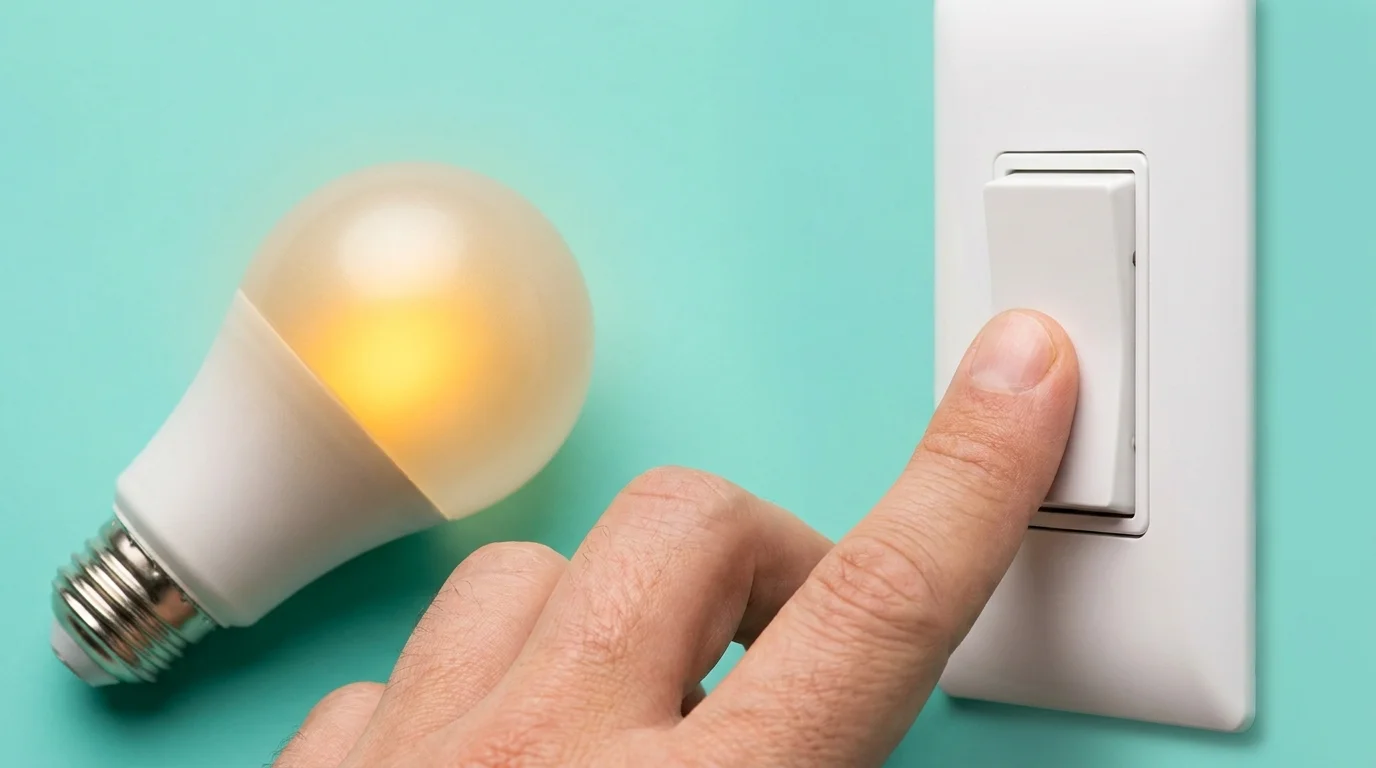
Smart bulbs are unique among connected appliances because they lack physical buttons. A wall switch does not talk to the bulb via digital packets; it talks through raw copper, cutting and restoring 120-volt current. To give you a way to recover a device if your router catches fire or your phone vanishes, manufacturers turn the standard light switch into a rudimentary telegraph key. If the bulb detects power cut and restored five times in rapid succession, it assumes you are desperately trying to wipe its memory and starts fresh.
When a high-voltage grid fault occurs, utility reclosers mechanically clear faults by cycling line power in violent, millisecond bursts. To a human sitting in an armchair, the room lights merely flickered wildly three or four times before settling. To the low-voltage logic board resting behind the milky diffuser dome, that violent electrical chatter matches the factory reset signature almost perfectly. The bulb clears its temporary Wi-Fi handshake cache, falls out of its assigned network mesh, and defaults to full-brightness raw output for basic safety.
Marcus Vance, a forty-two-year-old low-voltage lighting specialist in Raleigh, North Carolina, spends his summer months calming down homeowners who believe a single thunderstorm cost them hundreds of dollars in burned-out hardware. In his service van, Marcus keeps an old mechanical metronome tuned to sixty beats per minute. He uses it to demonstrate that restoring these fixtures is not about tech support or router reboots, but about mastering the mechanical rhythm of the physical wall toggle.
- Preloaded offline maps bypass dead cellular signals across foreign transit terminals
- Google Nest speakers trap muffled room whispers until audio history permissions switch off
- Stock camera HDR toggles ruin indoor portraits with muddy grainy edge blur
- Airport Wi-Fi networks intercept unencrypted login cookies unless forcing private DNS switches
- Adjustable monitor risers lift screen angles to eliminate nagging stiff neck soreness
Tuning the Recovery by Fixture Architecture
Not every fixture in your home reacts to electrical brownouts identically, because the physical path the electricity takes dramatically alters how the bulb senses sudden voltage dips.
For the Multi-Bulb Chandelier
Fixtures running four or five smart candelabras on a single circuit create internal electrical resistance loops. When the grid surges, the bulbs closest to the ceiling junction drain their power supply instantly, while the outer bulbs bleed off stored capacitor energy a half-second slower. This mismatch causes two bulbs to drop pairing while the other two stay connected. When dealing with a grouped chandelier, never attempt to cycle the bulbs while they are all screwed into the sockets together. Unscrew all but one, restore that solitary bulb to the network, and then move down the line individually.
For Wall-Dimmer Bleed Circuits
If your smart bulbs sit inside sockets governed by older mechanical wall dimmers—even ones pushed to one hundred percent—the internal triac switch constantly leaks minor voltage. During a storm, this leakage creates a phantom half-voltage state where the bulb never cleanly shuts down, trapping the Wi-Fi modem in a brownout freeze. To reset bulbs on these circuits, flicking the wall toggle will fail every time. You must physically unscrew the bulb from the brass socket by two turns to break the circuit cleanly, wait for the residual heat on the base to cool, and screw it back in with a firm, continuous twist.
For Isolated Table and Floor Lamps
Freestanding lamps plugged into standard wall receptacles carry the direct brunt of household transient spikes. The tiny rotary clickers or inline thumb switches on lamp cords introduce contact bounce—microscopic mechanical arcs every time you turn the wheel. When an outage occurs, avoid twisting lamp clickers repeatedly out of frustration. The contact bounce mimics an intentional factory wipe, completely clearing the stored 2.4GHz network credentials from the bulb’s flash memory.
The Cadence of Reconnection
Before you delete anything from your smart home dashboard or pull out a ladder to read microscopic QR codes, use the physical recovery sequence. The goal is to clear the bulb’s transient memory state without triggering the secondary five-strike factory reset loop.
- Cut physical power at the wall switch or cord toggle and walk away for a full twenty seconds. The primary filter capacitors inside the base must drain completely until the internal logic chip loses all residual charge.
- Flip the switch ON for two seconds, then OFF for two seconds. Repeat this motion exactly four times—never five. Count the seconds deliberately: ‘one-one-thousand, two-one-thousand.’
- On the fourth cycle, flip the switch ON and leave it untouched. Do not reach for your phone immediately. The bulb will glow in its harsh default white for roughly ten to fifteen seconds while its radio transceiver listens for ambient beacon packets.
- Watch the illumination shift. When the internal microcontroller recognizes its previous router MAC address without the interference of line noise, the light will briefly dip in intensity or flash warm amber once, settling back into your customized palette.
The Tactical Toolkit
Keep these operational benchmarks in mind whenever severe weather threatens the grid:
- Capacitor Bleed Interval: 20 seconds of continuous zero-voltage rest before initiating switch sequences.
- Toggle Tempo: 60 BPM (1 second engaged, 1 second disengaged).
- Radio Acquisition Window: 45 seconds of uninterrupted post-cycle power before testing app responsiveness.
- Router Channel Quarantine: Force your home network’s 2.4GHz band to a fixed channel (1, 6, or 11) with a 20MHz channel width to stop hunting loops.
Reclaiming Calm from the Copper
Modern smart hardware sells the dream of frictionless magic, yet it remains tethered to century-old copper wiring, mechanical toggle switches, and the messy physics of a regional electrical grid. When an overhead bulb blasts raw light across your midnight living room after a brief blackout, it is not an act of technological defiance. It is merely a humble low-voltage circuit board trying to interpret the wild, static-heavy language of a storm.
Understanding how physical voltage translates into digital behavior shifts your home from a source of sudden irritation back into a sanctuary. When you know the rhythm behind the switch, a flickering grid loses its power to disrupt your evening. You no longer scramble for your smartphone or rebuild virtual rooms in an app; you simply walk to the wall, take a steady breath, tap out a patient cadence on the toggle, and let the warm light quietly return.
“Smart home stability is rarely won in the cloud; it is quietly maintained through an understanding of physical copper and deliberate mechanical timing.”
| Key Point | Detail | Added Value for the Reader |
|---|---|---|
| Trigger Mechanism | Utility line reclosers create rapid micro-cuts that mimic the 5-pulse reset command. | Stops you from assuming the internal hardware is physically damaged by lightning. |
| Capacitor Retention | Internal power supplies store residual energy for up to 15 seconds after line loss. | Prevents failed reset attempts caused by toggling the switch before chips clear their cache. |
| Recovery Cadence | Four deliberate two-second toggles force a warm radio reload rather than a memory wipe. | Restores direct network connectivity without re-entering passwords or re-pairing apps. |
| Fixture Isolation | Branch-circuit resistance causes clustered fixtures to fall out of sync during outages. | Saves hours of troubleshooting by addressing multi-bulb chandeliers one socket at a time. |
Frequently Asked Questions
Why does my bulb default to bright white instead of its last color after a blackout?
This is a foundational safety override. If a real emergency cuts household power or someone flips a switch in the dark, the fixture must provide maximum usable illumination rather than dim mood lighting.Will a surge protector strip prevent my plug-in lamps from losing their connection?
A standard surge protector clamps dangerous high-voltage spikes, but it does not prevent the line drops and brownouts that fool the bulb into cycling its reset sequence.Why did half the bulbs in my ceiling fan disconnect while the others stayed online?
Slight manufacturing tolerances in internal capacitors mean some bulbs bleed their charge faster than others during a micro-outage, meaning only certain units hit the specific reset threshold.Does toggling the switch too quickly damage the smart bulb hardware?
Rapid flicking will not burn out the solid-state LEDs, but it creates electrical contact bounce that permanently traps the microcontroller in an unconfigured setup state.Should I delete the bulb from the Govee app if the recovery rhythm fails?
Only as a last resort. If the four-pulse rhythm fails, give the circuit a sixty-second cold rest, try the rhythm once more, and check whether your phone has automatically switched to a 5GHz-only Wi-Fi band.