Consumer solid-state drives regularly advertise multi-gigabyte-per-second transfer rates, yet real-world sustained write speeds can drop sharply when a drive’s write buffer runs out or its available storage capacity shrinks. Recent hardware evaluations published in October 2026 by Tom’s Hardware and WindowsForum examine how pseudo-SLC (pSLC) caching architectures govern NVMe SSD performance during heavy data transfers across personal computers and network storage systems.
While conventional wisdom often suggests that all consumer SSDs slow to mechanical hard-drive speeds once they pass a specific capacity limit, recent hardware testing reveals a much more nuanced engineering reality. Write degradation depends heavily on whether a drive relies on dynamic or static caching, the underlying flash memory density, controller firmware, and concurrent background operations.
How Pseudo-SLC Caching Works in Modern NAND Flash
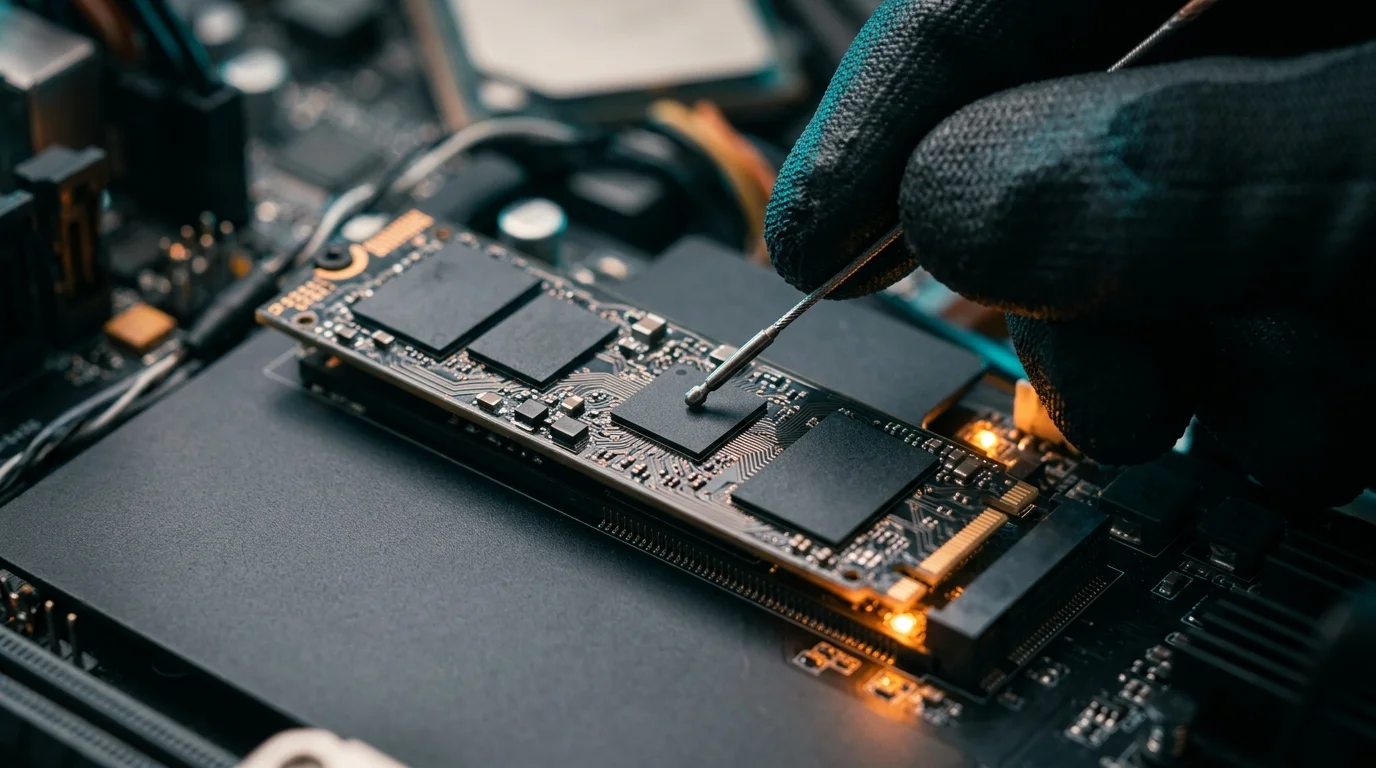
To achieve high burst speeds while keeping manufacturing costs low, the majority of modern consumer NVMe SSDs are built using Triple-Level Cell (TLC) or Quad-Level Cell (QLC) NAND flash memory. Writing three or four bits of data into each individual storage cell requires precise voltage manipulation, which is inherently slower than writing a single bit per cell.
To mask this latency during everyday computing tasks, manufacturers implement pseudo-SLC caching. According to Tom’s Hardware and WindowsForum, this technique temporarily operates a portion of the drive’s TLC or QLC flash in a faster one-bit-per-cell mode to absorb incoming data bursts. Once the transfer finishes or the temporary buffer fills up, the controller folds that data back into its denser native TLC or QLC blocks.
On many consumer drives, this pSLC buffer is dynamic, meaning the controller borrows unused native storage capacity to serve as the high-speed write cache. According to an October 14, 2026 analysis by LaptopJudge, because dynamic pSLC cache capacity depends on available free space, a fuller drive can have significantly less room allocated for high-speed write buffering. However, the publication cautions against assuming all solid-state drives behave identically, as exact allocation strategies vary by drive model and firmware programming.
The Myth of the Universal Slowdown Cliff
A common claim in PC hardware circles is that NVMe SSDs suffer an immediate performance collapse at an exact capacity milestone, or that exhausting the write cache universally reduces an SSD to mechanical hard-drive speeds. However, industry reports and benchmark comparisons show conflicting outcomes depending on the specific hardware design.
On the question of capacity thresholds, an October 13, 2026 report from WindowsForum notes that while a nearly full drive can experience a smaller dynamic pSLC cache, there is no exact performance cliff at a specific occupancy percentage. Instead, the report recommends leaving roughly 10–15% free space as a practical buffer for cache operations and routine drive management, framing that figure as general operational guidance rather than a hard failure threshold.
At the same time, specialist testing demonstrates that cache behavior and post-cache speeds vary dramatically by architecture. In an October 11, 2026 review of the SanDisk NAS 800, Tom’s Hardware found that the drive utilizes a likely static pSLC cache measuring about 12 GB. Once that small buffer filled, the drive transitioned to direct-to-TLC writing and sustained a write pace of about 4 GB/s for an hour during testing. This result directly counters the notion that cache exhaustion always forces an NVMe drive down to hard-drive transfer rates.
QLC Flash and Post-Cache Speed Variations
Where steep write slowdowns do appear, they are most pronounced on high-density QLC drives tasked with moving massive files that exceed the dynamic buffer, forcing the controller to fold existing data while simultaneously accepting new writes. Even within a single product line, measured post-cache speeds can vary across different test environments and capacities.
An October 11, 2026 summary published by WindowsForum examining the Lexar NQ780 illustrates these differing measurements. According to the report, testing on the 4TB model showed the drive writing at about 5 GB/s for 928 GB before dropping to around 350 MB/s once the cache was exhausted. Meanwhile, the same summary notes that PCWorld found the NQ780’s native write rate to be comparatively strong among QLC drives, while still recording a post-cache drop to about 450 MB/s. Rather than pointing to a single universal post-cache speed, these differing figures reflect variations in tested capacities, workload patterns, and measurement conditions.
Separating Cache Exhaustion from Other Bottlenecks
For workstation users, video editors, and system builders troubleshooting sluggish file transfers, identifying the root cause of a slowdown requires looking beyond free storage capacity alone. According to an October 13, 2026 report from LaptopJudge, a speed drop during extended write operations is not by itself proof that an SSD is nearly full or that its dynamic cache has shrunk.
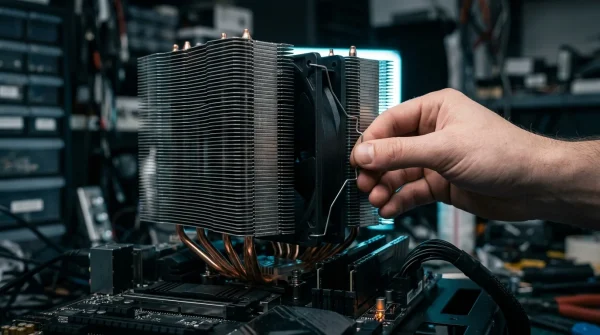
High-speed NVMe controllers generate considerable heat during continuous multi-gigabyte transfers. If a drive lacks an adequate heatsink or sufficient case airflow, thermal protection mechanisms will throttle controller clock speeds to prevent hardware damage, mimicking the symptoms of cache exhaustion. Operating system background tasks, disabled TRIM commands, outdated firmware, and specific workload queues can also restrict throughput. Checking drive temperature sensors and testing under controlled conditions are necessary steps before attributing a slowdown solely to storage occupancy.
Frequently Asked Questions
Does every SSD’s write cache shrink as free space decreases?
No. While many consumer TLC and QLC drives use a dynamic pSLC cache that scales with available free capacity, some models—such as the SanDisk NAS 800 tested by Tom’s Hardware—use a small, likely static cache of about 12 GB that does not rely on borrowing large pools of empty user storage.
What happens to write speeds after the pSLC cache is exhausted?
Post-cache performance depends entirely on the drive’s native NAND flash and controller design. High-end TLC drives can sustain about 4 GB/s in direct-to-TLC mode, whereas QLC drives like the Lexar NQ780 have been measured dropping to around 350 MB/s or about 450 MB/s depending on the test and model capacity, according to WindowsForum.
Is there a strict occupancy percentage where all NVMe SSDs slow down?
No. Hardware analysts at WindowsForum state there is no exact performance cliff at a specific fill percentage, though leaving roughly 10–15% free space is recommended as a practical buffer for cache and drive management.
Could a write slowdown be caused by something other than cache exhaustion?
Yes. According to LaptopJudge, thermal throttling, workload characteristics, and system limits can also cause speed drops during long writes, making it important to monitor drive temperatures and test conditions.
Sources
- Tom’s Hardware – SanDisk NAS 800 1.92TB SSD Review: Endurance at a Price
- WindowsForum – Slow NVMe SSD? Fix Thermal Throttling, Firmware, Free Space and TRIM in Windows 10 & 11
- WindowsForum – Lexar NQ780 SSD: Why Large Writes Slow to 350MB/s After the Cache Fills
- LaptopJudge – SRAM Cache on SSDs: Check Controller Performance
- LaptopJudge – Samsung 990 Evo Plus SSD Throttling Test