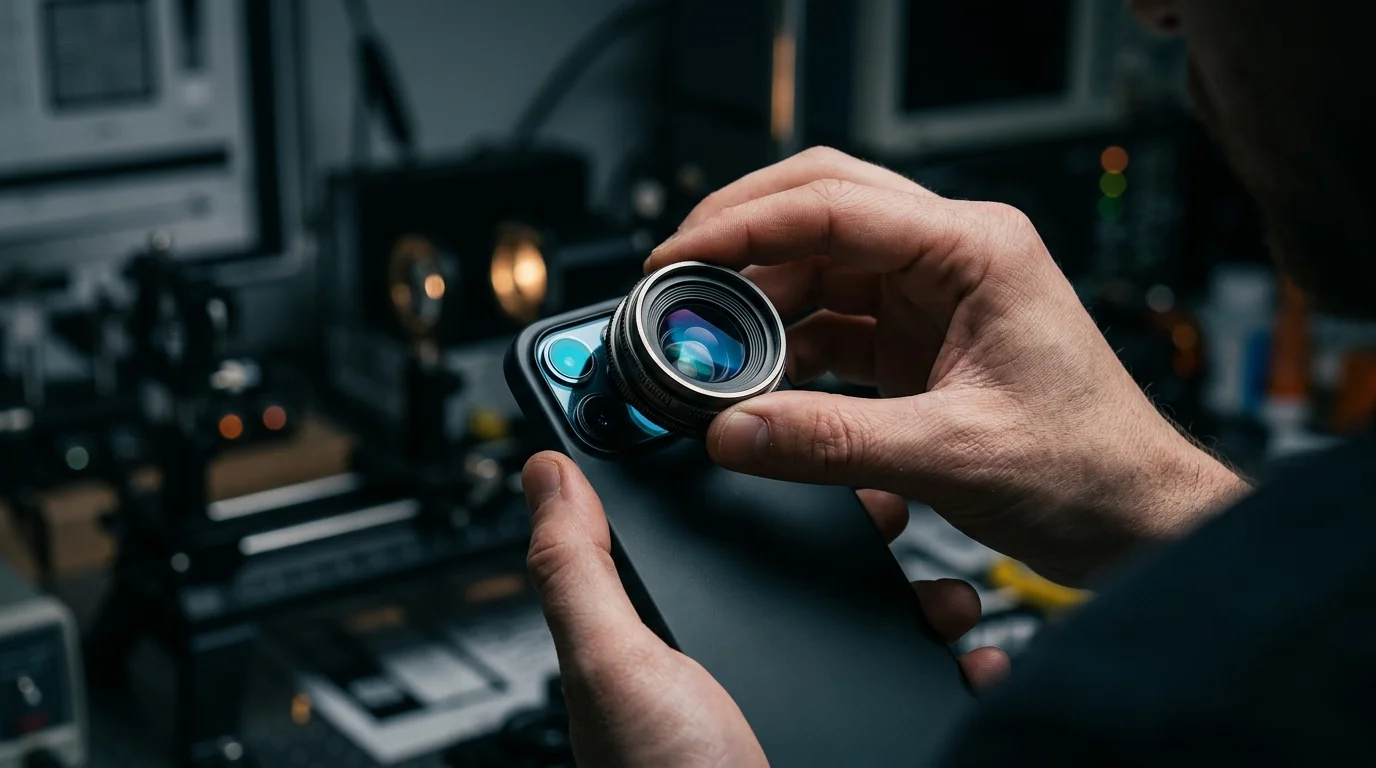
Modern smartphone cameras rely heavily on automated post-capture software pipelines to overcome the physical limitations of small image sensors, altering exposure, color, contrast, and edge sharpness the moment a user presses the shutter button. While this computational photography allows pocket-sized devices to capture usable images in difficult lighting, it frequently introduces aggressive sharpening and artificial halos into standard JPEG files—prompting photographers who want natural rendering to seek out uncompressed RAW formats or third-party camera applications.
According to an analysis published by How-To Geek, the gap between what appears in a smartphone viewfinder and the final saved image has become a notable point of friction on devices like the Google Pixel. When a photo is taken using the default camera software, the viewfinder displays a relatively natural preview, but the finished file snaps into a brighter, more vivid, and heavily sharpened state seconds after capture. Because these alterations are baked directly into standard compressed JPEG files, any fine texture altered or obscured by edge-enhancement halos cannot be easily restored afterward.
The Mechanics of Mobile Image Processing
Smartphone manufacturers use computational photography to bridge the performance gap between compact mobile optics and dedicated cameras equipped with larger physical sensors. Rather than recording a single exposure, modern mobile camera pipelines rapidly capture multiple frames and merge them together. During this fraction-of-a-second process, software algorithms lift shadows, compress bright highlights, apply noise reduction, and boost local edge contrast.
This automated intervention creates a fundamental technical trade-off rather than a simple loss of quality. On one hand, How-To Geek notes that default processing can easily overstep, ramping up parameters to produce overly sharp, hyper-vivid images and lifting night scenes until they resemble daylight. Excessive sharpening routines accentuate high-contrast boundaries, which can create visible halos around edges and give organic textures an artificial, brittle appearance.
On the other hand, the same report points out that multi-frame stacking extracts significantly more scene detail than a standard single-exposure capture. When comparing the native Google Pixel camera application against a less-processed third-party alternative, the stock computational pipeline preserves superior overall resolution and low-light clarity precisely because it combines data from multiple exposures. Consequently, software processing is neither purely destructive nor purely beneficial; it recovers structural detail that a small sensor would otherwise miss, even as its final sharpening pass risks making that detail look synthetic.
- Dual-Tower Air Coolers Rival 240mm Liquid Loops Without Pump Risk
- Why Many USB-C Charging Cables Cannot Support Fast Data or Video
- Heat, Not Fast Charging Alone, Drives Lithium-Ion Smartphone Battery Wear
- Why NVMe SSD Write Speeds Drop as Storage Fills and Cache Exhausts
- Why OLED Monitors Face Windows Text Clarity Issues and How New Panels Improve It
Why Standard JPEGs Lock In Artifacts
For everyday point-and-shoot users, automated tone mapping and sharpening deliver reliable, shareable snapshots without requiring manual editing. However, for enthusiasts who view photos on larger displays or intend to edit their files, aggressive default tuning presents a permanent obstacle.
When a smartphone saves a standard JPEG, the image signal processor applies demosaicing, noise reduction, tone mapping, and edge sharpening before compressing the data into an 8-bit file. Once high-contrast halos are generated along edges or subtle surface textures are smoothed over by denoising routines, the original sensor data is discarded. Attempting to lower the sharpness slider in a photo editor after the fact only blurs the existing artifacts rather than restoring the underlying optical detail.
Additionally, industry observers note that while user complaints about over-sharpening are widespread, independent, standardized benchmarks quantifying the exact rate of sharpening halos across major US-market smartphone brands remain limited. Because each manufacturer tunes its proprietary processing pipeline differently—and adjusts algorithms across software updates and lighting conditions—the severity of edge artifacts varies from scene to scene.
Workarounds for Photographers Seeking Control
Because major smartphone makers rarely provide a simple toggle in their default camera apps to disable automated sharpening or tone mapping, users looking for a flatter, more natural aesthetic have turned to two primary workarounds.
The first option is enabling RAW+JPEG capture within the native camera settings. Saving an uncompressed DNG (Digital Negative) file alongside the standard JPEG provides a flatter, less manipulated starting point that retains greater dynamic headroom. However, RAW files consume substantially more storage space and require manual color grading and exposure adjustments in dedicated editing software before they are ready to share.
The second approach involves bypassing the stock camera app altogether in favor of third-party software such as Open Camera, a free, open-source application for Android. According to How-To Geek, switching to Open Camera allows photographers to record standard JPEG files without applying heavy-handed algorithmic adjustments, preserving deep shadows and natural contrast. The application also exposes granular manual controls—including ISO, shutter speed, white balance, manual focus, exposure bracketing, and live on-screen histograms—which proved useful for specialized tasks like capturing a partial solar eclipse or using fast burst modes for lightning photography.
Still, abandoning the native camera app requires accepting visible compromises. Without proprietary multi-frame stacking, third-party apps trail behind stock camera software in sheer detail extraction and low-light performance, leaving mobile photographers to choose between maximum computational resolution and natural, unedited rendering.
Frequently Asked Questions
Does computational photography ruin fine detail or improve it?
It does both, depending on the stage of the pipeline. Multi-frame merging combines several exposures to recover significantly more structural detail and dynamic range than a small sensor could capture in a single frame. However, the final sharpening and contrast passes applied by default camera apps can exaggerate edges and create artificial halos, making fine textures look overly processed.
Can users turn off automatic sharpening in default smartphone camera apps?
In most cases, no. Default camera apps on devices like the Google Pixel automatically apply exposure, color, and sharpness adjustments after the shutter is pressed without offering a manual slider to disable the processing pipeline. Users who want unsharpened output generally must shoot in RAW mode or install a third-party camera app.
Are edge halos caused solely by sharpening algorithms?
Not necessarily. While aggressive unsharp masking and edge-contrast boosts are primary contributors, halos and unnatural textures can also stem from multi-frame HDR alignment, local tone mapping that compresses bright highlights against dark backgrounds, and aggressive noise reduction that smooths out surfaces adjacent to sharp boundaries.